
Parrotflow
Scriptable local dictation with rules, screen context, and vocabulary.
Replaces Wispr Flow, Superwhisper
Who it's for
Parrotflow corrects domain-specific terms, variable names, and CLI flags that generic speech recognition mishears. A rule that rewrites 'PR 478' as a GitHub link and another that formats spoken numbers as digits give you formatted output without post-editing.
Your dictation vocabulary is general language with no domain-specific names, numbers, or shorthand. Plain prose dictation does not need a rule layer.
The built-in slack_mentions transform ships ready to fill with a roster. Parrotflow rewrites spoken first names as @handles in message context, leaving the word unchanged when it appears elsewhere in the same sentence.
Your team uses a different chat tool without a similar @mention syntax. The script is simple to adapt, but you need to write it yourself.
Adding the ParrotFlow skill to a coding agent means you can describe a new dictation rule in natural language and have the agent write and validate the YAML. You stay in the dictation flow instead of switching to a config editor.
You do not already use a coding agent or prefer to write config by hand. The skill adds value only when the agent is already in your workflow.
Audio stays on-device with no cloud key required for built-in steps. For anyone dictating sensitive content, the absence of a network path to a third-party API is the deciding factor over Wispr Flow.
Your threat model does not include third-party audio processing. Cloud dictation tools may be more convenient if privacy is not a constraint.
The problem
Generic dictation on macOS hears what you said phonetically, not what you meant technically. A class named CaretAnchor becomes 'carrot anchor'. A Vue component becomes 'view component'. A PR number becomes a sequence of English words. Correcting these by hand after every dictation breaks the flow that dictation was supposed to create. Cloud-based tools like Wispr Flow add a post-processing step, but the step rewrites your words with a language model. The result is grammatically polished but no longer yours: your specific variable names, your team's Slack handles, and your project's shorthand get normalized away. Developers who dictate into code editors and terminals need a correction layer they control, not one that second-guesses what they meant to say.
How it works
Transforms are regex patterns, Python or shell scripts, or prompt steps defined in a YAML config file. A rule that turns 'PR 478' into a GitHub link, or 'Siobhan' into a Slack mention, is four lines of config. Scripts read from stdin and write to stdout, so any language works.
Before applying rules, Parrotflow reads the text in the active window. If 'CaretAnchor' appears on screen and you say 'carrot anchor', Parrotflow writes the version on screen. This works in every app except password managers, Keychain Access, System Settings, and password fields, using the macOS Accessibility API.
When Parrotflow corrects a word, it shows a pill with a confirm button. Confirm once, and 'upgrade view' becomes 'upgrade Vue' in future dictations. In 'the whole view', the word stays unchanged. The vocabulary system applies corrections only where the surrounding context matches.
Transforms chain in the order you list them. Numbers-to-digits runs before a PR-link rule so the rule finds digits, not spelled-out words. A transform can run automatically in the pipeline, on demand via a key, or when you say its name while holding the dictation key.
Install the ParrotFlow skill in a coding agent and describe a rule in plain language. The agent writes it into config.yaml and checks it with ParrotFlow's built-in config validator. Claude Code and any agent that supports the skills protocol can use it.
Features
- YAML rules and scripts
- Screen context correction
- Contextual vocabulary learning
- Transform pipelines
- Coding agent skill
How to install
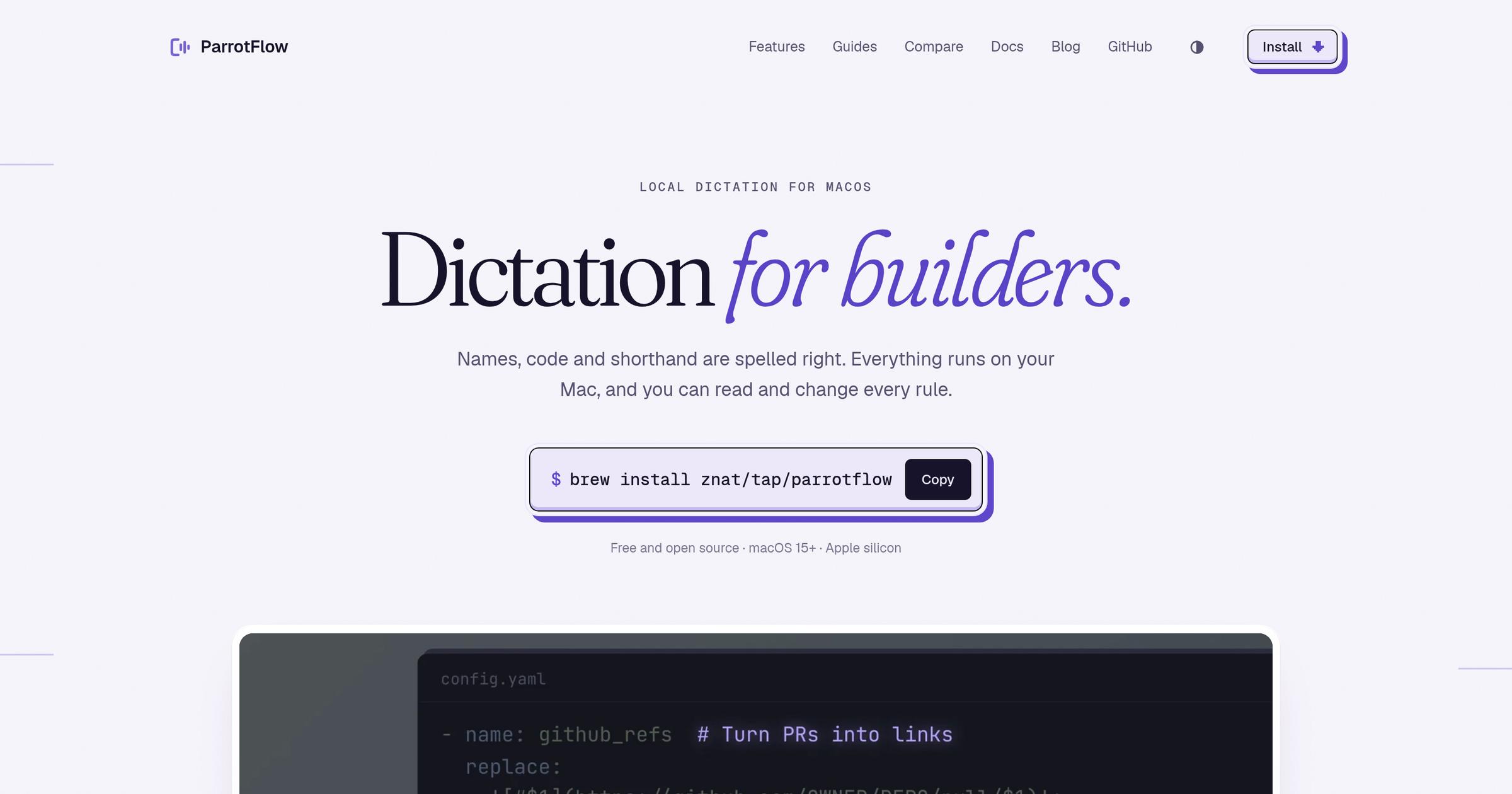
Install Parrotflow via Homebrew on Apple silicon with macOS 15+.
brew install znat/tap/parrotflowRecommended for this setup
Strengths
- No audio leaves your Mac: Speech recognition, screen reading, rule evaluation, and vocabulary correction all run on-device. There is no API key for built-in steps and no network call in the transcription path. Cloud-based paid tools like Wispr Flow send audio to their servers; Parrotflow does not.
- GPL-3.0 and fully inspectable: Every rule, transform, and built-in script ships in the repo. The config format is plain YAML. GPL-3.0 means you can run it for any personal or internal team use, modify the source, and see exactly what runs on your audio.
- LLM is opt-in: Built-in transforms use mmBERT, Qwen3 0.6B, and spaCy for small, targeted corrections without a language model. A prompt step that rewrites your dictation with Ollama or a cloud model is something you add when you need it, not a default that changes your words.
Trade-offs
- macOS 15+ and Apple silicon only: Parrotflow requires macOS 15 and Apple silicon. Intel Macs and all non-Apple platforms are not supported. Developers on Linux or Windows, or on older Macs, cannot use it.
- 2 GB disk and 1 GB memory: The on-device models take about 2 GB of disk and 1 GB of memory. On a Mac with limited RAM shared with other processes, this can create pressure. These figures come from the project README.
- New project with a small community: Parrotflow was created in July 2026 and has 22 stars and 7 open issues at the time of listing. The rule format and pipeline API are functional but may change as the project matures.
Tech stack
FAQ
Yes. Parrotflow is free and open source under the GPL-3.0 license. Install it via Homebrew with no account, API key, or subscription. GPL-3.0 allows personal and internal team use; it prohibits reselling Parrotflow itself as a managed hosted service.
No. Transcription, screen context reading, rule evaluation, and vocabulary correction run on-device. The only network activity is in optional prompt steps you configure yourself, pointing at Ollama or a cloud model of your choice.
Parrotflow requires Apple silicon and macOS 15 or later. Intel Macs are not supported. The on-device speech recognition and model steps that power screen context and vocabulary correction run on Apple silicon hardware.
For basic use, yes. Parrotflow ships with built-in transforms for numbers, dates, disfluency, and grammar that work without any config. Writing custom rules requires YAML, and scripts require Python or shell. The ParrotFlow coding-agent skill can write config for you if you describe what you need.
Superwhisper offers local Whisper-based transcription for macOS. Parrotflow adds a programmable rule layer on top of transcription: screen context, vocabulary correction, YAML transforms, and scripts. If you need dictation that understands your codebase's naming conventions, Parrotflow adds that; Superwhisper does not.