
Hex
On-device voice dictation for Mac, Windows, and Linux
Replaces Superwhisper, Dragon Professional, Wispr Flow, Willow Voice
Who it's for
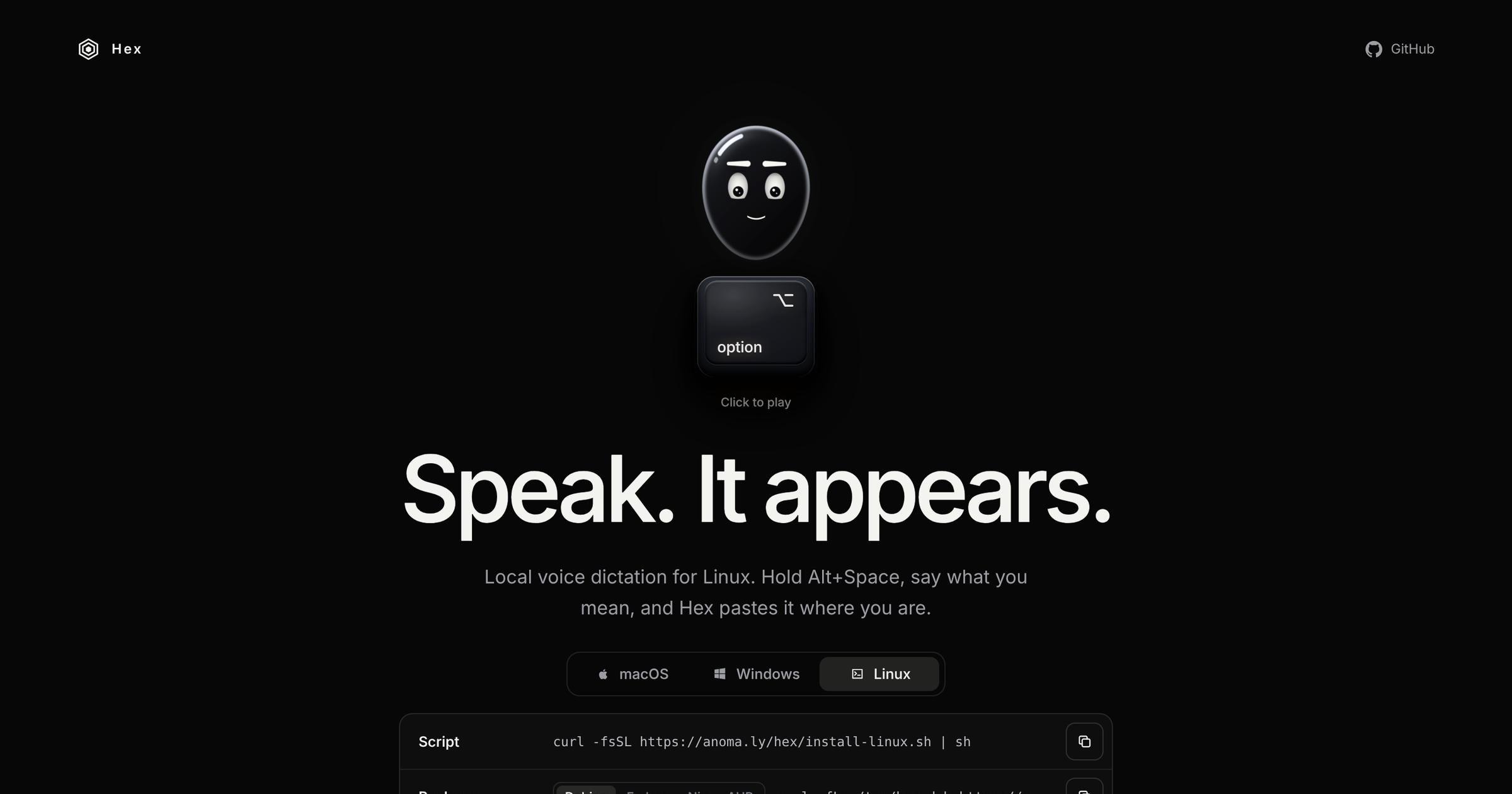
Linux has no mainstream voice dictation tool. Hex fills that gap with the same shortcut-triggered, paste-anywhere workflow available on macOS. The Linux build supports x86_64 and ARM64, with packages for Debian, Fedora, Arch (AUR), and Nix-based distributions.
You work exclusively on macOS and want deeper system integration or more mature features; Superwhisper's macOS-focused build offers more established capabilities.
Hex routes no audio to external servers after the initial model download. Medical, legal, financial, and client-confidential dictation stays on your device. This is the clearest case for Hex over paid cloud alternatives: the local model is not a tradeoff, it is the feature.
You need AI-assisted features like smart reformatting, tone correction, or transcription editing built into the dictation workflow; those require cloud processing that Hex does not provide.
Wispr Flow Pro costs $12/user/mo (annual); Superwhisper Pro costs $849 one-time; Willow Voice Pro costs $12/user/mo (annual). Their free tiers cap dictation volume or model quality. Hex is free to download and run indefinitely with no usage limits and no account. For anyone who needs dictation across all three major platforms at zero cost, Hex is the only option in this category.
You dictate heavily and need enterprise features, team administration, or AI-assisted editing in the workflow; paid tools remain ahead on those capabilities.
The problem
Voice dictation tools typically force a choice between polished paid services that process audio on remote servers and limited OS-level dictation that works only in specific contexts. For anyone who handles sensitive content, works offline regularly, or needs dictation on Linux, the existing options leave an unmet need. The privacy gap is the most common pain: cloud-based transcription means spoken words pass through a third-party server, creating exposure for sensitive professional or personal content. The cross-platform gap follows: several leading paid tools in this category focus on macOS, leaving Linux users with no mainstream option and Windows users with fewer choices.
How it works
Hex downloads a speech model on first launch and runs all transcription locally from that point forward. Audio never reaches a remote server. This matters for dictating anything you would not want routed through a third-party service: passwords, medical notes, client communication, or draft text for later editing.
Hold the configured keyboard shortcut, speak, and release. Hex transcribes and pastes the result into whatever application currently has focus, with no mode-switching or confirmation step. This works in terminals, text editors, browsers, and any app that accepts keyboard input.
Hex runs on macOS (Apple silicon, macOS 15 or later), Windows (x64 and ARM64), and Linux (x86_64 and ARM64, with Debian packages, Fedora packages, AUR, and Nix options). It is the only MIT-licensed voice dictation tool in this category that covers all three operating systems.
macOS: Homebrew cask. Windows: signed installer or PowerShell install script. Linux: shell script, .deb, .rpm, AUR, or Nix. Both Stable and Dev channel builds are available, with Dev updating itself automatically from the development channel.
The MIT license means there are no usage fees, no per-seat costs, and no subscription required. You can inspect the source code, fork the project, and use it commercially without restriction.
Features
- On-device speech recognition
- Shortcut-triggered paste into any app
- Cross-platform coverage including Linux
- Multiple install methods across all platforms
- MIT license with no subscription fee
How to install
Install Hex on macOS via Homebrew or on Linux via the install script.
brew install --cask anomalyco/tap/hex
curl -fsSL https://anoma.ly/hex/install-linux.sh | sh
Recommended for this setup
Strengths
- Fully offline after initial model download: After the first launch downloads the speech model, every subsequent transcription runs entirely on your device. There is no requirement to remain connected to the internet, making Hex viable in air-gapped environments, on flights, or wherever a reliable connection is unavailable.
- MIT license with zero ongoing cost: Wispr Flow, Superwhisper, and Willow Voice all offer free tiers, but each caps weekly dictation volume or restricts model quality. Hex has no usage limits, no account required, and no subscription at any tier. The MIT license also permits commercial use and forking without restriction.
- Cross-platform coverage absent from competing tools: Hex runs on all three major operating systems. It is the only option among the listed alternatives that covers Mac, Windows, and Linux. Linux users in particular have no other mainstream dictation tool in this category.
Trade-offs
- macOS requires Apple silicon and macOS 15 or later: The macOS build runs only on Apple silicon (M1 and later) with macOS 15 or later installed. Intel Mac users cannot run Hex. This is documented on the product website and limits the macOS audience to machines made after late 2020 that have been updated to a recent OS release.
- Young project with 58 open issues: Hex was created in July 2026 and has 58 open issues at the time of writing. As a project under four months old, rough edges and missing features are expected. Experimental capabilities are gated behind the Labs section in the sidebar and are not production-ready.
- No external code contributions accepted: The project does not accept pull requests. Bugs and feature requests go through GitHub Issues, where the team handles them. For users who need to apply local patches or want to contribute code directly, this limits the contribution model compared to typical open source projects.
Tech stack
FAQ
Yes. Hex is MIT licensed and free to download and use with no subscription, usage fees, or account required. The only resource cost is disk space for the speech model downloaded on first launch.
After the first launch, yes. Hex downloads a speech model on the first run. From that point, all transcription happens locally and no internet connection is required. The initial model download is the only network operation.
No. The macOS build requires Apple silicon (M1 or later) and macOS 15 or later. Intel Mac users cannot run Hex. Windows and Linux have no such hardware restriction and support both x64 and ARM64 architectures.
Both tools run speech models on the device rather than routing audio through the cloud. Superwhisper is macOS-only; it has a free tier and a $849 one-time Pro purchase. Hex is MIT licensed and runs on Mac, Windows, and Linux with no usage limits and no account. Superwhisper's macOS integration and feature maturity are genuine advantages for macOS-only users. Hex is the better choice for cross-platform coverage and zero ongoing cost.
Stable is the current release build. Dev is the newest build from the development channel and updates itself automatically from that channel. Experimental features are available in the Labs section of the sidebar in either build. Dev is for users who want new capabilities before they reach the Stable release.