
Handy
Free offline speech-to-text: runs on Windows, macOS, and Linux
Replaces Wispr Flow, Willow Voice, Superwhisper, Otter Ai, Nuance Dragon Professional, Murmur, Voibe
Who it's for
Handy's system-wide text insertion means you can dictate docstrings, README sections, or commit messages directly into your editor without switching apps. Toggle mode keeps hands free while composing longer text in bursts, and the CLI flags let you bind the trigger to any key in your editor config.
Skip if you need voice commands to control your IDE (select text, run commands, navigate files) rather than just insert prose. Handy only transcribes speech to text; it does not interpret spoken commands.
Handy was designed with accessibility in mind. The website explicitly states that 'accessibility tooling belongs in everyone's hands, not behind a paywall.' The MIT license and free distribution mean there is no subscription barrier to ongoing use, and the offline model means no service can be discontinued.
Skip if you need a full voice control system with formatting commands, navigation, and application control. Handy is a transcription tool, not a complete voice control environment like Dragon Professional.
All audio processing happens locally. No voice data is transmitted, no account is required, and the MIT license allows anyone to inspect the source code. This makes Handy appropriate for dictating legal, medical, or personal content where cloud processing would be unacceptable.
Skip if your organization requires formal compliance certification (HIPAA, SOC 2) for voice processing tools. Handy is community-maintained open source software, not a certified compliance vendor.
Installation on macOS takes one Homebrew command; Windows users can install via winget. The settings UI is minimal by design. The Raycast extension adds model-switching and transcript history for macOS users who want more control without leaving their launcher.
Skip if you are on Linux and not willing to install display-server-specific text input tools. Linux support is functional but requires more configuration than macOS or Windows.
The problem
Speech-to-text tools that actually work tend to come with a catch. Nuance Dragon Professional costs hundreds of dollars per license. Wispr Flow and Otter.ai send your audio to the cloud, which means a third party processes every word you dictate. The free tiers on cloud services cap transcription minutes, and accuracy often degrades outside their supported languages. For users who dictate sensitive content, code comments, or personal writing, handing audio to a remote service is not acceptable. Building a privacy-respecting alternative used to mean cobbling together raw Whisper model weights with custom scripts, managing model files manually, and losing the convenience of automatic text insertion into the active app. There was no turnkey open source tool that handled the full workflow: record, transcribe offline, paste into any application, with a sensible keyboard shortcut and a simple settings interface.
How it works
Whisper and Parakeet models run on your device with no internet connection required. No audio is sent to any external server, and no account or API key is needed. Models are downloaded once and stored locally in your app data directory.
Trigger transcription with any key combination you choose. Push-to-talk mode starts recording while keys are held and transcribes on release; toggle mode starts and stops with separate presses. macOS, Windows, and Linux are all supported, with Wayland-specific workarounds documented for Linux users.
Choose between Whisper models (Small, Medium, Turbo, Large) with optional GPU acceleration, or Parakeet V3 for CPU-only operation on a wider range of hardware. Parakeet V3 runs at roughly 5x real-time speed on mid-range processors and includes automatic language detection.
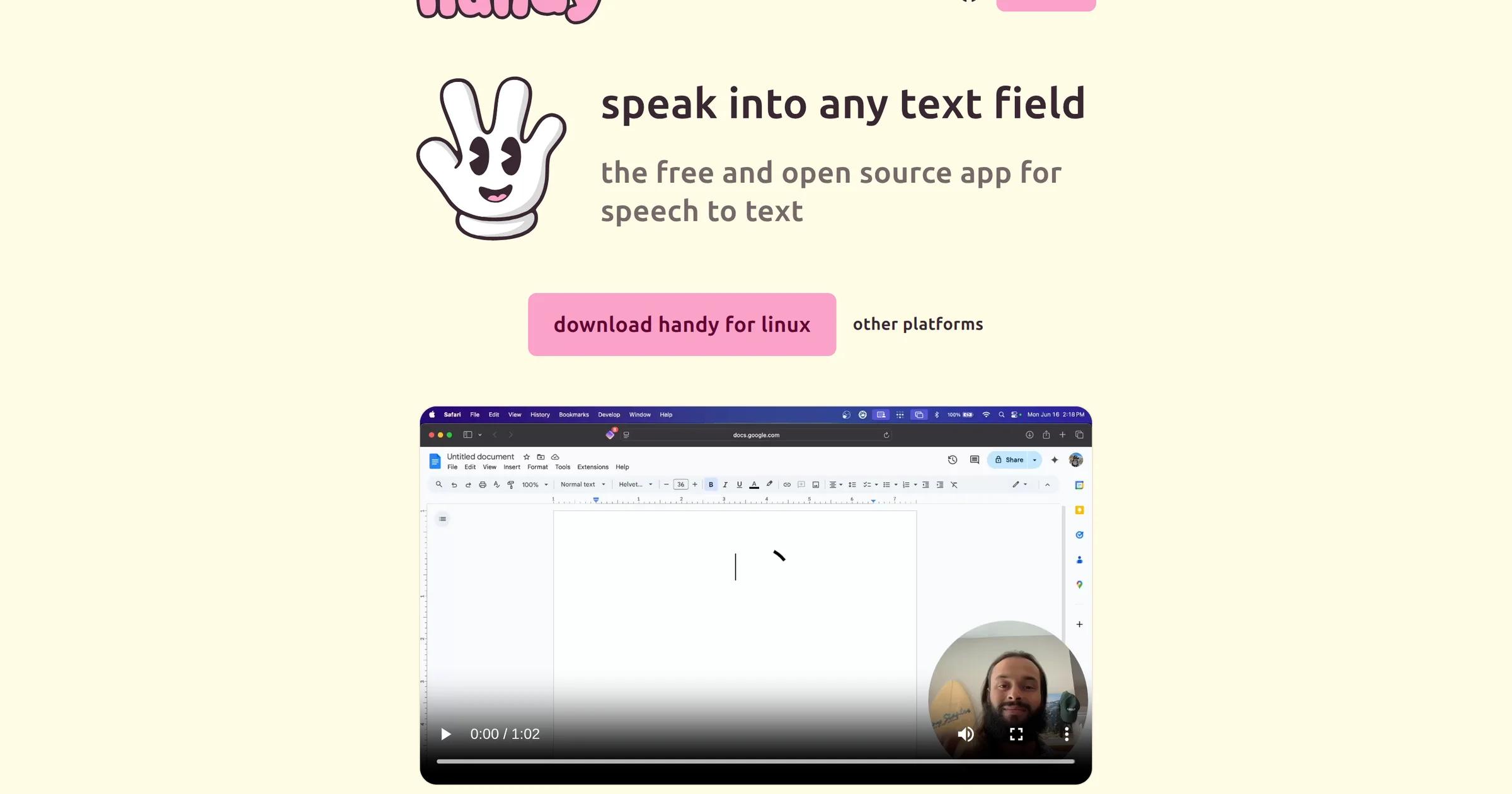
Transcribed text is pasted directly into whatever text field is active at the time you release the shortcut: browser fields, code editors, email clients, chat apps. There is no separate transcript window to copy from, and no clipboard history is left behind by default.
A community-built Raycast extension lets you start and stop recording, browse transcript history, manage your custom dictionary, and switch between models and languages from the Raycast launcher. Available on macOS only, where Raycast runs.
Handy accepts command-line flags to toggle transcription, cancel an in-progress recording, or start hidden without a system tray icon. This lets Wayland window managers and external hotkey daemons trigger Handy without using its built-in shortcut handler.
Features
- Fully offline transcription
- Customizable keyboard shortcuts
- Multiple transcription model options
- System-wide text insertion
- Raycast integration
- CLI control flags
How to install
Install Handy on macOS via Homebrew cask or on Windows via winget.
brew install --cask handy
winget install cjpais.Handy
Recommended for this setup
Strengths
- MIT licensed with no forced telemetry: The MIT license means you can fork Handy, modify it, and use it commercially with no restrictions. Telemetry is opt-in and not yet shipped; the roadmap lists it as a planned feature with a privacy-first approach. Your voice data never leaves your computer unless you choose otherwise.
- No account, no network, no outages: Unlike Wispr Flow or Otter.ai, Handy requires no sign-in, no API key, and no network connection after the initial model download. Transcription continues to work offline, on air-gapped machines, and without service interruptions caused by provider outages.
- Cross-platform where paid tools are not: Handy runs on Windows, macOS (Intel and Apple Silicon), and Linux from a single project. Nuance Dragon Professional is Windows-only. Wispr Flow is macOS-only. Handy covers all three, with CLI flags that integrate with Wayland window managers on Linux.
- Built to be forked and extended: The README explicitly states the goal is to be 'the most forkable' speech-to-text app. The Tauri architecture separates the Rust backend (audio capture, ML inference) from the React frontend (settings UI), making targeted modifications straightforward for developers.
Trade-offs
- Whisper model crashes on some Windows and Linux systems: The README documents that Whisper models crash on certain hardware configurations on Windows and Linux. The issue is configuration-dependent and not universal, but there is no simple universal workaround. Users who hit this problem should try the Parakeet V3 model as an alternative.
- Linux setup requires extra display-server tools: On Linux, reliable text input requires installing a display-server-specific tool: xdotool for X11, wtype or dotool for Wayland, and ydotool on Ubuntu 26.04. Wayland users also need to configure global shortcuts through their desktop environment manually, since Handy's built-in shortcut handler does not work system-wide on Wayland.
- No ARM Windows or ARM Linux support: Platform support is limited to x64 Windows and x64 Linux. macOS covers both Intel and Apple Silicon, but Windows on ARM and Linux on ARM (Raspberry Pi and similar) are not officially supported. Users on those platforms have no pre-built option.
Tech stack
FAQ
No. All transcription runs locally on your device using Whisper or Parakeet models stored on your hard drive. No audio, transcripts, or usage data are sent to any external server. An opt-in analytics feature is listed on the roadmap but has not shipped as of August 2026.
Handy runs on macOS (Intel and Apple Silicon), x64 Windows, and x64 Linux. There are no official builds for ARM Windows or ARM Linux. Linux users need to install an additional text input tool depending on whether they run X11 or Wayland, and Wayland users must configure global shortcuts through their desktop environment.
Download the installer from handy.computer or the GitHub releases page, install it, and grant microphone and accessibility permissions when prompted. On macOS, a Homebrew cask is also available (brew install --cask handy). On Windows, winget install cjpais.Handy works as well. Note that the Homebrew cask and winget package are not maintained by the Handy developers. After installing, open Settings to configure your keyboard shortcut.
Parakeet V3 is the safest default for most users: it runs on CPU only, works on a wide range of hardware, and includes automatic language detection. Whisper models (Small, Medium, Turbo, Large) offer broader language coverage and GPU acceleration, but they crash on some Windows and Linux configurations. Start with Parakeet V3 and switch to a Whisper model only if you need a specific language or higher accuracy tier.
For basic dictation into any text field, yes. Handy matches Dragon's core workflow (speak and text appears in your active app) and does it offline and free. Dragon Professional adds structured voice commands for application control, formatting, and navigation that Handy does not support. If your use case is dictation-only without voice control, Handy is a capable replacement at no cost.