
OpenCode
OpenCode is an open-source AI coding agent that assists developers in
Replaces Claude Code, Github Copilot, Devin Ai
Who it's for
OpenCode can inspect context, edit files, and follow repo rules.
you only need autocomplete inside one IDE.
provider, permission, and rules configuration make agent behavior easier to govern.
you need a managed enterprise coding assistant with vendor support bundled in.
OpenCode lets the workflow stay stable while the model backend changes.
your company mandates a single approved model account.
The problem
AI coding tools often tie the developer workflow to one vendor account, one editor, or one hosted agent environment. That works for quick completions, but it becomes restrictive when teams need repeatable coding sessions, shared rules, provider choice, and visibility into how the agent interacts with the repo. The risk is not only cost. Private code, prompts, and tool execution policies become part of the vendor workflow, which can be hard to audit or adapt for internal engineering standards.
How it works
Terminal-based interface, desktop app, and IDE extension support let developers keep one agent workflow across environments.
Provider configuration supports using different LLM backends instead of binding coding sessions to one model vendor.
Agent tools, rules, permissions, commands, and MCP server support give teams control over what the agent can do inside a repo.
NPM, Bun, pnpm, Yarn, Homebrew, Arch, Chocolatey, Scoop, and install-script paths cover common developer setups.
MIT license allows inspection, modification, and internal deployment without commercial-use restrictions.
Features
- Terminal, desktop, and IDE support
- Provider configuration
- Agent governance controls
- Many install paths
- MIT license
How to install
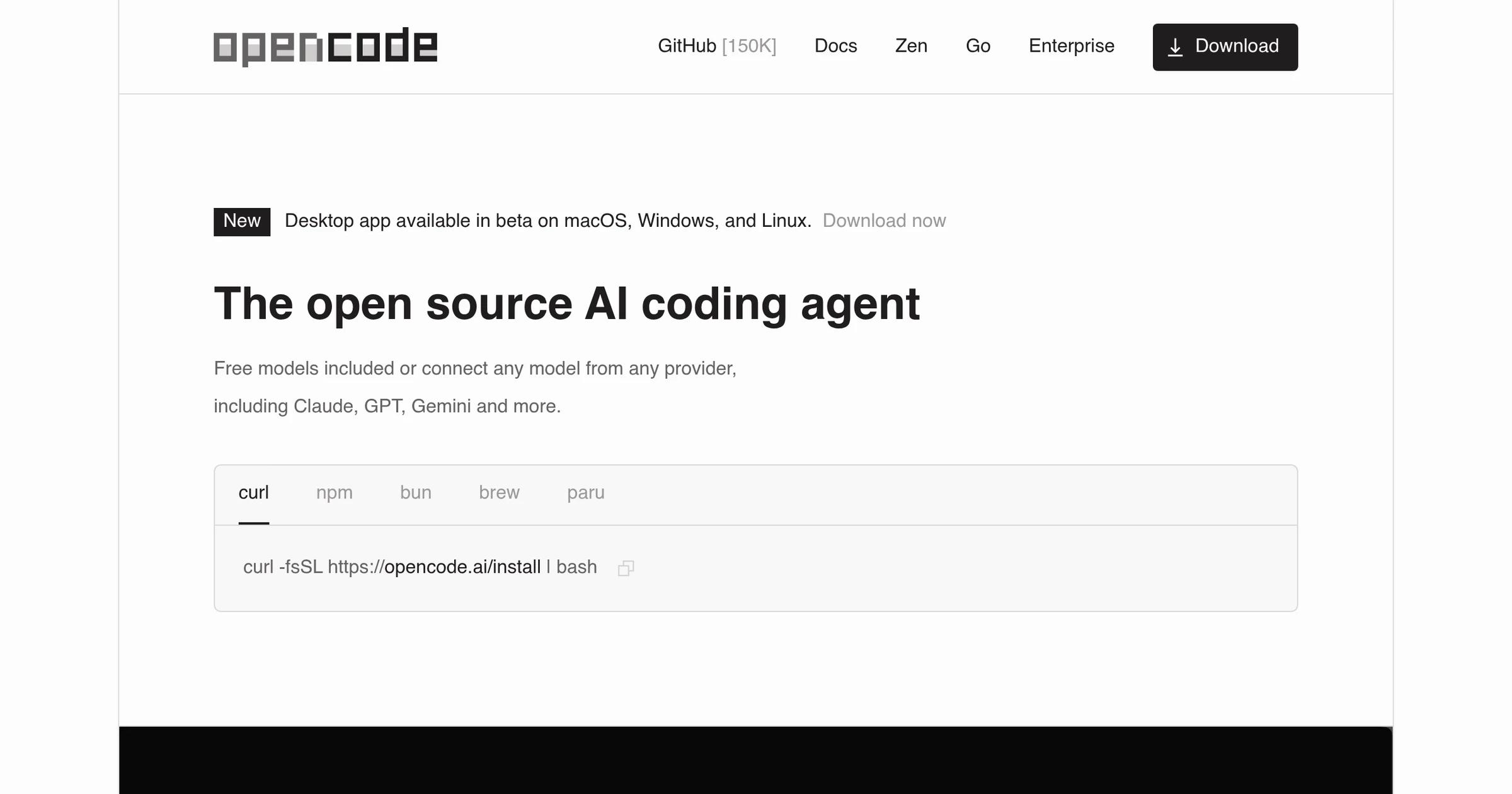
curl -fsSL https://opencode.ai/install | bash npm install -g opencode-ai
Recommended for this setup
Strengths
- Terminal-native agent workflow: OpenCode fits developers who live in the terminal and want agentic coding sessions instead of only inline completions.
- Model choice: The provider model gives teams more room to choose models based on task, budget, latency, or data policy.
- Engineering control surface: Its configuration surface covers real engineering controls such as permissions, tools, rules, LSP servers, and MCP servers.
- Developer-environment fit: Multiple install paths make it easy to add OpenCode to existing developer environments.
Trade-offs
- Provider costs remain separate: OpenCode still depends on external or self-hosted LLM providers, so model quality and cost are separate from the agent itself.
- Permissions need careful review: Agentic coding requires careful permissions and review. Teams should start with narrow tool access before trusting broad repo modifications.
- Heavier than autocomplete: Developers who only want inline autocomplete may find a full coding agent heavier than GitHub Copilot-style suggestions.
Tech stack
FAQ
Yes. OpenCode is MIT licensed, which means developers can inspect, modify, and use it commercially under permissive terms.
GitHub Copilot focuses heavily on editor assistance and hosted account workflows. OpenCode is an agent workflow for terminal, desktop, and IDE use, with more emphasis on provider choice, tools, rules, and repo-level tasks.
Yes, you need credentials for the LLM providers you want to use. OpenCode supplies the agent interface and tool workflow, while the model provider handles inference.