
Windmill
Developer platform for scripts, automations, and internal tools
Replaces Retool, Workato, Make
Who it's for
Windmill gives platform teams a controlled place to run scripts, schedule jobs, and expose safe internal UIs. Secrets, permissions, and logs stay attached to the workflow instead of scattered across laptops and cron hosts.
Skip it if your team only needs a few local scripts and does not need shared execution, auditability, or reusable internal tools.
Developers can write code for the hard parts and let Windmill expose forms, buttons, and workflows around it. This fits admin panels, data repair tasks, and operational approvals.
Use Retool or Appsmith if your priority is a polished visual app builder for mostly database-backed CRUD screens.
The problem
Internal automation often splits across too many tools: one product for dashboards, another for cron jobs, another for workflow orchestration, and a pile of scripts nobody owns. That fragmentation slows down incident fixes, data jobs, admin panels, and operations workflows.\u000A\u000ANo-code automation tools are fast at the start but become restrictive when developers need real code, version control, branching logic, or infrastructure-level secrets. Traditional orchestrators solve durable workflows but can feel too heavy for simple scripts and internal tools.
How it works
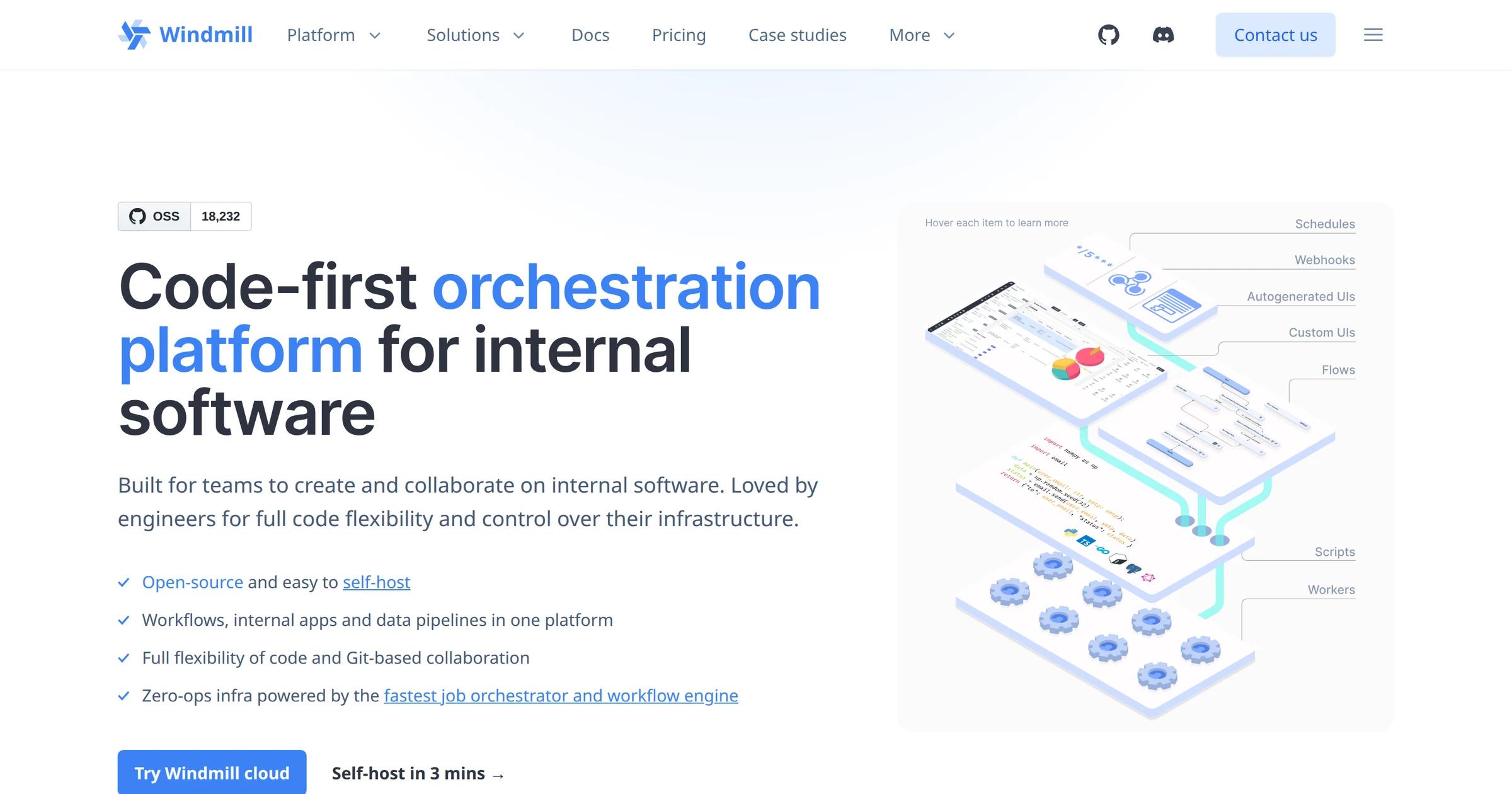
Windmill can generate user interfaces from script parameters, turning Python, TypeScript, Go, Bash, SQL, and other scripts into runnable internal tools. This reduces the gap between one-off code and repeatable operations workflows.
Chain scripts into workflows with branching, retries, approvals, and scheduled execution. Teams can model operational jobs without moving the logic out of code.
Windmill supports workspace sync and code-centered workflows, which helps teams review and deploy automation changes through familiar development processes instead of dashboard-only edits.
Scripts can run on schedules or trigger from HTTP events. That lets one system cover recurring jobs, integration hooks, admin tasks, and on-demand operational tools.
Features
- Script-to-app generation
- Workflow orchestration canvas
- Git-aware workspace model
- Webhook and cron execution
Recommended for this setup
Strengths
- Code-first alternative to visual-only builders: Windmill keeps automation logic in real code while still giving non-authors a UI to run it. That is a strong fit for developer teams that outgrow purely visual tools such as Make or Retool workflows.
- Combines scripts, workflows, and apps: A single Windmill workspace can handle scheduled scripts, approval workflows, webhook handlers, and simple internal applications. That reduces the number of small operational systems teams need to maintain.
Trade-offs
- Not a pure no-code tool: Windmill is best when developers are willing to write and maintain scripts. Business teams looking for a visual-only Zapier-style builder may find the code-first model less approachable.
- License and binary terms need review: Windmill source builds without enterprise flags are AGPLv3, while client and OpenAPI files are Apache-2.0. Community Edition binaries include proprietary code and restrict resale, managed service use, modification, and wrapping without agreement.
Tech stack
FAQ
Windmill runs scripts as internal tools, workflows, scheduled jobs, and webhooks. It is designed for developer teams that want automation logic in code with a usable web UI around it.
Windmill can replace Retool for code-driven internal tools and workflow-heavy operations apps. Retool is usually stronger for visual CRUD app building, while Windmill is stronger when scripts and orchestration are central.
Windmill can replace Airflow for many operational workflows and scheduled scripts. Data teams with complex data asset lineage, warehouse-native orchestration, or established Airflow DAGs should compare it carefully with Dagster and Airflow before migrating.