
Superhound
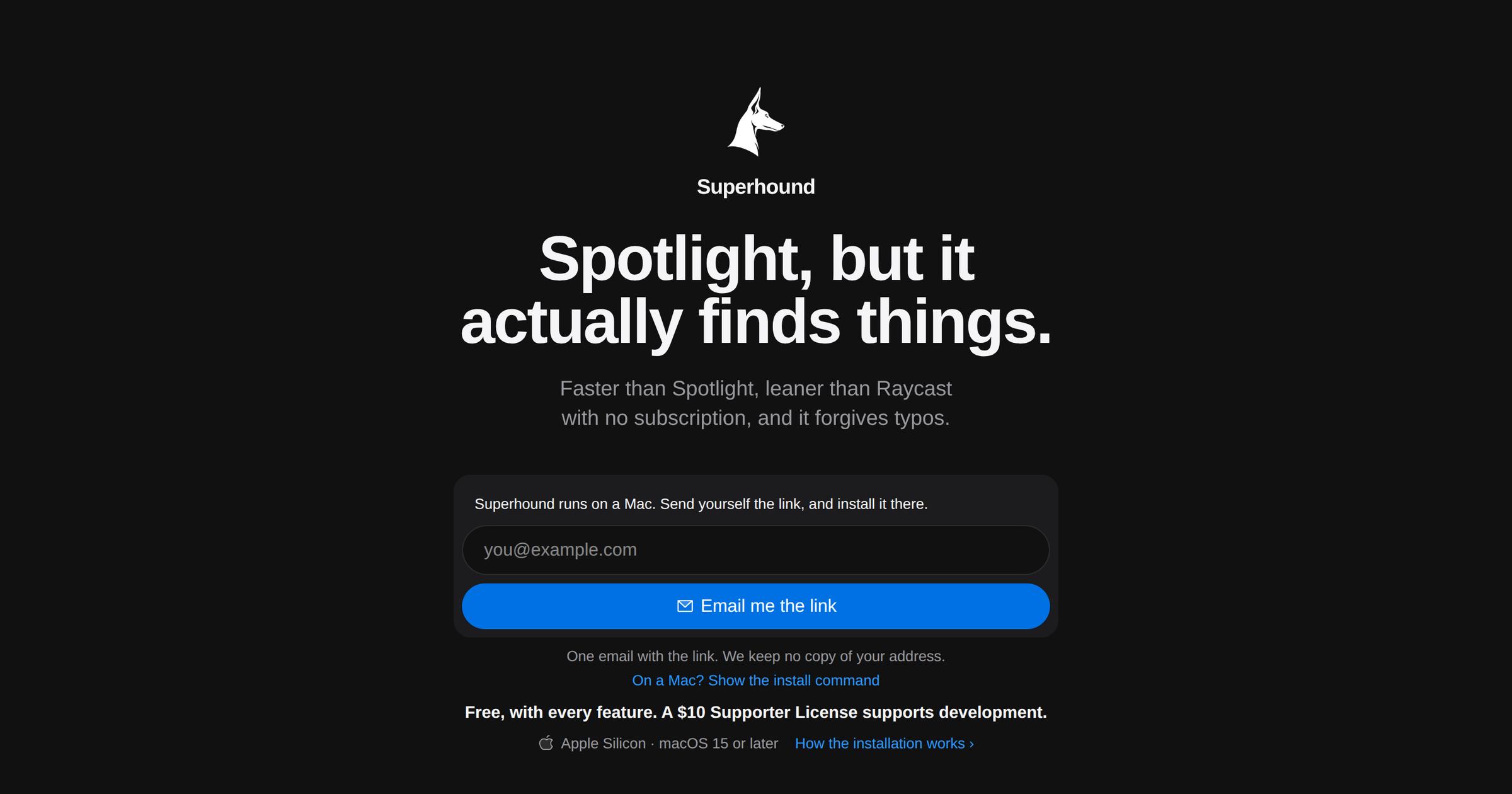
Typo-tolerant Mac launcher with clipboard history, free, AGPL-3.0.
Replaces Raycast Ai, Alfred, Launchbar
Who it's for
Superhound replaces Raycast or Alfred for developers who want a lightweight launcher with no background network traffic and no subscription. The AGPL-3.0 source is auditable and the 0.7 MB footprint keeps the system clean.
You depend on Raycast extensions or Alfred workflows for daily work. Superhound has no extension system, so any workflow that requires one needs a different tool.
All search, clipboard, and usage data stays on the Mac. Superhound makes no network requests during normal use and reads only file names, never file contents. The install script verifies the SHA-256 checksum and code signature before installing.
You need an App Store installation or a managed device policy that requires notarized apps. Superhound installs via a Terminal script and is not notarized through Apple.
Clipboard history is accessible with a single shortcut and stores the last 500 items with the source app and copy time visible. Normal searches of three or more characters also surface up to two matching clipboard entries inline.
Your password manager does not mark sensitive copies as private and you copy passwords frequently. Superhound skips copies that password managers flag as private, but verify your manager is compatible before relying on that behaviour.
The problem
Spotlight misses files when you mistype, has no clipboard history, and requires a separate app for quick math or unit conversion. Getting all those features means installing a commercial launcher. Raycast runs at 54 to 108 MB of RAM and downloaded 9 MB over the network during 13 idle minutes in a measurement published in the Superhound README. Alfred and LaunchBar are also paid commercial launchers in this space. Mac users who want typo tolerance, clipboard history, and inline utilities without an Electron app, a subscription, or a tool that sends network traffic during idle time have few open source options. The standard choice is to install a commercial launcher and accept its footprint, or stay with Spotlight and work around its gaps.
How it works
Ranks 100,000 names in about 10 ms, with results on screen about 23 ms after a key press. Mistyping an app name still surfaces the right result; the top result is ordered by what you open most. A search through 10,000 files takes 0.95 ms on an Apple M1.
Keeps the last 500 pieces of text you copy, available with a single keyboard shortcut. Respects password manager private-copy flags and skips copies from Keychain Access and Passwords. Text never leaves your Mac; the history is stored locally in ~/Library/Application Support/Superhound/.
Type an expression like 48*12 or 5 km to mi and press Return to copy the answer. Colour codes convert between hex, rgb, and hsl. No separate app needed for quick math or unit checks during a file search session.
Superhound makes no network requests during searches, app launches, or clipboard pastes. It checks for updates once a day, with no license key or device ID in the request. The README measured zero bytes received in 13 idle minutes versus 9 MB for Raycast 1.104.32 on the same machine.
0.7 MB download, 1.4 MB on disk, 39 to 57 MB of RAM when idle with 48,000 files indexed, and under 0.2% CPU when the panel is closed. No web views, no third-party dependencies, AppKit only. The search matcher is written in C and runs fully offline.
Features
- Typo-tolerant app and file search
- Clipboard history with 500 entries
- Inline calculator, units, and colour conversion
- Zero network traffic in normal use
- Native Objective-C and C, no Electron
How to install
Install on a Mac with Apple Silicon and macOS 15 or later using the maker's install script.
curl -fsSL https://superhound.app/install | shRecommended for this setup
Strengths
- AGPL-3.0 source, free with every feature: Every feature works with no time limit and no subscription. A Supporter License ($10 at launch, regular $15) for 3 Macs removes the in-panel reminder and supports development. Raycast AI features require a subscription tier; Alfred and LaunchBar are paid commercial launchers. Superhound is free with everything included.
- All data stored locally on your Mac: The file index, clipboard history, usage data, and license key are stored in ~/Library/Application Support/Superhound/. The app works offline, reads file names only (never contents), and has no account requirement. License activation sends your key and a one-way device ID to superhound.app once.
- Minimal footprint versus paid alternatives: 0.7 MB download versus 112 MB for Raycast. 1.4 MB on disk versus 219 MB for Raycast. Under 0.2% CPU when idle. These numbers were measured on an Apple M1 on 2026-10-23 as stated in the README, against Raycast 1.104.32 with no extensions installed.
Trade-offs
- Apple Silicon and macOS 15 or later only: Superhound does not run on Intel Macs or macOS 14 and earlier. Raycast 1 supports macOS 13 or later and Alfred supports older macOS versions. Users on Intel hardware or macOS 14 and earlier have no supported path to Superhound.
- Early-stage project: v0.6.1, 3 GitHub stars: At v0.6.1 with 3 GitHub stars, Superhound is a new project. The README describes it as 'an early version.' No plugin or extension system exists. Users who depend on Raycast extensions or Alfred workflows will find Superhound covers only the core launcher and built-in utilities.
- Not notarized through Apple: Superhound is signed with its own developer certificate but has not been notarized through Apple. macOS blocks apps downloaded via a browser for this reason; the installer script uses curl to bypass that check. Users on managed devices or in environments that require notarized apps may not be able to install it.
Tech stack
FAQ
No. Superhound requires Apple Silicon (M1 or later) and macOS 15 or later. Intel Macs and earlier macOS versions are not supported.
Yes. Every feature works with no time limit. The free version shows a reminder every tenth launch. A Supporter License ($10 at launch, regular $15) for 3 Macs removes the reminder and supports development. There is no subscription.
Not during normal use. Superhound makes no network requests when you search, open apps, or paste from clipboard history. It checks for updates once a day with no license key or device ID in that request. License activation sends your key and a one-way device ID to superhound.app once.
Raycast includes extensions, AI chat, snippets, and window management. Superhound covers app launching, file search, clipboard history, and built-in utilities. Superhound downloads at 0.7 MB versus Raycast's 112 MB and produced zero network traffic in 13 idle minutes versus 9 MB for Raycast. Raycast supports macOS 13 or later; Superhound requires Apple Silicon and macOS 15 or later.
Yes. Enable 'Use Command+Space in place of Spotlight' in Settings. Superhound turns off Spotlight's shortcut and takes Command+Space. Turn the switch off, or run Uninstall Superhound from the menu bar, to restore Spotlight's shortcut.