
openhuman
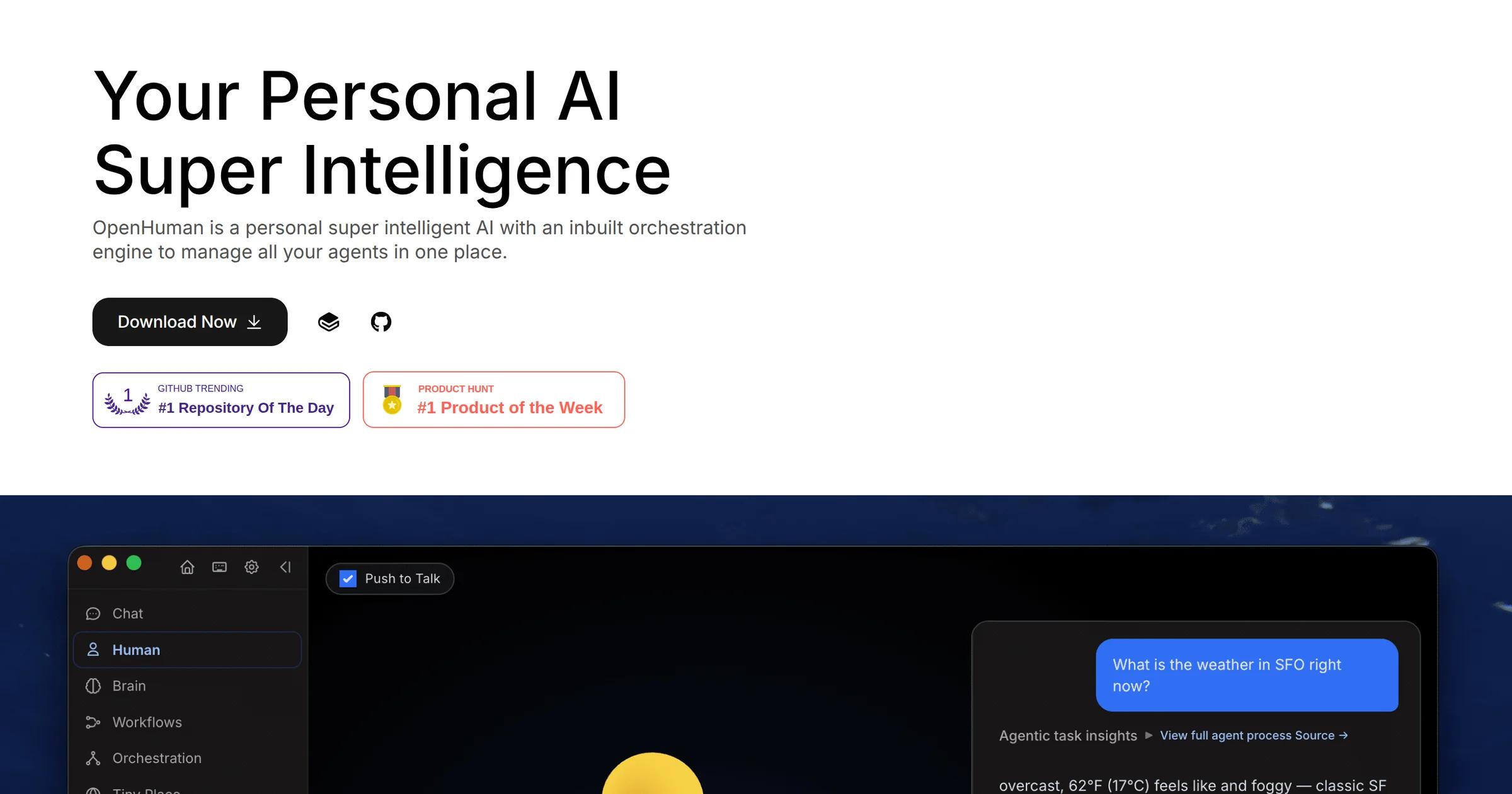
Personal AI agent with local memory and 100+ integrations
Replaces Muse, Vellum Ai, Sai By Simular, Manus Ai, Alfred, Grok Bot
Who it's for
OpenHuman pulls your inbox, calendar, documents, and messaging into a single local memory, so the AI already knows your current projects, recurring contacts, and open threads. Unlike starting a chat session cold, the agent can draft a reply that accounts for a conversation from earlier in the week.
Skip if you primarily work in a single app and do not need cross-app context. A simpler AI assistant with fewer integrations will have less setup friction and fewer beta-stability risks.
The visual workflow canvas lets you define trigger-driven automations across GitHub, Slack, Gmail, and other connected apps. Agent-proposed workflows reduce the time from idea to running automation; the approval gate keeps side effects controlled. Workflows run as durable checkpointed graphs, so a restart does not lose progress.
Skip if your automation needs fit a single-tool Zapier or n8n flow. OpenHuman's orchestrator is most valuable when agents need to coordinate across multiple apps with persistent memory.
Privacy Mode enforces that no inference leaves the device, running against a local Ollama model. All memory is stored encrypted on-device and secrets are held in the OS keyring. This makes OpenHuman one of few agent harnesses that can operate without sending any data to a cloud AI provider.
Skip if you need frontier model capability and are comfortable with cloud providers processing your prompts. Local models currently lag frontier models on complex reasoning tasks.
OpenHuman's Memory Tree compresses and scores documents into a local Obsidian-compatible wiki. The auto-fetch loop keeps the knowledge base current from connected sources. For researchers who ingest information heavily, the agent surfaces relevant prior notes before you finish asking, rather than requiring a manual search.
Skip if your research material is already well-organized in a dedicated PKM tool with strong search. OpenHuman adds most value when context is scattered across multiple unconnected apps.
The problem
Most AI assistants start cold with each conversation, forgetting everything from prior sessions. They have no knowledge of your inbox, your current projects, your recurring contacts, or how you prefer to work. Paid AI agent platforms like Manus AI and Vellum do store some context, but that knowledge lives on their servers under their pricing and privacy policies. A subscription change or a service shutdown takes it with them. The result is an AI that can answer questions but cannot act meaningfully on your world. It cannot draft an email that accounts for a conversation from last week, build a workflow that triggers from your calendar, or coordinate multiple agents on a task without you re-supplying context manually. Every useful cross-app action requires explaining what you already know.
How it works
OpenHuman compresses your emails, documents, chats, and calendar data into scored Markdown files stored in SQLite on your device. These files are mirrored as an Obsidian vault you can open, edit, and version directly. An auto-fetch loop refreshes connected apps every 20 minutes, keeping the agent's context current without manual updates.
Ask for an automation and OpenHuman proposes a workflow graph you review on a visual canvas before saving. Workflows are durable and trigger-driven: they fire on schedules, webhooks, or channel events, survive restarts, and gate side effects behind approval steps. The underlying engine is the open source tinyflows library.
One-click connections to Gmail, Notion, GitHub, Slack, Excel, Teams, and 100+ other apps via OAuth. Beyond OAuth, OpenHuman connects to over 5,000 MCP servers and 90,000 Skills, giving agents a broad toolkit without requiring per-connection configuration.
Agent runs execute as checkpointed graphs on tinyagents, OpenHuman's open source harness. Graphs pause for human approval, survive application restarts, and resume mid-run. Stuck agents produce root-cause reports rather than silent failures, and sub-agent fleets spawn three levels deep.
A single toggle switches OpenHuman to Privacy Mode, where all inference runs locally via Ollama or another local model. This is enforced at the Rust core level, not just a preference setting. On-device encryption and OS-keyring secret storage protect all data at rest in all modes.
OpenHuman connects to Telegram, Discord, Slack, WhatsApp, Signal, iMessage, and 11 other channels. Native email support uses IMAP IDLE and SMTP directly, so your agent can read, respond to, and send email without an intermediary API or third-party service.
Features
- Local memory tree with Obsidian export
- Agent-proposed visual workflow canvas
- 100+ OAuth integrations and 5,000+ MCP servers
- Checkpointed agent graph orchestrator
- Privacy Mode: no inference leaves your device
- 17 messaging channels including native email
Recommended for this setup
Strengths
- Full working context in one sync pass: After connecting your accounts, OpenHuman's auto-fetch pulls data from your inbox, calendar, repos, and docs into local Markdown memory files. A single sync pass gives the agent compressed context across your working life, compared to cloud agent platforms that hold no persistent memory between sessions or require weeks of use before becoming useful.
- GPL-3.0 with no per-seat fees for the desktop app: The desktop application is GPL-3.0 licensed and free to run. Unlike paid agent platforms that charge per-seat or per-API-call, there are no recurring fees to run OpenHuman on your own hardware. A managed subscription is optional and covers web search and media generation, but the core agent, memory, and workflow features are included.
- TokenJuice cuts token costs by up to 80%: TokenJuice compresses tool output before it reaches the model, preserving the same information in fewer tokens. OpenHuman's documentation cites up to 80% token reduction on tool output. This directly reduces API costs for users running their own provider keys, making a memory-rich agent harness affordable to operate.
- Local model and BYOK support with built-in routing: Model routing selects the right LLM per workload from a single OpenHuman subscription. You can also point any workload at your own provider API key or a fully local Ollama model, mixing the three approaches however fits your privacy or cost requirements. No single-provider lock-in.
Trade-offs
- Early beta with 300+ open issues: The README explicitly badges OpenHuman as Early Beta and warns to expect rough edges. The GitHub repository carries over 300 open issues. Users who need production stability for critical workflows should verify whether the current release quality meets their requirements before committing to OpenHuman.
- GPL-3.0 restricts proprietary redistribution: GPL-3.0 means that if you modify OpenHuman and distribute it or run it as a service for others, you must publish your modifications under the same license. Teams who want to build a proprietary product on top of OpenHuman should review the license implications before doing so.
- Building from source requires a complex toolchain: Contributing from source requires Node.js 24+, pnpm 10.10.0, Rust 1.93.0 with rustfmt and clippy, CMake, Ninja, and ripgrep, plus platform-specific desktop build prerequisites. Binary installers are available for end users, but the contributor setup cost is well above that of a typical web application.
Tech stack
FAQ
The desktop application is free to download and run under GPL-3.0. A managed subscription is available that adds web search (powered by Exa) and media generation, but the core agent, memory, and workflow features work without it. Running your own API keys or a local Ollama model keeps all inference costs under your control.
By default, inference calls go to whichever AI provider you configure. Enabling Privacy Mode switches all inference to a local model and, per the README, enforces that no data leaves your machine at the Rust core level. Memory files and secrets are stored encrypted on-device in all modes.
OpenHuman provides native desktop installers for macOS, Windows, and Linux. Linux users can also install via Homebrew, a Debian/Ubuntu .deb package, or AUR. The README references platform-specific build prerequisites for contributors building from source.
n8n and Zapier are workflow automation tools where you define each step manually. OpenHuman's workflow engine (tinyflows) generates the workflow for you based on what you ask for, which you then review and approve on a visual canvas. The agent also has persistent memory of your data, enabling context-aware automations rather than simple trigger-action flows.
You can use, modify, and self-host OpenHuman freely. If you distribute a modified version or run it as a service for others, GPL-3.0 requires you to publish your modifications under the same license. Teams building proprietary products on top of OpenHuman should review the license with a lawyer before doing so.