
SpeakoFlow
Voice dictation and AI assistant for your desktop, fully offline
Replaces Wispr Flow, Superwhisper, Blabbyai, Dragon Professional Individual, Typeless
Who it's for
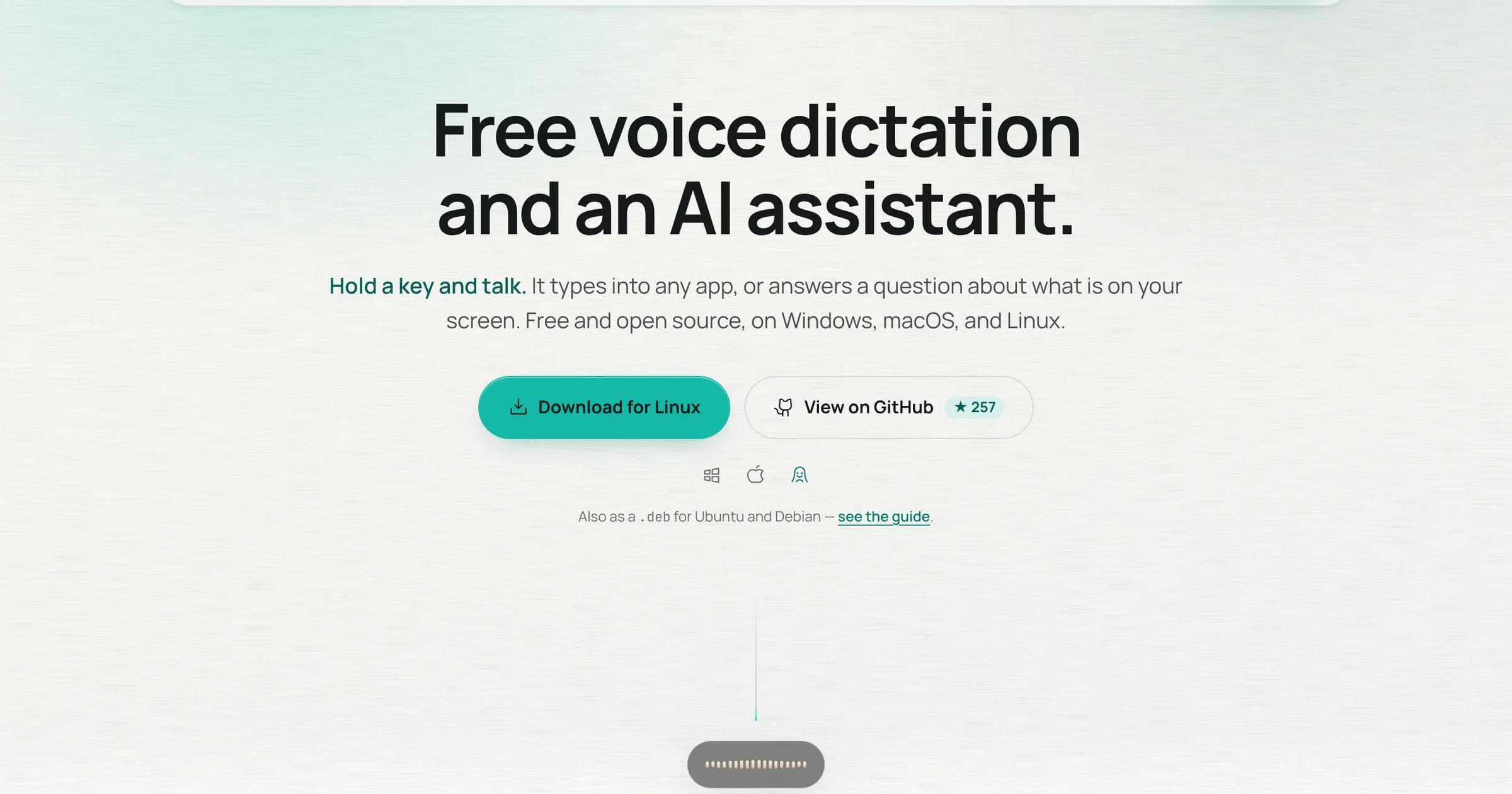
SpeakoFlow installs as a system-level hotkey listener and types into any focused window: email clients, editors, browsers, terminals. At 150+ words per minute via dictation versus 45 words per minute typing, the throughput advantage is material for anyone producing long-form text regularly. The AI cleanup step removes filler and fixes grammar so dictated drafts go straight to the editing phase.
If you dictate only occasionally (a few minutes per day), the setup complexity relative to a browser-based dictation tool may not be worth it.
Wispr Flow and Superwhisper do not run on Linux. SpeakoFlow is the only cross-platform voice dictation tool in this category with an AI assistant layer. It ships as an AUR package, a .deb for Debian and Ubuntu 24.04+, and an AppImage for any other distribution. The Tauri-based architecture runs natively on Linux without a compatibility layer.
GNOME/Wayland users: the recording overlay runs under XWayland automatically and stays functional, but native Wayland layer shell is not supported. Use `SPEAKOFLOW_ALLOW_WAYLAND=1` if you want native Wayland behavior and accept that the overlay may not always stay on top.
All transcription in SpeakoFlow runs locally on your machine using whisper.cpp or Parakeet. There is no opt-in required: offline transcription is the default and the only path. The assistant can also run on a fully local model via the built-in engine or Ollama, meaning zero outbound traffic is possible for the full dictation and writing workflow.
If you need cloud-backed streaming transcription to a remote server or a shared team transcription service, SpeakoFlow's local-first design works against that use case.
SpeakoFlow accepts GGUF and Whisper .bin models from wherever they already live on disk, with no copying required. You can point it at an Ollama or LM Studio server, or supply any OpenAI-compatible API key for the assistant. If you already manage a local model stack, SpeakoFlow adds a voice input layer on top of what you have.
If you need a programmatic API (webhook, REST endpoint, or stream output), SpeakoFlow has no API surface. It is a desktop GUI application, not a voice transcription service.
The problem
Most desktop voice dictation tools on the market are closed source and subscription-based. Wispr Flow caps free users at 2,000 words per week and charges $15/month beyond that, with transcription running in the cloud. Superwhisper requires a $8.49/month or $249.99 lifetime payment for its Pro tier. Typeless allows 8,000 words per week free but charges $30/month after. All three are closed source and none run on Linux. Beyond cost, the core problem is control. When transcription runs in the cloud, your voice data leaves your machine with every utterance. When a product is closed source, you cannot inspect what it does with that data. And when a vendor updates pricing, changes limits, or discontinues a product, there is no recourse. For users who dictate heavily across a full workday, subscription word caps create real friction: writing emails, drafting documents, or narrating code notes all hit the ceiling quickly.
How it works
SpeakoFlow runs whisper.cpp or Parakeet entirely on your GPU or CPU with Silero VAD for voice detection. Transcription never touches the cloud, and there is no word cap or usage limit of any kind. You can dictate for a full workday without hitting a wall.
Say "Hey Flow" at the start of a dictation and SpeakoFlow treats the rest as an instruction rather than plain text. Ask it to reply to a message, draft an email, or write a prompt, and it pastes the finished result at your cursor. The trigger phrase is renameable and works in any app that accepts text.
The built-in assistant can capture a screenshot of your screen when you ask a question that needs visual context: a terminal error, a document in your browser, or a chart in a spreadsheet. Capture happens only when you request it, and nothing is stored locally beyond a small thumbnail.
SpeakoFlow Mini is a 795 MB on-device model trained specifically for dictation cleanup. It strips filler words, fixes grammar and punctuation, and handles spoken edits like "new paragraph" or "scratch that" correctly. Four built-in tones (Professional, Friendly, Concise, or custom) let you shape the output without a second pass.
The floating assistant panel runs on a built-in llama.cpp engine, Ollama or LM Studio via a local server, or any OpenAI-compatible cloud provider with your own API key. If you already have a GGUF or Whisper .bin file on disk, SpeakoFlow picks it up in place without copying or moving the file.
SpeakoFlow ships as a .exe installer for Windows, a .dmg for macOS (Apple Silicon and Intel separately), an AUR package for Arch Linux, a .deb for Debian and Ubuntu 24.04+, and an AppImage for other distributions. All Linux releases include x86_64 and ARM64 builds.
Features
- Local transcription with no word caps
- Generate with Flow: voice-triggered writing
- Screen vision for context-aware answers
- AI cleanup with SpeakoFlow Mini
- Bring any model for the assistant
- Cross-platform with platform-native installers
How to install
SpeakoFlow ships binary installers for Windows and macOS; on Linux, install via a package for your distribution.
yay -S speakoflow-bin
sudo apt install ./SpeakoFlow_*_amd64.deb
Recommended for this setup
Strengths
- Linux support where paid alternatives have none: Wispr Flow and Superwhisper have no Linux builds. SpeakoFlow is the only tool in its category that runs on Windows, macOS, and Linux with full feature parity including the AI assistant and screen vision.
- MIT license with no account or telemetry: The entire codebase is MIT licensed. No account is required to start, and there is no telemetry. Personal memory and web search are off by default. You can inspect every network call the app makes by reading the source.
- Voice transcription stays on your device: Transcription runs on whisper.cpp or Parakeet locally, with GPU acceleration on Apple Silicon and compatible NVIDIA cards. Your voice audio never leaves your machine during dictation. This is a categorical difference from cloud-based tools like Wispr Flow, where audio travels to a server.
- Adds an AI assistant layer on top of Handy's dictation core: SpeakoFlow builds on the Handy open source dictation engine and adds the floating assistant panel, screen vision, spoken answers, personal memory, and profiles. If you already use Handy for dictation and want a screen-aware AI layer on top, SpeakoFlow is the natural extension.
Trade-offs
- macOS requires a one-time Terminal command per version: Because the app is not Apple-signed yet (signing costs $99/year, which this project does not yet have), macOS blocks the first launch. You must run `xattr -dr com.apple.quarantine /Applications/SpeakoFlow.app` once per version installed. This is a known macOS restriction for unsigned apps, not a security issue with the app itself.
- Intel Mac transcription is CPU-only and slower: The GPU acceleration backend targets Apple Silicon. The Intel Mac build (available from v1.3.0) runs transcription on the CPU, which is slower than the Apple Silicon build. For heavy dictation workloads on older Intel MacBooks, transcription latency will be noticeably higher.
- AI cleanup model is English only: SpeakoFlow Mini, the on-device cleanup model, handles English only. Translation from other languages to English is supported via Whisper, but if you dictate in another language and want cleanup applied to that language, you must use an external local or cloud model instead of the built-in one.
- Early project created June 2026: The repo launched in June 2026 and has 146 stars and 5 open issues. It is actively maintained (last push August 2026), but it has not yet accumulated the community integrations, third-party tutorials, or long-term maintenance track record of more established tools in this category.
Tech stack
FAQ
SpeakoFlow is completely free to download and use under the MIT license. There is no paid tier, no subscription, and no account required. The MIT license also means you can fork and modify it without restriction.
Yes. SpeakoFlow ships as an AUR package for Arch Linux, a .deb for Debian and Ubuntu 24.04+, and an AppImage for any other distribution. All Linux packages are available for x86_64 and ARM64. On GNOME/Wayland, the recording overlay runs under XWayland automatically so it stays functional.
No. Transcription runs on your machine using whisper.cpp or Parakeet with no internet connection. For the AI assistant, you can use the built-in local model with no API key. Cloud providers are optional: you can plug in your own OpenAI-compatible key if you prefer a cloud model for the assistant.
Wispr Flow is closed source, transcribes in the cloud, and caps its free tier at 2,000 words per week with a $15/month subscription beyond that. SpeakoFlow is MIT licensed, transcribes on your machine with no word cap, runs on Linux (which Wispr Flow does not), and adds a screen-aware assistant. The tradeoff is that Wispr Flow is more polished for mainstream Mac users with a signed app and no Terminal commands required on first launch.
SpeakoFlow Mini, the built-in cleanup model, supports English only. The Whisper transcription layer supports many languages for dictation and for translation to English. For cleanup in languages other than English, you need to connect an external local or cloud model in Settings.