
ShareX
Screenshot and record with 80+ upload destinations on Windows
Replaces Snagit, Cloudapp
Who it's for
Use ShareX hotkeys, annotation, OCR, and upload destinations to create reproducible bug reports quickly.
Skip if the team needs a browser-based feedback widget tied to issue tracking.
Use capture actions and upload workflows to create consistent screenshots and links for customer replies.
Skip if your company policy forbids third-party image or file hosts and you cannot configure a private destination.
The problem
Basic screenshot tools break down when support, QA, documentation, or creator work needs repeatable capture, annotation, upload, and link sharing. Paid tools add licensing cost, while macOS-only tools leave Windows teams without the same workflow depth.
How it works
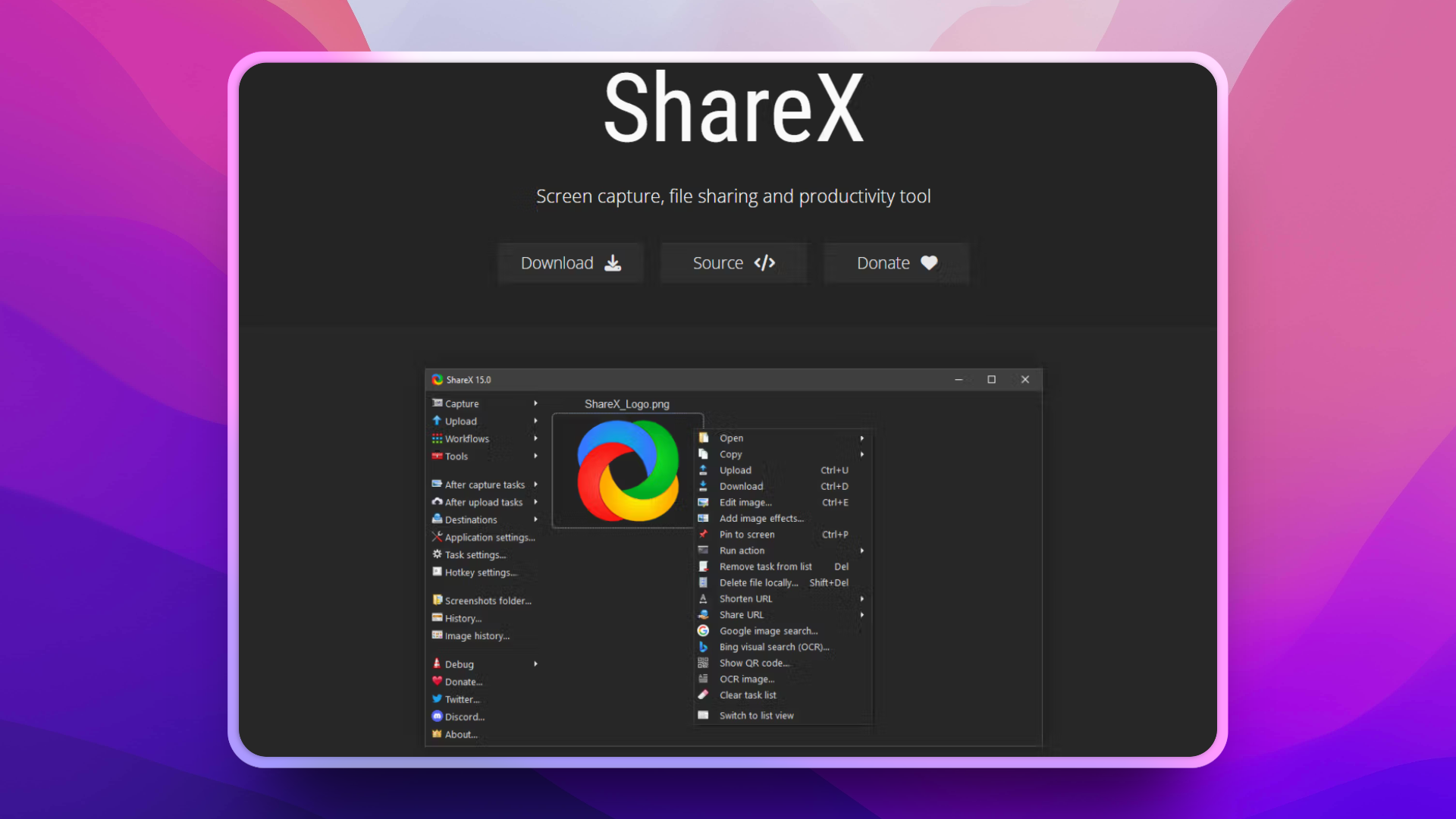
ShareX captures or records any screen area with a single keystroke, including workflows such as scrolling screenshots and GIF or video capture.
The README describes uploading images, text, and files to a wide range of destinations, with docs for S3, Google Cloud Storage, Cloudflare R2, and custom uploaders.
ShareX includes OCR, actions, image effects, keybinds, command-line arguments, and annotation workflows for high-volume capture tasks.
Features
- Screen capture and recording
- Upload destinations
- Productivity tooling
Recommended for this setup
Strengths
- No paid feature tiers: ShareX is GPL-3.0 licensed and free, making it practical for Windows teams that need advanced capture without per-seat software cost.
- Automation depth: Hotkeys, actions, uploaders, and command-line support let technical users turn capture into a repeatable pipeline rather than a manual save-and-upload process.
Trade-offs
- Windows-focused experience: ShareX is strongest on Windows. Teams that need the same native capture workflow across macOS and Linux should test alternatives before standardizing.
Tech stack
FAQ
Yes. ShareX is GPL-3.0 licensed and free to use.
Yes. ShareX supports screen recording and GIF capture in addition to screenshots.
ShareX is primarily a Windows screenshot and recording application.