
Flameshot
Open source screenshot tool with annotation and upload
Replaces Snagit, Cleanshot X, Droplr
Who it's for
Use Flameshot when engineers need to mark exact UI defects, blur sensitive fields, and paste annotated screenshots into GitHub, Linear, Jira, or chat.
Skip it if the team needs a managed screenshot library with role-based access and review workflows.
Use Flameshot for fast annotated screenshots where speed and privacy matter more than polished video capture or cloud collaboration.
Skip it if your workflow depends on vendor-hosted templates, screen recordings, or formal training docs.
The problem
Visual feedback breaks down when screenshots require a paid desktop suite, a browser extension, or a hosted annotation service. Developers need to blur secrets, point at exact pixels, and attach annotated captures to issues without adding another vendor account to the workflow. Support and QA teams face the same problem when every bug report needs a clear image but the toolchain is split across capture, markup, and upload steps. The risk is not just cost. Screenshots often contain customer data, staging URLs, feature flags, or credentials. A local annotation workflow reduces the chance that sensitive captures pass through a third-party cloud just to add arrows and labels.
How it works
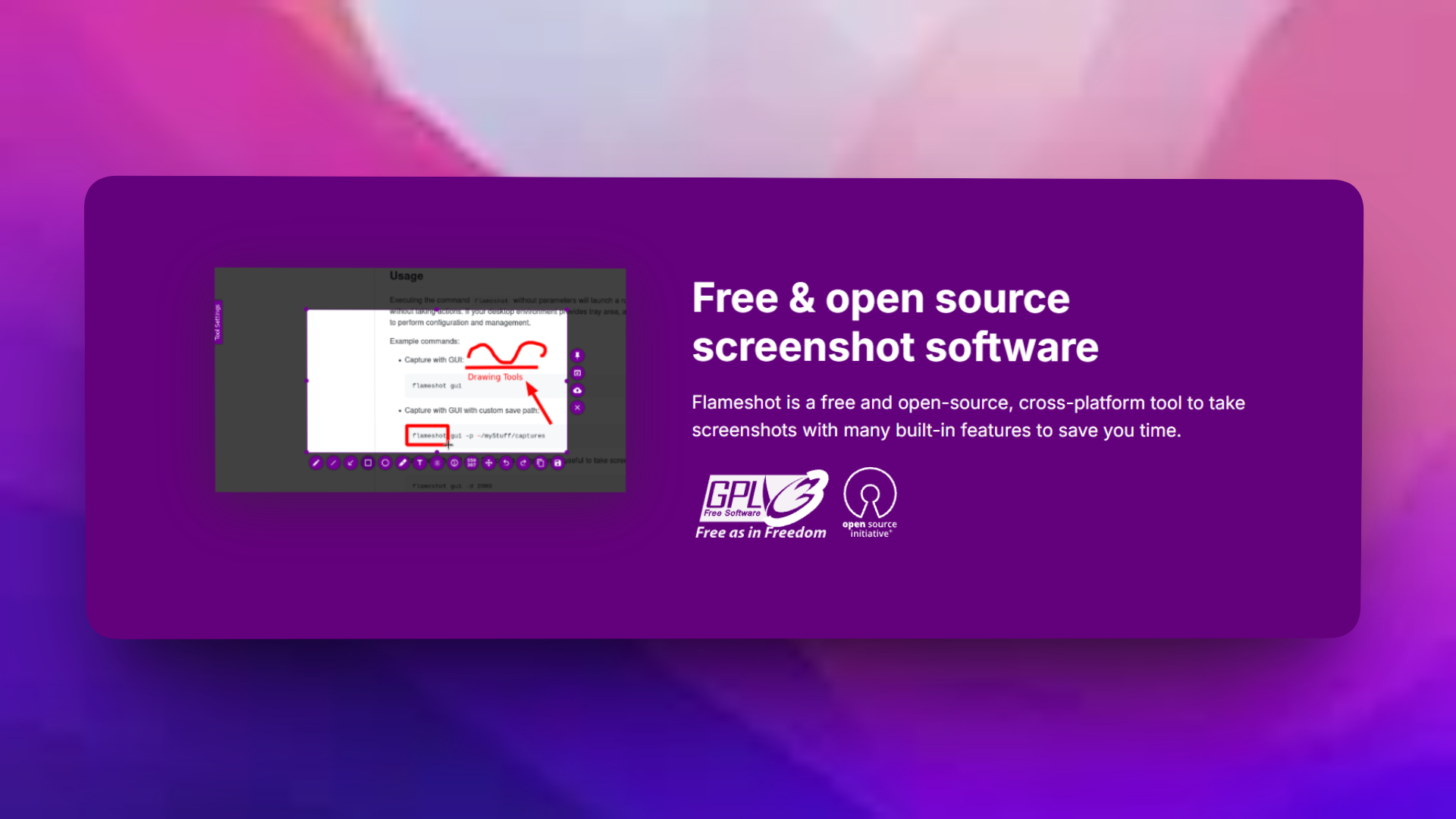
Capture a region, window, or full screen and annotate it immediately with arrows, text, boxes, blur, highlights, and freehand drawing. That keeps bug reports and design notes in one desktop workflow instead of bouncing through separate image editors.
Send captures to the clipboard, save them locally, or route them through the upload flow your team already uses. The workflow fits issue trackers and chat tools because the image stays under the user's control until they decide where it goes.
Flameshot includes CLI options for teams that script repeat captures, bind custom shortcuts, or standardize desktop setups across Linux workstations. That matters for QA and documentation workflows where repeatability beats a one-off screenshot button.
Features
- Interactive capture and markup
- Configurable save and copy flow
- Command-line friendly capture
Recommended for this setup
Strengths
- Local-first screenshot handling: Unlike Snagit-style hosted workflows, Flameshot can keep capture and annotation local until the user exports the image. That is useful when screenshots include private dashboards, unreleased UI, customer names, or internal system paths.
- GPL-3.0 desktop utility: The GPL-3.0 license gives teams source access and redistribution rights under a clear copyleft model. Linux teams can audit the desktop utility, package it through their usual channels, and avoid per-seat screenshot licensing.
Trade-offs
- Desktop utility, not a team repository: Flameshot handles capture and annotation well, but it does not replace Snagit's training assets, asset library, or vendor-managed collaboration features. Teams still need their own storage, issue tracker, or documentation workflow for long-term sharing.
Tech stack
FAQ
Flameshot can replace the basic screenshot capture and annotation parts of Snagit or CleanShot X. It is strongest for local image markup, not for managed asset libraries, screen recording, or vendor-hosted training workflows.
Flameshot is not a server product. You install it as a desktop app and run capture and annotation locally on the user's machine, which gives teams local control over screenshot handling.
Flameshot uses GPL-3.0. That license supports source access and redistribution, with copyleft obligations if you distribute modified versions.