Redmine
Self-hosted project tracker with Gantt charts, wikis, and SCM links.
Replaces Jira, Youtrack, Linear
Who it's for
Development teams that need issue tracking, project milestones, and SCM browsing without per-seat costs get the core Jira feature set on hardware they own. The SCM integration works with existing Git or Subversion repositories, and role-based access control handles permission structures for teams of any size.
Skip if your team has no server infrastructure and no one to maintain a Ruby environment. Jira Cloud or Linear are lower-maintenance choices when administrative overhead matters more than cost.
Redmine's built-in LDAP support lets teams authenticate against an existing directory service without additional middleware. Role-based access control maps to organizational roles, and user self-registration can be disabled for stricter access management. Multiple LDAP sources are supported for organizations with complex directory structures.
Skip if your team authenticates through SAML or OAuth only. Redmine's built-in authentication is LDAP-based; SAML and OAuth support require a plugin.
Redmine connects directly to Git, Subversion, Mercurial, Bazaar, and CVS repositories on the same server or over the network. Developers can browse commits, view diffs, and reference issues in commit messages without leaving the project tracker or setting up a separate integration service.
Skip if your repositories are hosted on GitHub or GitLab. Redmine's SCM integration targets server-hosted repositories; connecting to hosted platform repositories requires additional configuration.
Redmine's multi-project structure lets teams run separate issue trackers, wikis, and forums for each project while sharing user accounts and cross-project reporting. Teams can segment work without maintaining separate instances, and role-based access control gives each project its own permission set.
Skip if you need a unified backlog that spans all projects as a single queue. Each project in Redmine maintains its own separate issue tracker; cross-project views show aggregated summaries rather than a fully unified queue.
The problem
Per-seat pricing from tools like Jira and Linear scales with team growth, making project management licensing a line item that expands as headcount does. Vendor lock-in compounds this: issues, attachments, wikis, and time logs live in proprietary storage, and migrating everything before switching tools is itself a project. For teams running Git or Subversion repositories internally, there is a separate problem. Getting commit history linked to issue trackers on hosted services often requires paying for premium tiers or setting up marketplace integrations. Teams with their own code repositories have no clean path to connect version control history to their issue list without additional cost or complexity.
How it works
Browse repository commits, diffs, and file history directly from the Redmine interface without leaving your project tracker. Commits reference issue numbers and appear in the issue timeline. This native integration covers Git, Subversion, Mercurial, Bazaar, and CVS, and runs against repositories on the same server or over the network.
Track bugs, features, and tasks with configurable issue types, custom fields, priorities, and status workflows. Each issue supports file attachments, comments, and time logging. Custom fields extend to time-entries, projects, and users, so teams can capture whatever metadata their process requires without add-ons.
Visualize project timelines on a Gantt chart showing issue start dates, due dates, and progress. The calendar view overlays issues and milestones across a monthly grid. Both views are built in and require no additional configuration or plugins.
Every project in Redmine gets its own wiki and threaded forum. The wiki stores structured documentation, process notes, and decision records. Forums provide discussion space separate from the issue tracker, keeping conversation history inside the project context rather than in an external chat tool.
Connect to existing LDAP or Active Directory directories with the built-in LDAP authentication support. Multiple LDAP sources are supported, and user self-registration can be enabled or restricted to administrator-approved accounts. The interface ships in multiple languages, making it usable for international teams without additional configuration.
Features
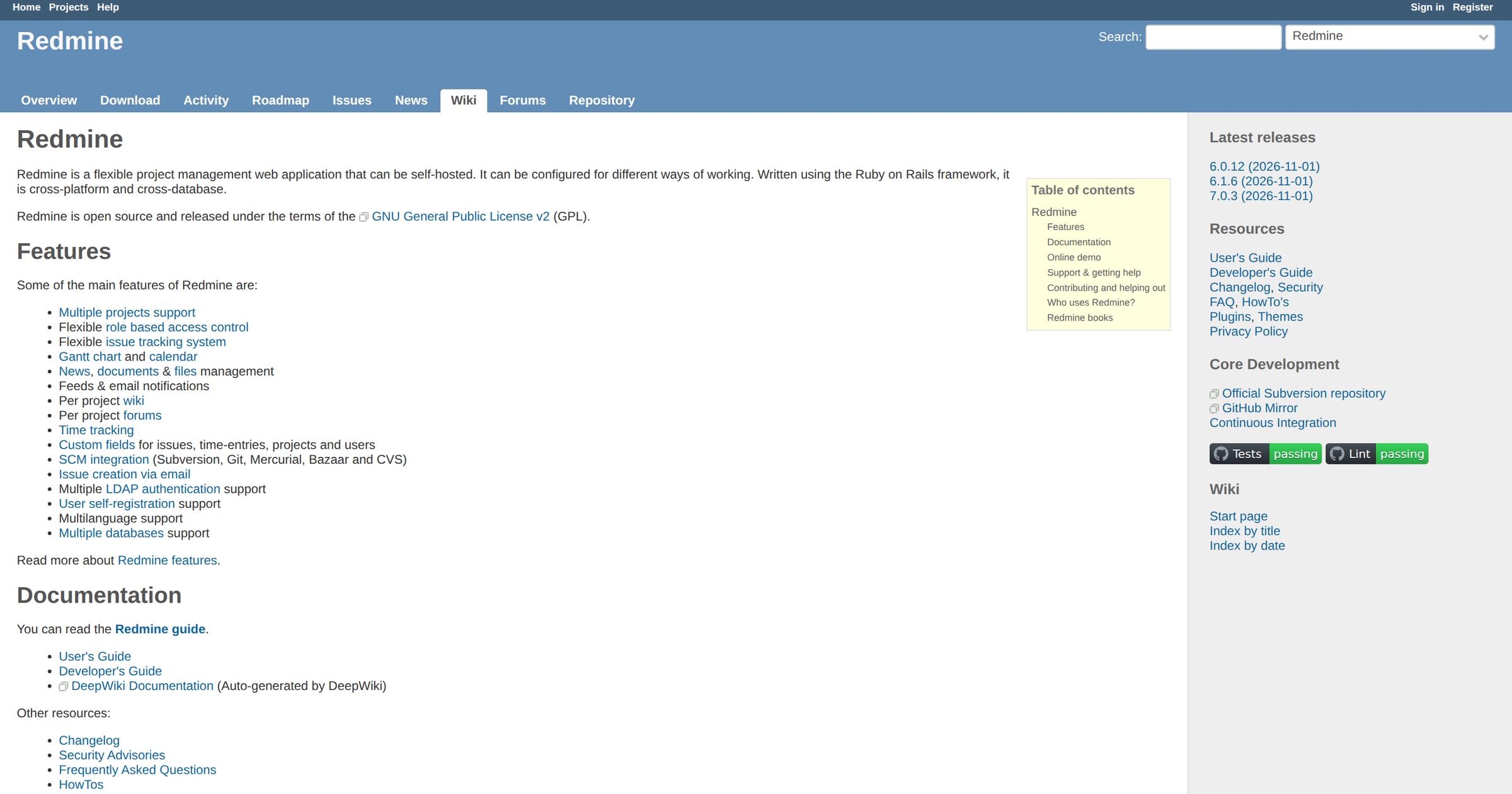
- SCM integration across Git, SVN, Mercurial, Bazaar, and CVS
- Flexible issue tracking with custom fields
- Gantt chart and calendar view
- Per-project wikis and forums
- LDAP authentication and multilanguage interface
Recommended for this setup
Strengths
- No per-seat licensing on self-hosted deployments: Redmine is GPL-2.0-or-later: free to run on your own infrastructure with no user count limit. A team growing from 10 to 100 engineers pays no additional license cost. This directly replaces the per-seat subscription model of Jira and YouTrack with a fixed server expense.
- Native SCM integration with five version control systems: Git, Subversion, Mercurial, Bazaar, and CVS connect to Redmine natively, without marketplace add-ons or separate integrations. Commit browsing, diff viewing, and issue-to-commit linking are built in. Teams that already run internal repositories get this connection without additional cost or tooling.
- Active maintenance with concurrent stable and security releases: Three release series shipped simultaneously in November 2026: 7.0.3, 6.1.6, and 6.0.12, all released on November 1, 2026. The project has maintained production releases since 2006. Concurrent release series mean teams running older versions still receive security patches without being forced to upgrade major versions.
- Enterprise authentication built in: Multiple LDAP authentication sources, role-based access control, and multilanguage support are included without additional configuration or add-ons. Teams with an existing LDAP or Active Directory directory service can authenticate directly against it. These capabilities are part of the base installation.
Trade-offs
- Ruby on Rails environment required for deployment: Redmine runs on Ruby on Rails, so deploying it requires installing and configuring a Ruby environment, Bundler, and a compatible database server. This involves more setup work than tools with an official Docker image that starts in one command. Teams without Ruby expertise on staff should budget time for initial configuration and future upgrades when Ruby or Rails versions change.
- Primary development repository is on Subversion, not GitHub: The official Redmine source is at svn.redmine.org; the GitHub presence at github.com/redmine/redmine is a read-only mirror. Teams that want to track upstream changes through GitHub notifications, contribute patches via pull request, or use GitHub-native CI integrations will need to work with the SVN repository directly.
Tech stack
FAQ
Redmine supports MySQL, PostgreSQL, and SQLite. PostgreSQL is the common production choice for teams that need concurrent access and performance at scale. SQLite works for small installs or local testing. The database is configured during initial setup and the application runs across all three without code changes.
Yes. Redmine connects directly to Git repositories, along with Subversion, Mercurial, Bazaar, and CVS. Once configured, the interface displays commit history, file browsing, and diffs within each project. Commit messages that reference issue numbers link back to the relevant issue automatically.
Redmine is released under the GNU General Public License v2 or later (GPL-2.0-or-later), an OSI-approved open source license. Running Redmine on your own infrastructure for internal commercial team use is fully permitted at no licensing cost. If you modify Redmine and distribute it or run it as a managed hosted service for external customers, GPL requires providing the modified source code under the same license.
Yes. A single Redmine installation supports multiple projects, each with its own issue tracker, wiki, forum, and repository. User accounts are shared across projects, and role-based access control lets administrators assign different permissions per user per project. Cross-project reports aggregate activity across the full installation.
Yes on both. Redmine sends email notifications for issue updates, wiki changes, and other project activity. It also supports creating issues by sending email to a configured address, covering cases where team members or external reporters prefer email over the web interface.