
AppFlowy
Open source Notion alternative with AI, self-hosted
Replaces Notion, Coda, Confluence
Who it's for
Use AppFlowy to keep product plans, wikis, tasks, and lightweight databases in a workspace your team can self-host as it grows. The combination of docs, databases, and AI makes it a practical Notion replacement for ownership-focused teams.
You need every Notion database feature, integration, and design polish today.
Use AppFlowy when customer notes, operating docs, or client project details should stay under your infrastructure or local device control. Offline mode and self-hosting reduce dependence on a proprietary workspace vendor.
Your team does not want to maintain Docker services or internal workspace infrastructure.
Use AppFlowy as a desktop and mobile workspace for notes, tasks, and documents that can work offline. Local AI support is useful when you want AI help without defaulting every prompt to a hosted workspace.
You only need a simple markdown editor or plain local files.
Use AppFlowy when the ability to inspect, fork, and adapt a Flutter and Rust codebase matters more than polished SaaS convenience. The project fits teams that want building blocks, not only a finished hosted app.
You want a no-maintenance hosted workspace with vendor-managed integrations.
The problem
Teams often build their operating system inside Notion, then discover that their project plans, wikis, tasks, and AI-assisted notes live inside a proprietary workspace they cannot fully control. That creates real friction for privacy-sensitive teams, founders managing client data, and builders who want local access when the network or vendor account is not available. The pain is not just cost. It is the tradeoff between convenience and ownership: hosted workspaces make collaboration easy, but they limit self-hosting, offline-first workflows, source-level customization, and control over how AI touches private notes and documents.
How it works
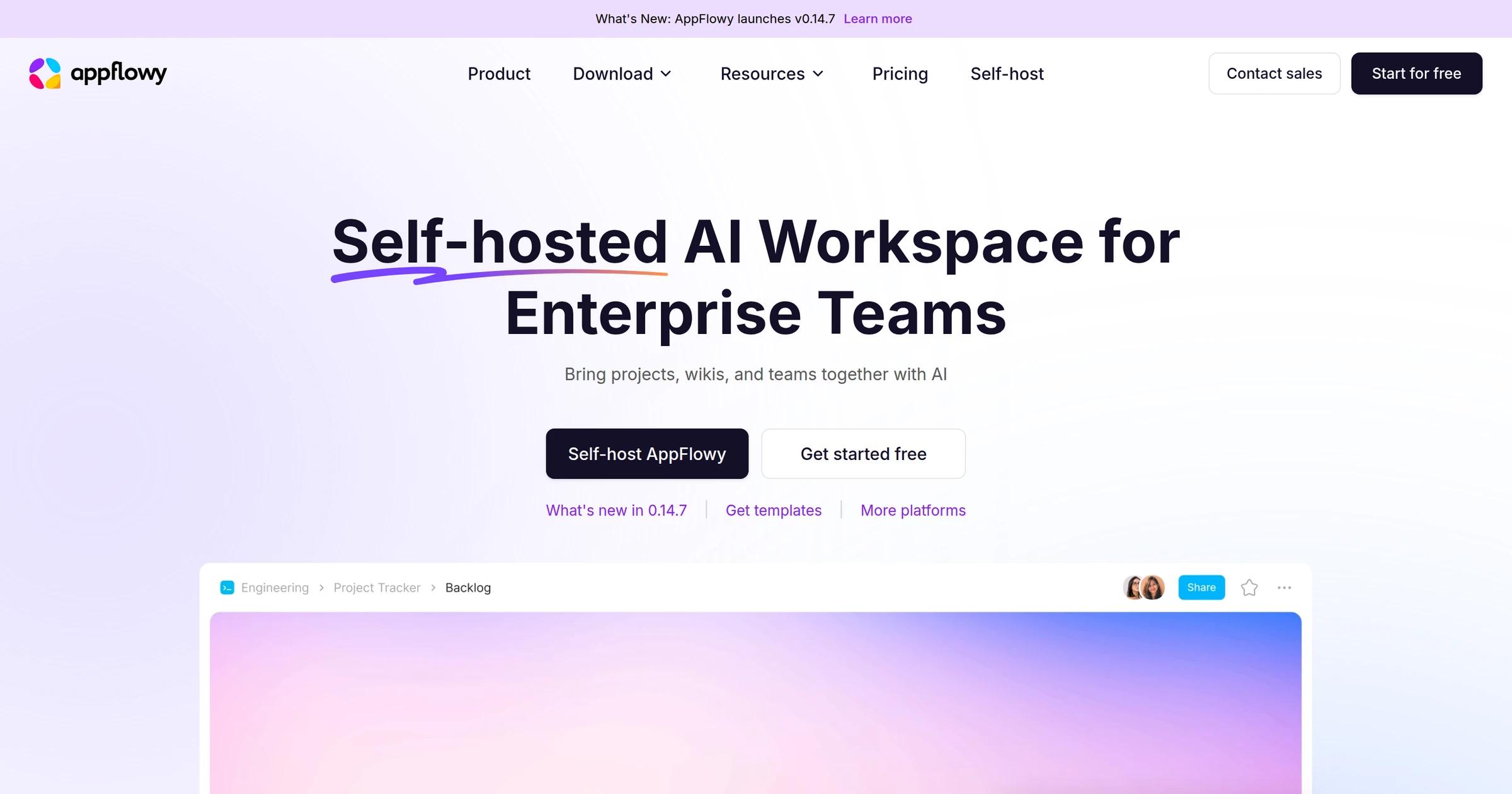
Combines docs, wikis, tasks, databases, and AI assistance in one workspace. The product site highlights AI chat, writing help, table autofill, contextual answers across pages, and project/wiki collaboration.
Supports running AppFlowy Cloud on your own server with Docker-based deployment. The official deployment docs describe a single-machine setup that exposes HTTP or HTTPS and routes /api, /ws, /web, /pgadmin, /minio, and /portainer.
The product site states that AppFlowy has a 100% offline mode and can remain local, then sync as required. That matters for users who want access to notes and tasks without depending on a hosted workspace connection.
AppFlowy advertises local model support for privacy-focused AI work, along with cloud model choices. That gives teams more control over whether workspace context stays on-device or goes through an external AI provider.
The README links desktop downloads for macOS, Windows, and Linux, mobile apps for iPhone and Android, and alternate desktop distribution channels including Flathub and Snapcraft.
Features
- AI workspace for projects and wikis
- Self-hosting with AppFlowy Cloud
- Offline-first desktop workflow
- Local and hosted AI model options
- Native apps across devices
How to install
# Run the AppFlowy desktop client with Docker
docker run --rm \
  -v $HOME/.Xauthority:/root/.Xauthority:rw \
  -v /tmp/.X11-unix:/tmp/.X11-unix \
  -v /dev/dri:/dev/dri \
  -v /var/run/dbus/system_bus_socket:/var/run/dbus/system_bus_socket \
  -v appflowy-data:/home/appflowy \
  -e DISPLAY=${DISPLAY} \
  appflowyio/appflowy_client:main
Recommended for this setup
Strengths
- Data ownership is the core bet: AppFlowy was built because the team saw data security and one-size-fits-all limits in Notion-style workspaces. Unlike Notion, AppFlowy gives technical teams a self-hosting path and source code access under AGPLv3.
- Better fit for private AI workflows: The product site emphasizes on-device AI, local models, and contextual AI across workspace pages. That makes AppFlowy stronger than a hosted-only workspace when sensitive notes, tasks, or project docs should stay closer to the user.
- Works as a personal app and team workspace: AppFlowy covers local desktop use, mobile access, and self-hosted collaboration through AppFlowy Cloud. Teams can start with the app experience and move toward hosted collaboration when they are ready to operate the server side.
- Honest scope versus Notion: The README explicitly says AppFlowy does not claim to outperform Notion in functionality and design today. That clarity helps users evaluate it as an ownership-first alternative, not a perfect clone.
Trade-offs
- Not full Notion parity: The AppFlowy team says it does not claim to outperform Notion in functionality or design today. Choose it for ownership, privacy, and self-hosting first, not because every mature Notion workflow will transfer unchanged.
- Self-hosting takes real operations work: AppFlowy Cloud deployment depends on Docker and multiple services behind HTTP, WebSocket, auth, storage, admin, and database routes. Small teams without basic server administration skills should expect setup and maintenance work.
- AGPLv3 affects modified network services: AppFlowy is distributed under AGPLv3. That license is friendly for self-hosting and internal use, but teams modifying and offering the software over a network need to understand the source-sharing obligations.
- AI privacy depends on model choice: Local AI keeps more context on the user's machine, while cloud AI providers can send workspace context outside local infrastructure. Teams should choose model settings based on their own privacy requirements.
Tech stack
FAQ
Yes. The main AppFlowy repository is distributed under AGPLv3, and the README links the license directly. AGPLv3 is a copyleft license, so teams that modify and run AppFlowy as a network service should review the source-sharing requirements before shipping changes.
AppFlowy can replace Notion for notes, wikis, tasks, databases, and privacy-focused team workspaces. It is not a perfect one-for-one clone, and the AppFlowy README states that the project does not claim to outperform Notion in functionality or design today.
Yes. The README links an official self-hosting path, and the AppFlowy Cloud deployment docs describe Docker-based deployment on a server. Expect to operate several services, including the backend, WebSocket route, auth, storage, admin UI, and database tooling.
Yes. The product site states that AppFlowy supports a 100% offline mode and can remain local, then sync as required. That makes it useful for personal notes and workspace data that must remain available without a live hosted connection.
AppFlowy supports AI features for chat, writing, tables, and contextual answers across pages. The product site highlights both local models and cloud model choices, so teams can choose between convenience and stricter local control.