
Focalboard
Open source project management: Kanban, Scrum, and lists
Replaces Trello, Jira, Asana, Clickup, Airtable, Linear
Who it's for
Use Focalboard when an existing deployment already works and the team understands the maintenance risk.
Skip it for new critical project management rollouts unless your team can maintain the codebase.
Use Focalboard for personal boards, experiments, or small internal trackers where simple views matter more than active vendor development.
Skip it if mobile polish, long-term maintenance, and enterprise collaboration features are required.
The problem
Lightweight project management tools often start as convenient hosted boards, then become operational memory for engineering, content, and support teams. Once the board holds roadmap decisions, customer requests, and release planning, lock-in and export limits matter more. Teams that want a simple self-hosted board need to know whether the project is actively maintained before putting core work into it. Focalboard offers the familiar board-based workflow with local and server options, but its maintenance status is now part of the evaluation. It can still be relevant for existing users, experiments, and teams comfortable maintaining their own fork or accepting project risk.
How it works
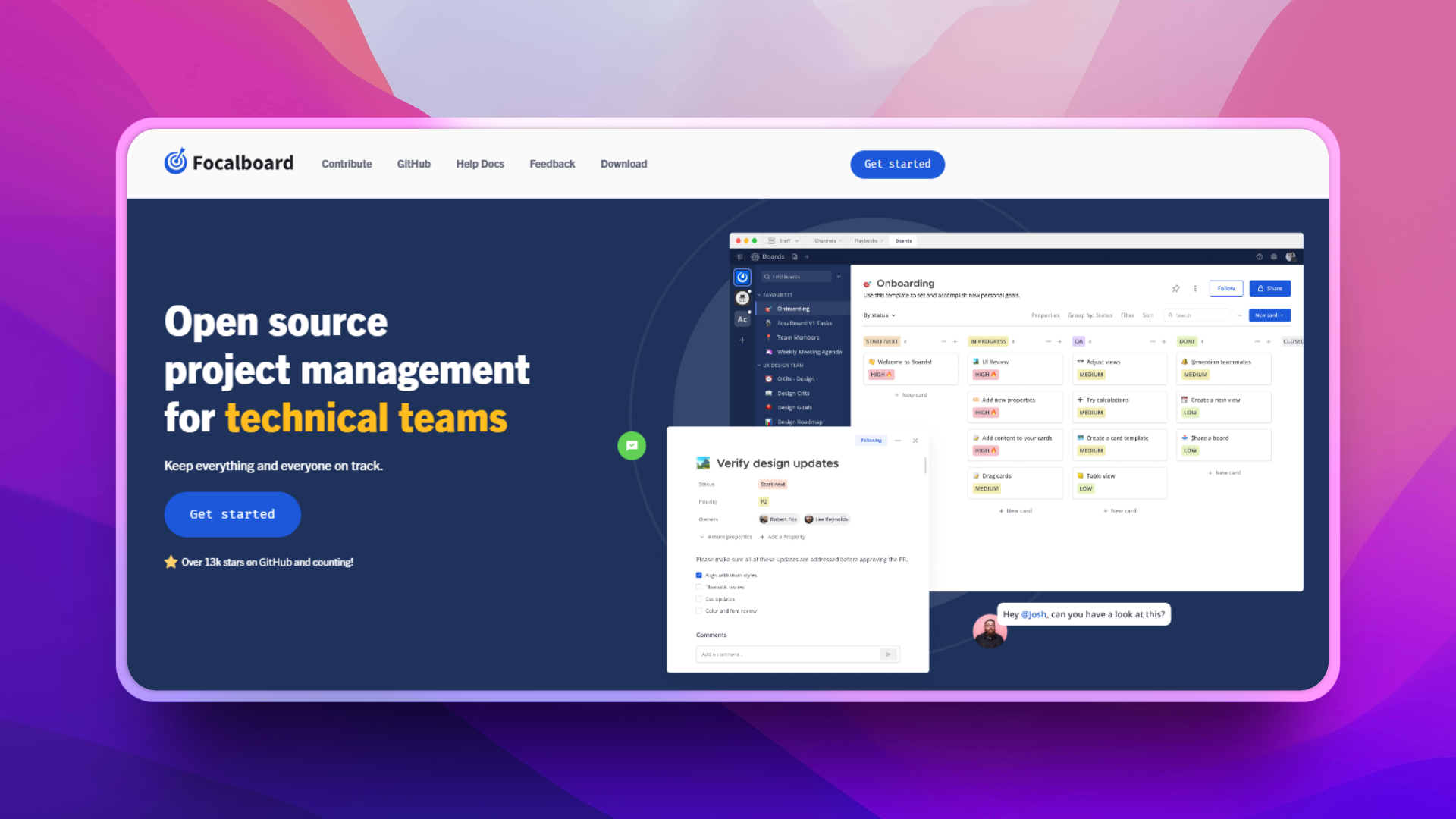
Track tasks and project work in multiple views so teams can choose the layout that fits planning, content calendars, roadmaps, or personal task lists.
Run Focalboard as a local desktop app or as a self-hosted personal server. That gives individuals and small groups options beyond a hosted SaaS board.
Start from project, roadmap, meeting, content, or goal templates and add custom card attributes. This supports lightweight process structure without a heavy project suite.
Teams can inspect and modify the codebase, but should weigh that control against the repository’s current maintenance warning.
Features
- Board, table, gallery, and calendar views
- Desktop and personal server editions
- Templates and custom attributes
- Open project files and source access
Recommended for this setup
Strengths
- Familiar Trello-style workflow without SaaS dependency: Focalboard is useful when a team wants self-hosted boards, simple task views, and local control rather than another hosted project management account.
- Honest fit for low-risk or existing deployments: Because the repository warns it is not maintained, the strongest fit is for existing users, internal experiments, or teams prepared to own maintenance.
Trade-offs
- Standalone project is not actively maintained: The GitHub README warns that the repository is currently not maintained. New teams should consider Planka, Wekan, OpenProject, or Huly if they need active roadmap momentum.
Tech stack
FAQ
Focalboard can replace lightweight Trello, Asana, or Notion board workflows for self-hosted task tracking. It does not replace full enterprise project portfolio management.
Yes. Focalboard has desktop and personal server options, and the README documents local server and Docker paths.
The current community repository warns that standalone Focalboard is not maintained. Treat that as a major adoption factor before using it for critical team workflows.