
Gitea
Self-hosted Git server with CI, issues, and pull requests
Replaces Github, Gitlab, Bitbucket, Linear, Jira
Who it's for
Gitea gives a small team private repositories, pull requests, issues, packages, and Actions-style CI/CD without running a large DevOps suite. It fits teams that want GitHub-style workflows but need repository data on their own server.
You need GitHub's public network, Marketplace apps, or a fully managed enterprise cloud service more than you need self-hosting.
Agencies can isolate client repositories on their own infrastructure, keep pull request review and issue discussion near the code, and use repository mirrors when a client still needs a copy elsewhere. MIT licensing keeps commercial client work straightforward.
Client contracts require a specific vendor account, enterprise SSO policy, or audit workflow that the open source edition does not include.
Gitea works well for teams that want Git hosting on a VPS, NAS, Raspberry Pi-class setup, or internal server. Docker Compose and SQLite make small installs practical, while PostgreSQL and MySQL give a growth path.
Nobody owns server maintenance, backups, upgrades, and recovery drills.
Teams with data residency, air-gapped, or internal-only requirements can keep Git repositories and review history inside their own network. Gitea's binary and Docker install paths make that easier than adopting a heavier suite first.
Your control checklist mandates SAML SSO, formal audit logs, and support SLAs from day one. Review Gitea Enterprise or another paid self-hosted option instead.
The problem
Private source code becomes a long-term dependency when it lives entirely inside a SaaS vendor. Repository history, CI logs, access controls, package artifacts, and pull request discussions all sit behind the vendor's uptime, pricing, and data residency rules. Small engineering teams need familiar Git hosting without adopting a heavy enterprise DevOps suite or giving up control of their source code.
How it works
Hosts repositories, branches, commits, tags, wikis, Git LFS, repository topics, code search, and activity pages. Teams keep source code and contribution history on their own server instead of moving every repository into a vendor account.
Supports pull requests with inline comments, approvals, required approvals, squash merging, rebase merging, multiple reviewers, templates, patch downloads, and merge queues. That covers the review flow most teams expect from GitHub-style hosting.
Includes issues, labels, milestones, templates, time tracking, multiple assignees, issue dependencies, comment reactions, batch issue handling, and issue search. Small teams can keep code and project context together without adding a separate tracker.
Provides built-in CI/CD through Gitea Actions, an official action runner, package and container registry support, webhooks, Git hooks, LDAP or AD integration, OpenID Connect, OAuth 2.0, and two-factor authentication.
Runs as a single Go binary across Linux, macOS, Windows, x86, amd64, ARM, and PowerPC, or through Docker Compose. SQLite works for small deployments, while MySQL and PostgreSQL are documented for production-style installs.
Features
- Self-hosted Git repositories
- Pull request review workflow
- Issue tracking for engineering work
- Actions, packages, and integrations
- Lightweight deployment paths
How to install
networks:
  gitea:
    external: false

services:
  server:
    image: docker.gitea.com/gitea:1
    container_name: gitea
    environment:
      - USER_UID=1000
      - USER_GID=1000
    restart: always
    networks:
      - gitea
    volumes:
      - ./gitea:/data
      - /etc/timezone:/etc/timezone:ro
      - /etc/localtime:/etc/localtime:ro
    ports:
      - "3000:3000"
      - "222:22"
docker compose up -dRecommended for this setup
Strengths
- MIT license with self-hosting: Gitea's MIT license keeps commercial use simple: run it internally, modify it, or package it into your workflow without license negotiation. Unlike GitHub Enterprise or Bitbucket, the core self-hosted tool is open source and free to operate on your own server.
- Lower server footprint than heavier suites: Gitea's official comparison highlights low RAM and CPU usage, and the README positions the project around fast self-hosted Git service setup. That matters for small teams, homelabs, agencies, and internal teams that do not want a large GitLab-style install.
- Familiar migration path: Gitea supports repository migration, push mirrors, pull mirrors, pull requests, issues, and GitHub-style workflows. Teams can move private repositories gradually instead of forcing a one-day migration away from GitHub or GitLab.
- Flexible deployment and database choices: The official docs cover Docker Compose, binary installs, SQLite, MySQL, and PostgreSQL. You can start with a small SQLite-backed instance and move to a stronger database setup when team size or availability needs justify it.
Trade-offs
- Enterprise identity may require paid Gitea offerings: The community comparison table lists SAML 2.0 service provider support as absent in the open source edition, while the product site lists SAML SSO and audit logs under enterprise offerings. Teams that require those controls should check Gitea Enterprise or compare against GitLab EE.
- Some GitLab-style project features are missing: Official comparison docs mark subgroups, confidential issues, service desk, create issue via email, and in-browser merge conflict handling as unavailable or partial. That is fine for lightweight Git hosting, but it matters for teams replacing a broader GitLab workflow.
- Self-hosting still needs operational care: Docker and binary installs are well documented, but administrators still own backups, upgrades, app.ini settings, database choice, SSH ports, file permissions, and secret management. Docker rootful and rootless images are not compatible, so you should choose one path and stay with it.
- The hosted network effect stays with GitHub: Gitea can replace private Git hosting, code review, and CI/CD for internal work. It does not replace GitHub's public developer network, marketplace, discovery surface, or third-party app ecosystem for open source projects that depend on those channels.
Tech stack
FAQ
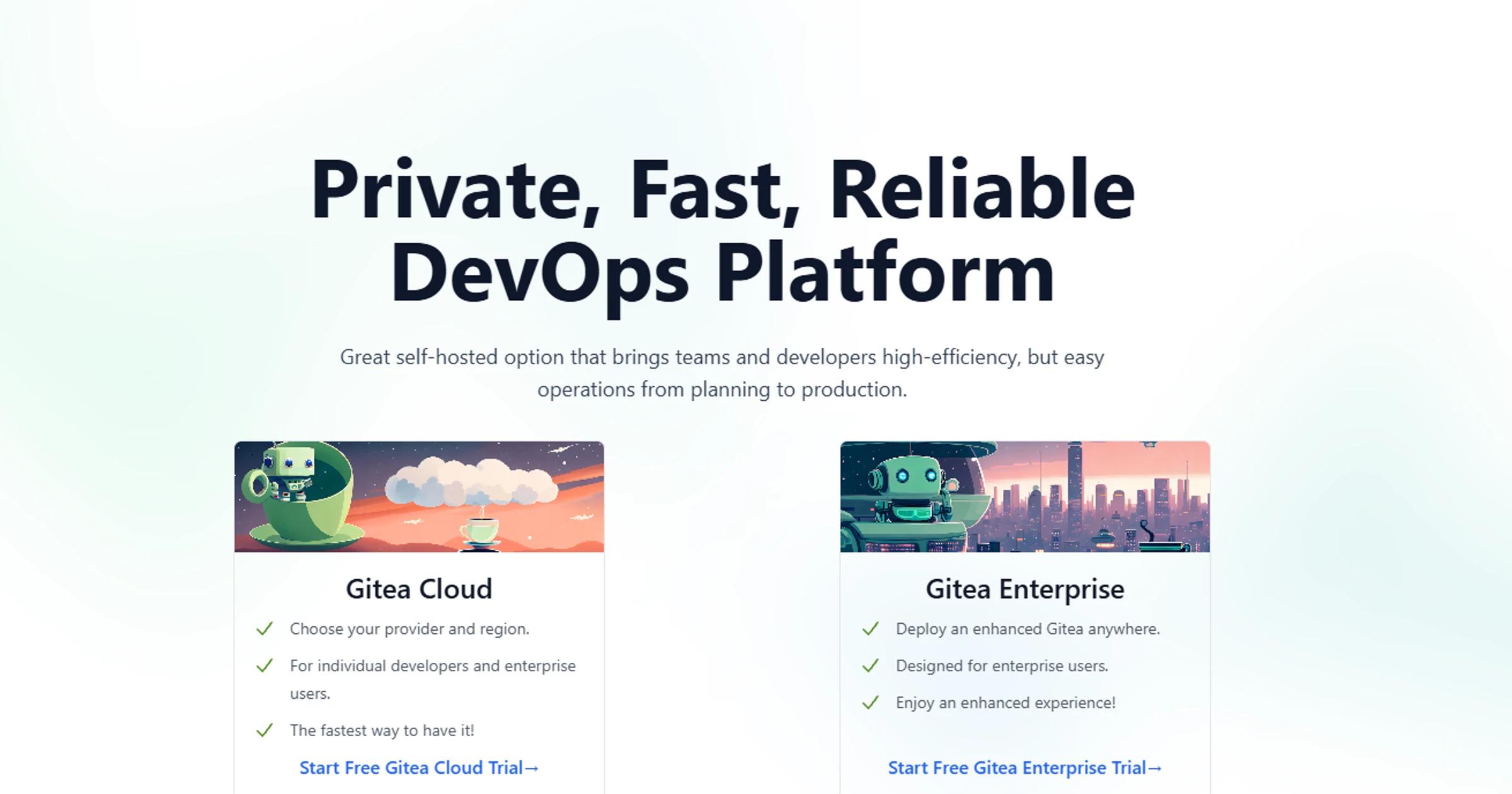
Yes. Gitea is MIT licensed, so the open source edition is free to self-host and can be used commercially. Gitea also offers Cloud and Enterprise products for teams that want managed hosting, SAML SSO, audit logs, support, or other paid services.
Gitea can replace GitHub for private Git hosting, pull requests, issues, packages, repository mirrors, and Actions-style CI/CD. It is not a full replacement for GitHub's public network, marketplace, discovery features, or every Enterprise Cloud control.
Yes. Gitea provides built-in CI/CD through Gitea Actions, and the README lists the official action runner as a Gitea project. Teams already familiar with GitHub Actions-style workflows will find the model recognizable.
SQLite is documented for the simplest small Docker setup. The official Docker docs also show MySQL and PostgreSQL configurations, which are better fits when the instance needs stronger production operations, backups, or higher concurrency.
Gitea is licensed under the MIT License. That means teams can run, modify, and use the software commercially with minimal license restrictions, while still owning the infrastructure and data path.