
Orgnise
Centralize wikis, docs, and project tasks in a self-hosted workspace.
Replaces Notion, Linear
Who it's for
Use Orgnise when a small team wants internal docs, project notes, and task context in one self-hosted application with inspectable code.
Use Orgnise when the main goal is moving operational knowledge out of proprietary workspaces while keeping a familiar docs-and-tasks workflow.
The problem
Small teams often split project context across docs, task trackers, and chat threads because all-in-one SaaS workspaces become expensive or restrictive as headcount grows. That creates duplicated updates, stale knowledge, and a dependency on a vendor-controlled workspace for operational history. Orgnise addresses that gap with a self-hosted knowledge and project workspace, giving teams a place to keep documentation and lightweight task tracking together while retaining control over hosting, data access, and the application code.
How it works
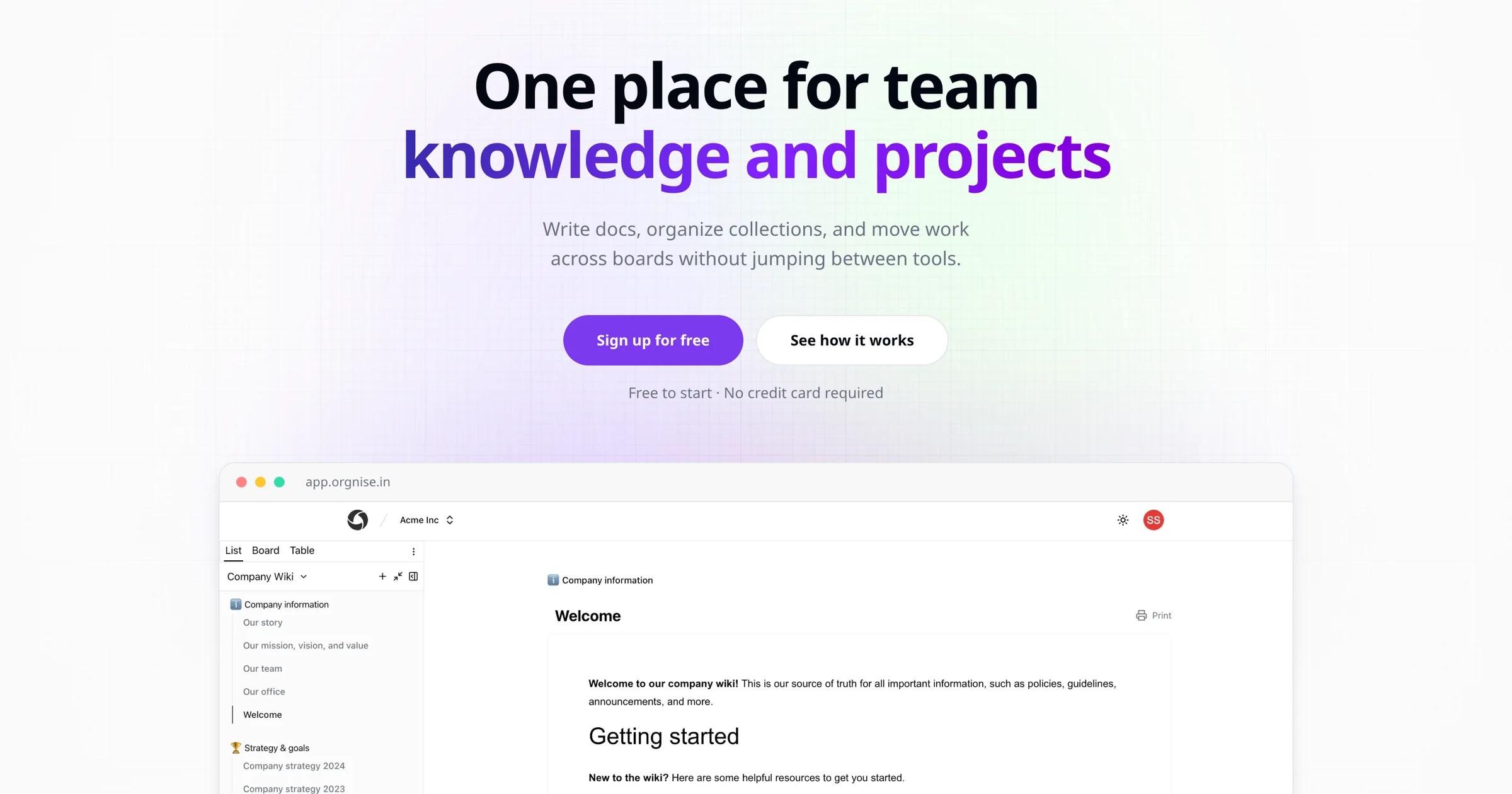
Orgnise gives teams a shared place for documentation, policies, use-case notes, and internal knowledge pages instead of scattering context across chat and separate wiki tools.
Teams can track lightweight project work inside the same workspace where they store background context, which reduces the handoff cost between docs and execution.
The public AGPL-3.0 codebase uses Next.js, TypeScript, Tailwind CSS, Shadcn, and MongoDB, so Node-oriented teams can inspect and operate the application themselves.
Features
- Workspace docs and wikis
- Project and task tracking
- Self-hosted Next.js stack
Recommended for this setup
Strengths
- Keeps operational knowledge under team control: Orgnise is strongest for teams that want their docs and project context on infrastructure they manage, rather than inside a proprietary SaaS workspace.
- Combines two common team workflows: The product focuses on documentation and lightweight project tracking together, which helps small teams avoid buying and maintaining separate wiki and task tools.
Trade-offs
- Early-stage ecosystem: Orgnise does not match Notion, Confluence, or Coda for template depth, automation, mobile polish, or third-party integrations, so teams should test core workflows before adopting it widely.
Tech stack
FAQ
Yes. Orgnise is published on GitHub under the AGPL-3.0 license, which means teams can inspect, self-host, and modify the code under copyleft terms.
Orgnise is best for small teams that want self-hosted documentation, wikis, and lightweight project tracking in one workspace. It is less suitable for teams that need a mature integration marketplace or advanced Notion-style databases.
Orgnise gives teams more hosting and data control than Notion, but Notion has stronger collaboration polish, templates, mobile apps, and integrations. Choose Orgnise when ownership matters more than SaaS convenience.