
Ordi
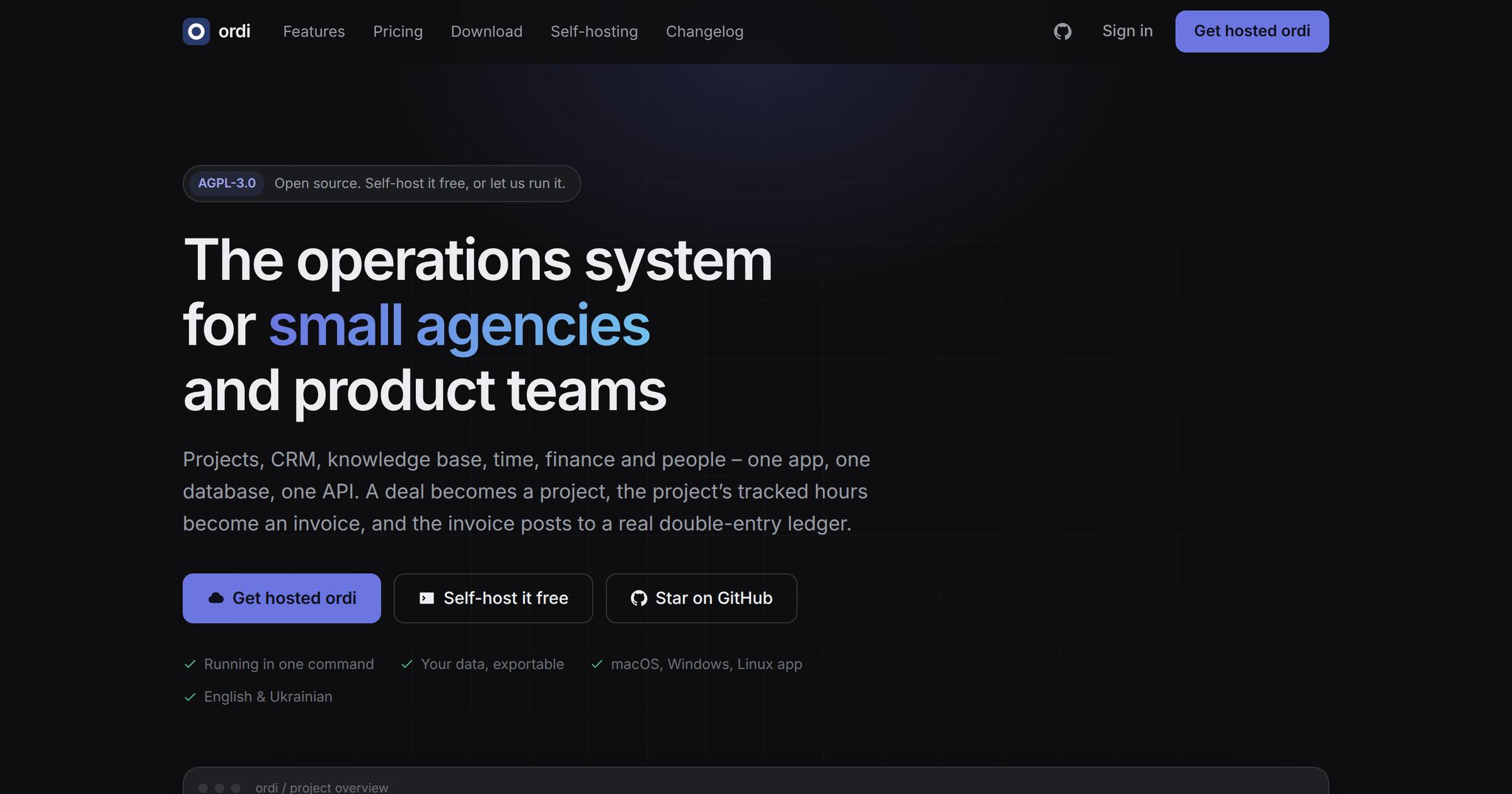
Operations system for small agencies: projects, CRM, finance, people.
Replaces Zoho One, Bitrix24, Flowlu, Agiled, Linear, Odoo
Who it's for
The core workflow Ordi automates is deal-to-invoice: a won CRM deal becomes a project, project hours carry billable rates, and the finance module generates an invoice from unbilled time in one step. Project profitability is visible in the ledger without any spreadsheet work.
Your billing is fixed-fee or retainer with no need to track hours against tasks. The time-to-invoice integration is Ordi's primary differentiator; without billable hours, a simpler task tracker plus an invoicing tool may be enough.
The task experience is deliberately modelled on Linear: keyboard-first, fast, with cycles, milestones, custom fields, and GitHub integration that links branches and pull requests to tasks. Teams that also run a sales pipeline can manage leads, deals, and project delivery from the same workspace.
You only need a task tracker with no use for CRM or billing. Linear itself is a stronger choice for pure issue tracking; Ordi's advantage appears when multiple modules are used together.
A team running a task tracker, a CRM, a document tool, a timer, and invoicing software can replace all five with one self-hosted instance. Setup takes one Docker compose command; the setup wizard creates the workspace and lets each module be toggled off if not needed.
Your team has specific deep requirements in one area, such as complex CRM automations or advanced accounting. Ordi provides good coverage across modules but does not go as deep as a dedicated tool in any single category.
Ordi ships a built-in MCP server that lets Claude or Cursor connect to the workspace over OAuth; an AI agent can be added as a team member, assigned tasks, and opens pull requests for human review. The agent gets exactly the permissions of its API token.
You do not use AI coding tools or have no need for agent teammates. This feature adds no overhead when unused, but if it is the primary draw, evaluate the MCP implementation against your specific models and workflow.
The problem
A small agency running five separate subscriptions ends up with hours logged in the task tracker that never reach the invoice, a deal that converts into a project retyped by hand, and no direct way to answer "did we make money on this client?" without a spreadsheet. The per-seat pricing on individual tools adds up fast. A task tracker, a CRM, a document tool, a timer, and invoicing software each carry a monthly per-user cost; at ten people, the combined bill routinely exceeds what a self-hosted alternative requires, and the data still lives in five separate systems that do not talk to each other.
How it works
A deal won in the CRM pipeline carries client, budget, and name directly into a new project. Logged hours against tasks carry billable and cost rates; the finance module generates an invoice from unbilled time in one step. Project margin is visible in the ledger without any spreadsheet reconciliation.
Board, list, calendar, timeline, and spreadsheet views alongside cycles with burn-up, milestones, sub-tasks, dependencies, and custom fields per project. Tasks connect to GitHub: a task key on a branch name or commit message automatically attaches the branch, commit, and pull request to the task.
Quotes, invoices, and payments post balanced entries to a real double-entry ledger; credit notes, recurring invoices, and expenses follow the same path. Receivables aging and overdue reminders are built in. Project profitability appears out of the box because every financial transaction is tied to a project.
Leads before qualification, deals after: a drag-and-drop pipeline with a weighted forecast, sales activities, playbooks, message templates, and follow-up sequences. An analytics tab shows funnel, conversion, pipeline by stage, and win rate. A won deal becomes a project without retyping anything.
A Notion-style editor with nested pages, backlinks, per-space permissions, version history, and Markdown export. Pages can be exported as PDFs. Permissions are enforced server-side on every request, not just hidden in the navigation.
A built-in MCP server lets Claude or Cursor connect to the workspace over OAuth; the agent gets exactly the permissions of its API token. An AI agent can be added as a team member, assigned a task, and it works through the project repository to open a pull request for human review.
Features
- Integrated deal-to-invoice pipeline
- Linear-style task tracker with multiple views
- Double-entry finance module
- CRM with weighted pipeline forecast
- Knowledge base with per-space permissions
- Built-in MCP server and AI agent teammates
How to install
Self-hosting uses Docker; the compose file starts the app and a Postgres database in the same stack.
mkdir ordi && cd ordi
curl -fsSLO https://raw.githubusercontent.com/romirom11/ordi/master/docker-compose.yml
docker compose up -d
Recommended for this setup
Strengths
- No per-seat fee on the self-hosted tier: The self-hosted version is AGPL-3.0 and costs nothing regardless of team size. Unlike Zoho One or Bitrix24, which price per user per month, Ordi's hosting costs are a single server. A ten-person team pays nothing in software licensing; growth does not increase the subscription bill.
- Single database for all six modules: All modules run on one Postgres database with one API and one permission layer. There are no integration fees, no API limits between modules, and no data export needed when a deal moves to a project. The ledger sees every transaction across the business because it shares the same schema.
- Modules can be switched off entirely: If a team only needs a task tracker and a CRM, the finance and people modules switch off entirely: they disappear from the navigation, the search index, and the permission layer. The app carries no overhead from features a team does not use.
- Data portability between self-hosted and managed: The same Docker image runs on the managed hosting service and on a self-hosted machine. A database dump moves a workspace between the two with no schema changes. The managed hosting service provides the dump on request when a customer cancels.
Trade-offs
- Very early project with minimal community testing: Ordi was created in July 2026 and had 2 GitHub stars at the time this research was compiled. The project is under active development (last push October 2026), but has minimal community testing, limited third-party documentation, and no track record in production environments. Teams considering it should evaluate the codebase directly and expect rough edges.
- AGPL-3.0 restricts resale as a hosted service: AGPL-3.0 permits running Ordi for your own company or clients. What it prohibits is offering a modified Ordi as a managed service to others without publishing your source modifications. Teams that want to resell hosted Ordi as a product need to publish their changes or negotiate a separate license.
- Not designed for teams above 50 people: The maker explicitly documents that Ordi is built for teams of roughly 3 to 50 people. It does not include SSO, a workflow engine, manufacturing, inventory, payroll runs, or other modules a larger organization expects. Teams above 50 people or with enterprise procurement requirements should look at Odoo or similar systems.
Tech stack
FAQ
Yes. Ordi is AGPL-3.0 licensed and every feature in the repository ships in the self-hosted version, with no paid tier holding anything back. You pay nothing in software licensing; the only costs are the server you run it on. The maker also offers managed hosting at $20 per instance per month, which covers the whole team and includes nightly backups, TLS, and upgrades, but that is optional.
You can run Ordi for your own company and modify it freely. The restriction applies if you offer a modified Ordi to others over a network as a service: you are then required to publish your source changes. Running it internally for your own team, including for commercial client work, does not trigger this requirement.
Yes, in both directions. The managed hosting and self-hosted versions run the same Docker image with the same database schema, so a Postgres dump carries the workspace between them with no conversion. The maker provides the dump on request when you cancel the managed service.
A won deal in the CRM pipeline carries the client, budget, and project name directly into a new project. Team members log time against tasks in the project with billable and cost rates. The finance module generates an invoice from unbilled time on the project, and the invoice posts to the double-entry ledger.
Yes. Desktop apps for macOS, Windows, and Linux are available, built with Tauri. They connect to your own instance (self-hosted or managed) and include native notifications, a global quick-add shortcut, and signed auto-updates. Download links are available at ordi.one/download or from GitHub Releases at https://github.com/romirom11/ordi/releases/latest.