
Kanri
Local-first Kanban board that stores all data in a JSON file
Replaces Trello, Jira, Asana
Who it's for
Use Kanri for personal Kanban planning where local storage, privacy, and no account setup matter.
You need shared team boards with live updates and comments.
Use Kanri to keep a lightweight local board for tasks that do not need to live in Jira, Trello, or GitHub Projects.
Your project already depends on issue tracking, pull requests, and team workflow automation.
The problem
Personal task boards often force users into accounts, cloud sync, workspaces, and team features they do not need. That adds friction for people who only want a private board for daily planning. The risk is data ownership. Lightweight planning data can become trapped in a hosted task app, even when the workflow is local, individual, and simple.
How it works
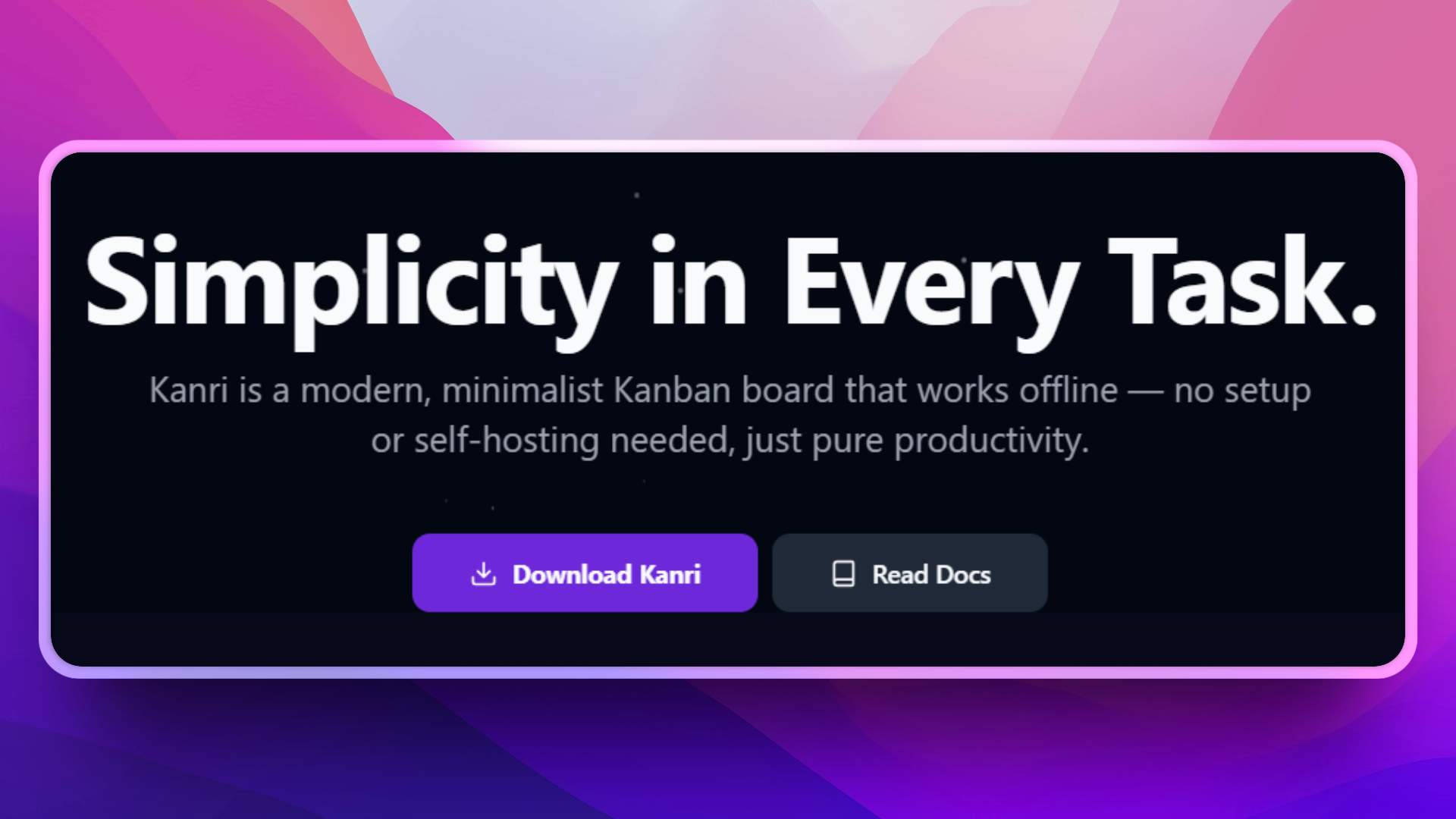
Runs as a desktop app on Windows, macOS, and Linux, with boards available without an internet connection or account.
Stores board data locally, making it a better fit for private personal planning than a cloud-only task board.
Focuses on cards and columns instead of a large project-management suite, which keeps daily task planning lightweight.
Features
- Offline desktop Kanban
- Local-first task storage
- Simple board workflow
Recommended for this setup
Strengths
- No account required: Kanri removes the signup and workspace setup step that hosted Kanban tools often require before a user can start planning.
- Good fit for private individual boards: Offline local storage suits users who want personal tasks on their machine rather than in a team SaaS account.
Trade-offs
- Limited team collaboration: Kanri is built around offline desktop use. Teams needing shared boards, permissions, comments, and real-time collaboration should choose a team project-management tool.
Tech stack
FAQ
Yes. Kanri is an offline desktop Kanban app and does not require an internet connection or account for local boards.
Kanri is available for Windows, macOS, and Linux through the official download path.
Kanri is better for personal offline boards than team collaboration. Teams that need shared boards and permissions should use a collaborative project-management tool.