
Code Server
VS Code in the browser, self-hosted, with no per-seat pricing.
Replaces Github Codespaces, Ona, Google Cloud Workstations, Coder
Who it's for
Code-server enables a full VS Code environment on any device with a browser. A developer using an iPad or Chromebook can run compilation, test suites, and package installs on a Linux server while the client device handles only the UI rendering.
Skip if you need local device access to files, USB peripherals, or hardware that cannot be passed through to a remote Linux server.
By running code-server on a shared Linux server or through coder/coder templates, teams can ensure every developer starts with the same OS, language version, and extension set. Environment drift between machines is eliminated at the infrastructure level.
Skip if developers need native GPU access or hardware-specific toolchains that cannot run in a Linux container or VM.
A code-server instance on a cloud VPS gives full VS Code access from any location over a browser, with no local project files to sync. All test runs, builds, and git operations happen on the remote server over a stable connection.
Skip if internet connectivity is unreliable at your primary working location, since code-server requires a stable WebSocket connection.
The problem
Development environments tied to a specific machine create friction at every context switch. A developer working across a laptop, tablet, shared workstation, or remote server must either maintain separate configurations everywhere or accept that some environments lag behind in extensions, project state, and credentials. Cloud IDEs address the portability problem but add vendor dependency and metered costs. GitHub Codespaces charges per compute-hour and runs on GitHub's servers. Google Cloud Workstations is a managed Google Cloud service with per-hour pricing. Teams that want persistent, accessible development environments often end up paying for a managed IDE service on top of their existing cloud compute costs, with source code and authentication credentials sitting on a third party's infrastructure.
How it works
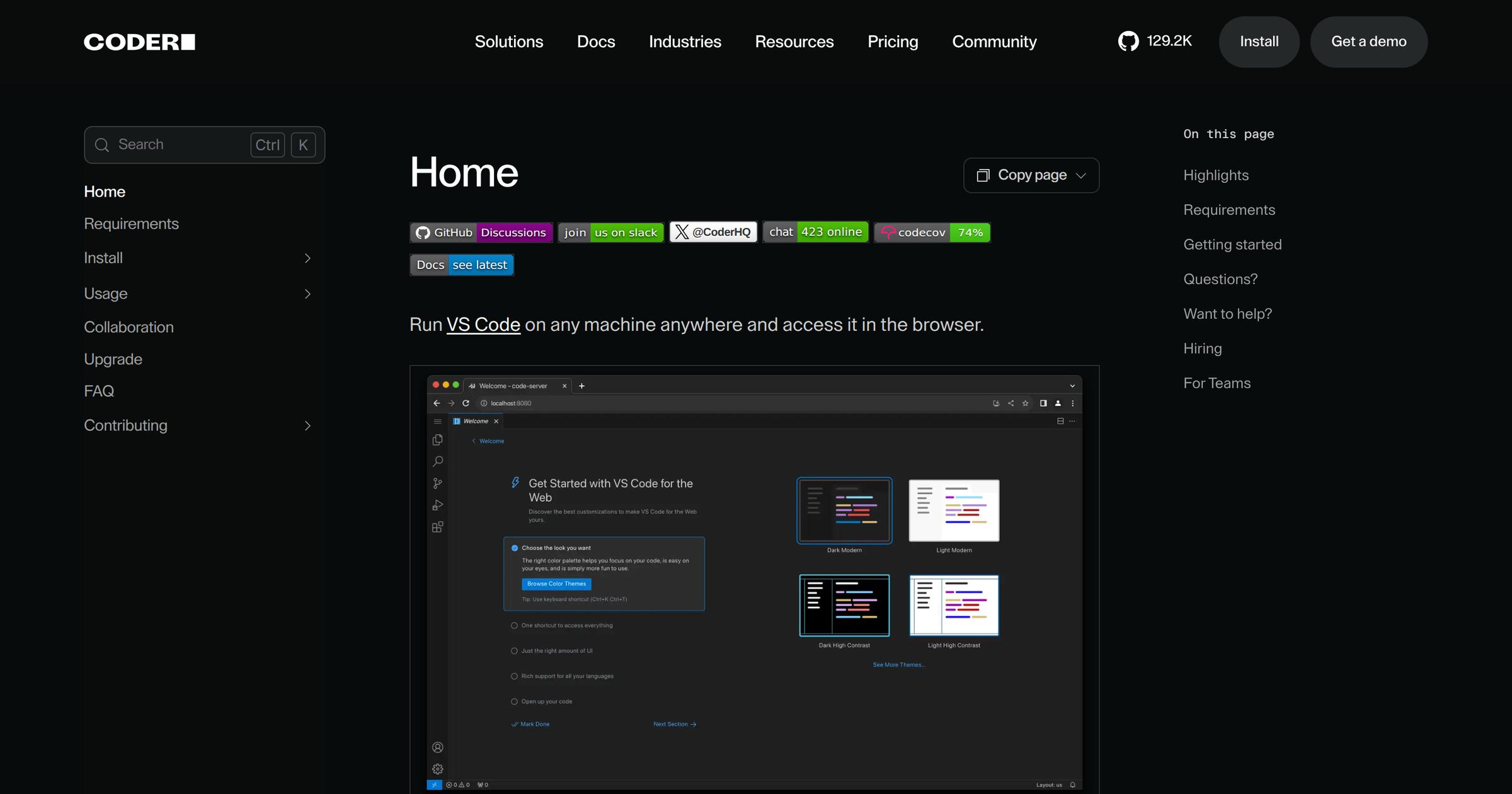
Runs the full VS Code editor in any modern browser with no client-side installation required. The server handles all processing while the browser renders the UI, so the same session is accessible from a laptop, tablet, or Chromebook without reinstalling extensions or reconfiguring workspace settings.
The official install script at code-server.dev detects the system package manager and installs the appropriate package on Debian, Ubuntu, Fedora, Alpine, Arch, and others. Running the script with --dry-run previews what will happen before any changes are made, and the full install completes in a single curl command.
All compilation, testing, and download tasks run on the remote server rather than the client device. A tablet or laptop connected over a low-bandwidth connection consumes minimal local CPU and battery while the server handles build and test workloads.
Install via the official script, manually from packages, deploy to a cloud provider using one-click guides, integrate as a devcontainer feature within existing devcontainer projects, or scale to a multi-user team with coder/coder. Each path is officially documented in the coder.com docs.
Code Server is MIT licensed. Running it on your own server incurs no licensing costs regardless of how many developers connect. The only cost is the underlying compute you choose, whether a small VPS or a large cloud VM.
Features
- Browser-based VS Code access
- One-line install script for Linux distributions
- Remote compute for intensive tasks
- Five supported deployment paths
- No per-seat pricing
How to install
Install code-server on any Linux server with the official install script.
curl -fsSL https://code-server.dev/install.sh | shRecommended for this setup
Strengths
- MIT license with no per-seat fees: Unlike GitHub Codespaces (per compute-hour billing) or Google Cloud Workstations (per-hour managed service pricing), code-server is MIT licensed and free to run on your own infrastructure. You pay for the compute you choose, with no licensing fees per user or per session.
- 79,000+ star community with active maintenance: With over 79,000 GitHub stars and 6,900 forks, code-server has one of the largest communities of any self-hosted developer tool. The main repository sees regular maintenance; as of November 2026, 143 open issues remain (pull requests excluded), with the last push on November 4, 2026.
- Code and credentials stay on your infrastructure: Code-server runs on a server you control, so source code, API keys, and SSH credentials never leave your infrastructure. This matters for teams with compliance requirements or for developers handling sensitive credentials that cannot reside on a third party's managed service.
Trade-offs
- Minimum server requirements: Code-server requires a Linux machine with WebSockets enabled, at least 1 GB RAM, and 2 vCPUs. Very small VPS instances at 512 MB RAM or single-vCPU configurations will not meet these minimums. Shared hosting environments that restrict WebSocket traffic are unsupported.
- Linux-only server deployment: Code-server runs only on Linux. Developers who want to run it locally on a Windows machine must use WSL or a Linux VM. This rules out direct deployment on Windows Server and limits compatibility with macOS-only CI or build environments.
Tech stack
FAQ
Code-server requires a Linux machine with WebSockets enabled, at least 1 GB RAM, and 2 vCPUs. These are the minimums documented in the official requirements guide. A larger server with more RAM and CPU improves performance for memory-intensive build tasks like large TypeScript compilations or Docker builds.
Yes. Code-server uses VS Code's extension API and supports most extensions. Some extensions that rely on VS Code's proprietary Marketplace APIs or desktop-only features may not work, but the majority of commonly used language server extensions, debuggers, and formatters are supported. Extensions install through the built-in extensions panel in the browser interface.
GitHub Codespaces is a fully managed cloud service that runs your development environment on GitHub's infrastructure and charges per compute-hour. Code-server is self-hosted: you run it on a Linux server you control, pay only for that server's underlying compute costs, and your code and credentials never leave your infrastructure.
Yes. Code-server is MIT licensed and free to self-host. You pay for the Linux server or VM it runs on, but there are no per-user or per-seat licensing fees. The MIT license also permits commercial use and modification without restriction.
Coder (coder/coder on GitHub) is a cloud development environment platform built on top of code-server by the same team. Running code-server directly gives one developer VS Code in a browser on one server. Coder adds multi-user workspace orchestration, templates, RBAC, and enterprise features. Coder's Community tier is free and self-hostable; its Premium and AI Premium tiers have per-user annual pricing that requires contacting Coder directly for specific costs.