
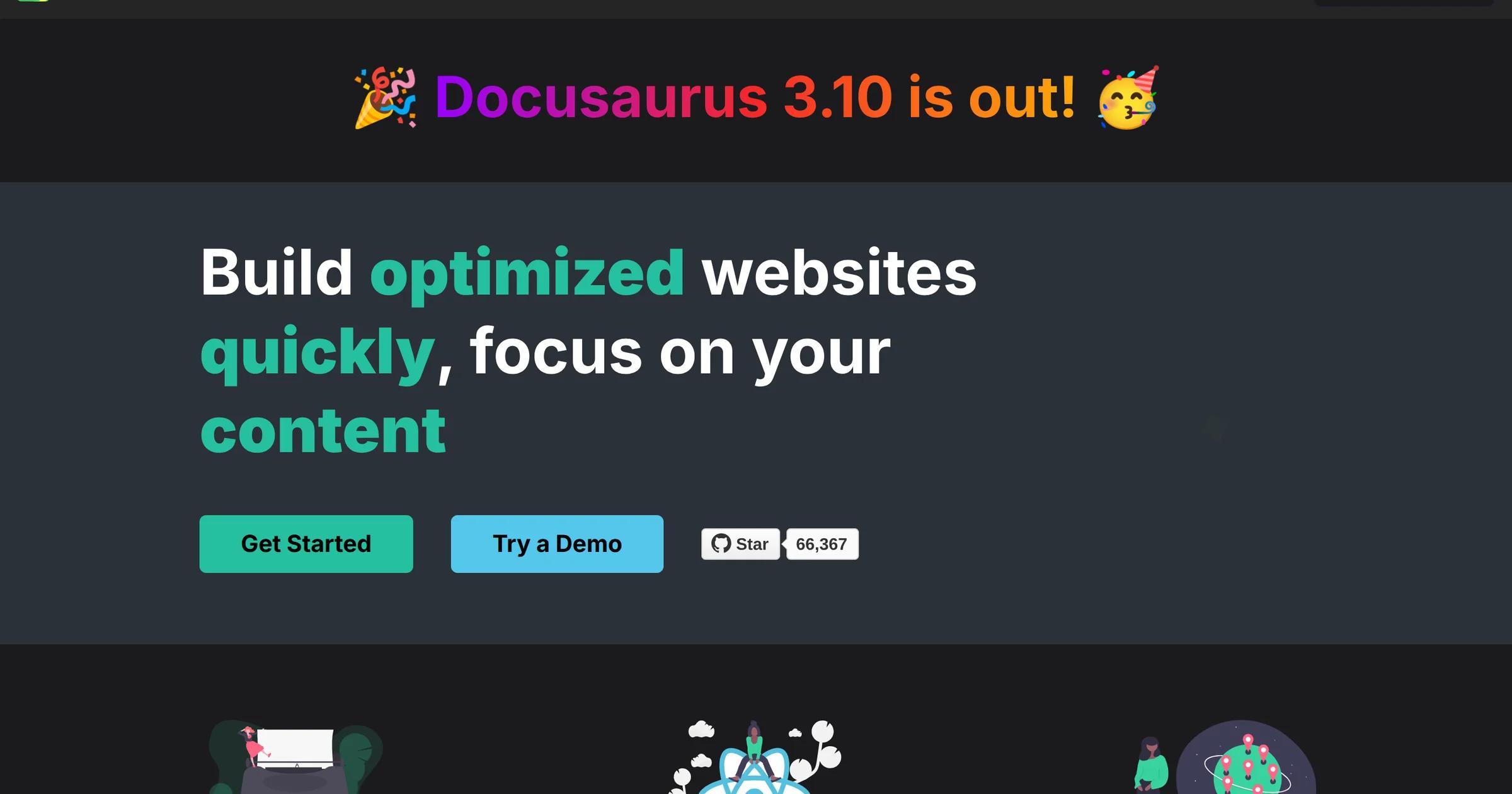
Docusaurus
React-based static site generator for documentation
Replaces Gitbook, Readme Com, Confluence
Who it's for
An open source library maintainer publishing versioned API references and migration guides that stay in sync with npm release tags
A platform engineering team building an internal developer portal with custom React components (architecture diagrams, interactive API explorers) embedded in Markdown pages
A startup shipping product documentation with Algolia search and internationalization for multiple language markets without paying for a documentation SaaS
A developer advocate managing a tutorial site where each tutorial is a Markdown file, pull-request reviewed by the engineering team before publishing
A company migrating off a proprietary wiki (Confluence, Notion) to bring documentation under version control and allow engineers to submit doc fixes in the same workflow as code fixes
The problem
Technical teams writing documentation in scattered wikis, static HTML pages, or proprietary platforms struggle with versioning, search, and keeping docs in sync with code. Docusaurus solves this by treating documentation as code: Markdown files live in the same repository as the project, get versioned alongside releases, and compile into a polished, searchable static site. It is built by Meta and used by projects like React, Jest, Babel, and Redwood, which makes it a credible default for open source projects and internal developer portals alike.
How it works
Build docs sites from Markdown and MDX files with React component support embedded directly in content pages
Version documentation alongside software releases, letting users browse docs for any historical version without maintaining separate branches
Generate full-text search out of the box via Algolia DocSearch integration or a local offline search plugin
Extend and theme the site using React components, custom CSS variables, and a plugin system that covers sitemaps, analytics, and custom page types
Deploy to any static host (GitHub Pages, Netlify, Vercel, S3) with a single build command and no server required at runtime
Features
- Markdown and MDX docs
- Versioned documentation
- Full-text search options
- React theming and plugins
- Static hosting deployment
How to install
# Scaffold a new Docusaurus site npx create-docusaurus@latest my-docs classic # Move into the project and start the dev server cd my-docs npm start # Build for production npm run build
Recommended for this setup
Strengths
- Strong maintenance signals: Backed by Meta and adopted by major open source projects, so the plugin ecosystem and community support are mature and the project has strong long-term maintenance signals
- Documentation stays in Git: Keeps documentation colocated with source code in Git, which means doc changes ship in the same pull request as code changes and history is never lost
- Interactive MDX content: MDX support lets writers embed live React components (interactive demos, code sandboxes, custom callouts) directly inside Markdown without a separate component pipeline
- MIT licensed and self-owned: Free forever under MIT license with no per-seat cost, no content limits, and no vendor dependency on a SaaS platform
Trade-offs
- Node.js build workflow: Requires Node.js tooling and a build step, which adds friction for non-engineering contributors who prefer a WYSIWYG editing interface
- Large version sets can slow builds: Versioning multiple doc sets simultaneously increases build times and repo size; large projects with many versions can see slow cold builds without caching
- Deep theme customization has upkeep: Customizing the default Infima CSS theme beyond color tokens requires overriding deeply nested CSS variables or forking theme components, which increases maintenance burden on upgrades
- No built-in CMS: No built-in CMS or visual editor; teams that need non-technical editors to contribute content typically need to pair Docusaurus with a headless CMS or a Git-based editor like Netlify CMS
Tech stack
FAQ
No. Basic documentation sites work entirely with Markdown files and YAML front matter. React knowledge is only required if you want to build custom page layouts, embed interactive components in MDX, or write Docusaurus plugins.
Running `npm run docusaurus docs:version <version>` snapshots the current docs folder into a versioned copy. Users can then switch between versions in the site header. Each version is a static directory in the repo, so old versions remain editable.
Yes. The build output is a folder of static HTML, CSS, and JavaScript files that can be served from any web server, CDN, or object storage bucket. No Node.js process needs to run in production.
Yes. The community-maintained `docusaurus-lunr-search` and `docusaurus-search-local` plugins provide offline full-text search with no external service dependency. Algolia DocSearch is free for open source projects but requires applying for an account.
Docusaurus accepts standard Markdown, so most migrations involve copying `.md` files and updating front matter. The community maintains migration guides for GitBook, MkDocs, and Jekyll. Confluence exports require a conversion step (HTML-to-Markdown) but no proprietary format parsing.