
Yardlet
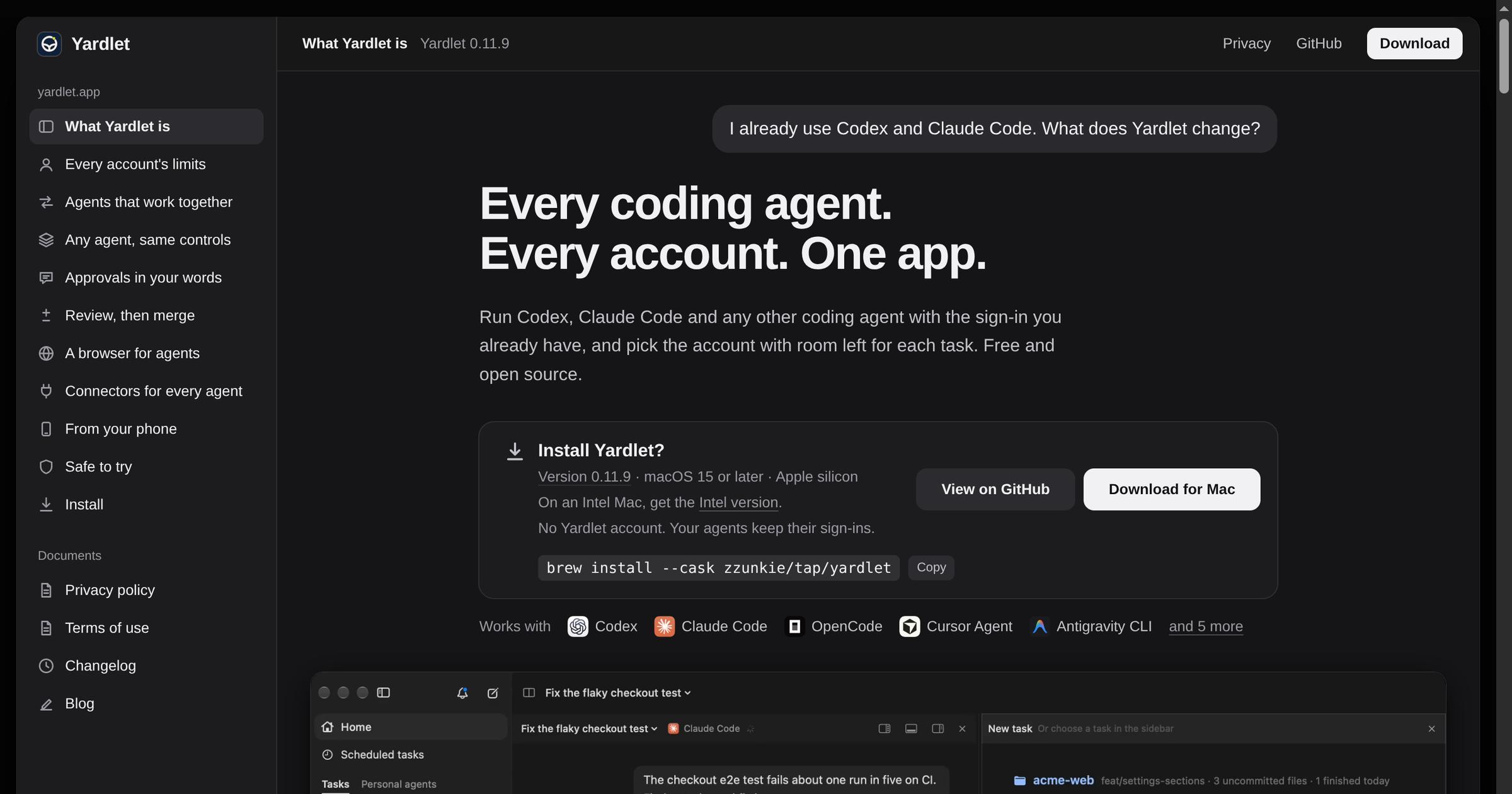
One macOS window for every coding agent you already use.
Replaces Conductor, Nimbalyst
Who it's for
Bring Codex, Claude Code and OpenCode into one window without losing each agent's session history or switching to separate terminals. Quota limits for all accounts stay visible at a glance, and new tasks start automatically on the account with the most headroom.
Skip if you use only one coding agent with one account and do not need cross-agent session sharing or account switching.
Yardlet puts diffs of the last turn, file restore and fork, a PR tab with checks through your own gh, and a terminal beside each conversation. When checks fail, it shows the log and offers Fix CI. Merge from within the app when the PR is ready.
Skip if your review workflow happens exclusively in a separate IDE and you prefer not to merge from within an agent workbench.
Register several Codex or Claude accounts in Yardlet and distribute tasks automatically to the one with quota remaining. The token usage view, by day, model, project and task, gives a detailed read on where spend is going across accounts.
Skip if you have a single provider account with a plan that does not hit rate limits in normal use.
Session tools let one task hand work to another across any agent or account: start a subagent, send a message to a running task, wait for a result, and schedule follow-up tasks. Approval forwarding is verified against the sender's actual messages, so agents receiving forwarded approvals can trust them.
Skip if your workflow is a single linear coding task with no need for agent-to-agent coordination.
The problem
Most developers who work with more than one coding agent end up running them in separate terminal windows or tabs, each with its own sign-in, quota, and approval flow. There is no central view of which agent is busy, which account has quota left, or what a finished task changed. Switching between Codex, Claude Code, and others means context lives in separate places, diffs are scattered across different views, and when one account's limits run out mid-task, finding the right account to continue on is a manual search. For teams or developers who pay for multiple agent accounts, there is a secondary challenge: quota is spread across accounts with no visibility into which one has headroom. Starting a heavy task on an account that is about to hit its weekly limit means the task stalls partway through, with no easy way to continue on a fresh account without restarting.
How it works
Codex, Claude Code, OpenCode, Cursor Agent, Antigravity CLI, Kimi Code, Grok Build and others share one sidebar, conversation view, composer and approval cards. Each agent runs through its own CLI with its own sign-in; Yardlet adds the shell, not a proxy or replacement.
Register more than one account per provider and start a task on the one with quota left. Yardlet shows each account's session and weekly limits, and the tokens the agents' own transcripts record by day, model, project and task. When a task starts a subagent, it goes to the account with the most headroom.
Codex, Claude Code and agents using ACP get a set of session tools: read another task's turns, send a message to a running task, start a task under itself on any agent and account, run a one-off subagent on a different agent and get its answer, or wait for tasks to finish. Work started in one agent can hand off to another without manual copy-paste.
A Chromium panel sits beside the conversation for agents to drive through browser tools. The vault fills saved sign-ins, two-step codes and passkeys into pages without showing the values to the agent, and only on the site they belong to. Steps only you can take, like a CAPTCHA or a payment, come back as a handed-over tab.
Yardlet writes nothing into the agents' own configuration. Each agent runs against its own session store: a session started in Yardlet resumes in the original CLI, and the other way round. Quit or delete Yardlet and each agent, its sign-in and its sessions are unchanged. Task data lives in ~/.yardlet and is removed with one Homebrew command.
When one agent passes your approval to another, Yardlet verifies that the forwarded words appear in your own messages in the originating task before sending. If the words are not there, the message is not sent. The receiving agent sees both the words and the timestamp of the original message, so it can tell the difference from words another agent claims you said.
Features
- Unified window for every agent CLI
- Account quota tracking across providers
- Cross-agent session tools
- Built-in Chromium browser with credential vault
- Non-invasive design and clean exit
- Approval word verification for agent-to-agent handoffs
How to install
Install Yardlet on macOS using Homebrew or download the signed disk image from GitHub Releases: https://github.com/zzunkie/yardlet/releases/latest
brew install --cask zzunkie/tap/yardletRecommended for this setup
Strengths
- MIT license with no Yardlet account required: Yardlet is free to use and MIT licensed. There is no subscription, no paid tier, and no Yardlet account. Its only network calls are a daily update check and, optionally, an end-to-end encrypted relay if you pair a phone. You pay only for the agents' own plans, as you do today.
- Non-invasive: each agent stays independent: Because Yardlet starts each agent's own CLI and hands it its tools only at session start, removing Yardlet leaves every agent, sign-in and session exactly as they were. No lock-in, no config drift, and no need to migrate data out. Sessions started in Yardlet resume in the original app or CLI.
- Broad agent support across multiple providers: Yardlet runs ten or more CLIs: Codex, Claude Code, OpenCode, Cursor Agent, Antigravity CLI, Kimi Code, Grok Build, Hermes Agent, Muse Code and Pi. The same sidebar, composer and approval cards work across all of them, reducing the learning surface when you add a new agent.
- Privacy-first local architecture: No analytics, no server that receives your work. Task metadata and drafts live in ~/.yardlet, agent sessions stay in each agent's own store, and connector sign-ins are kept in the macOS Keychain. Data goes to your AI providers under your own accounts, with training following those accounts' settings.
Trade-offs
- macOS 15 or later only; no Windows or Linux: Yardlet runs only on macOS 15 or later, on Apple silicon or Intel. Windows and Linux are not yet supported. The Intel version is new and has been tested on a limited number of machines; other Intel graphics configurations and macOS 26 on Intel have not been fully validated. The built-in browser does not play H.264 video or AAC audio on Intel Macs.
- Scheduled tasks require Yardlet to stay open: Scheduled tasks run only while Yardlet is open. A run missed while it was closed fires once when it next opens, within 7 days; runs scheduled daily or more frequently may miss windows if the app is not running. Teams who need headless background scheduling should keep the app open or look at CLI-based alternatives.
- No connectors or session tools for some agents: Cursor Agent, Pi, Muse Code and earlier Antigravity CLI versions cannot add an MCP server to a single session, so tasks started with those agents run without connectors, browser tools or cross-agent session tools. The limitation is in those agents' CLIs, not in Yardlet.
- Maintained by one person: Yardlet is maintained by one person, and only the latest release receives fixes. There are 9 open issues. Teams with strict support or SLA requirements should factor that in when evaluating it for production use.
Tech stack
FAQ
Yes. Yardlet runs Codex and Claude Code in parallel, each in its own conversation tab with its own sign-in. Session tools let a Codex task read the output of a Claude Code task and vice versa, so work can flow between agents in the same session.
No. Yardlet starts the CLI you already have installed with the sign-in that CLI already has. It does not copy credentials, proxy accounts, or stand between the agent and its provider. Each agent talks to its provider directly under your account, using the interface that agent's CLI exposes for apps.
Yardlet is free and MIT licensed. There is no subscription, no paid tier, and no Yardlet account. You pay only for the agents' own plans, as you do today, using your existing provider accounts. The source is available on GitHub.
Yardlet writes nothing into the agents' own configuration, so quitting or removing it leaves each agent, its sign-in and its sessions unchanged. Sessions started in Yardlet resume in the original app or CLI. To remove Yardlet's own data, delete ~/.yardlet and ~/Library/Application Support/Yardlet, or run brew uninstall --zap --cask zzunkie/tap/yardlet to remove both folders along with caches and preferences.
Not yet. Yardlet runs on macOS 15 or later, on Apple silicon or Intel. Windows and Linux support is not yet available. The Intel version is new and has limited testing across Intel graphics configurations.