
tuicr
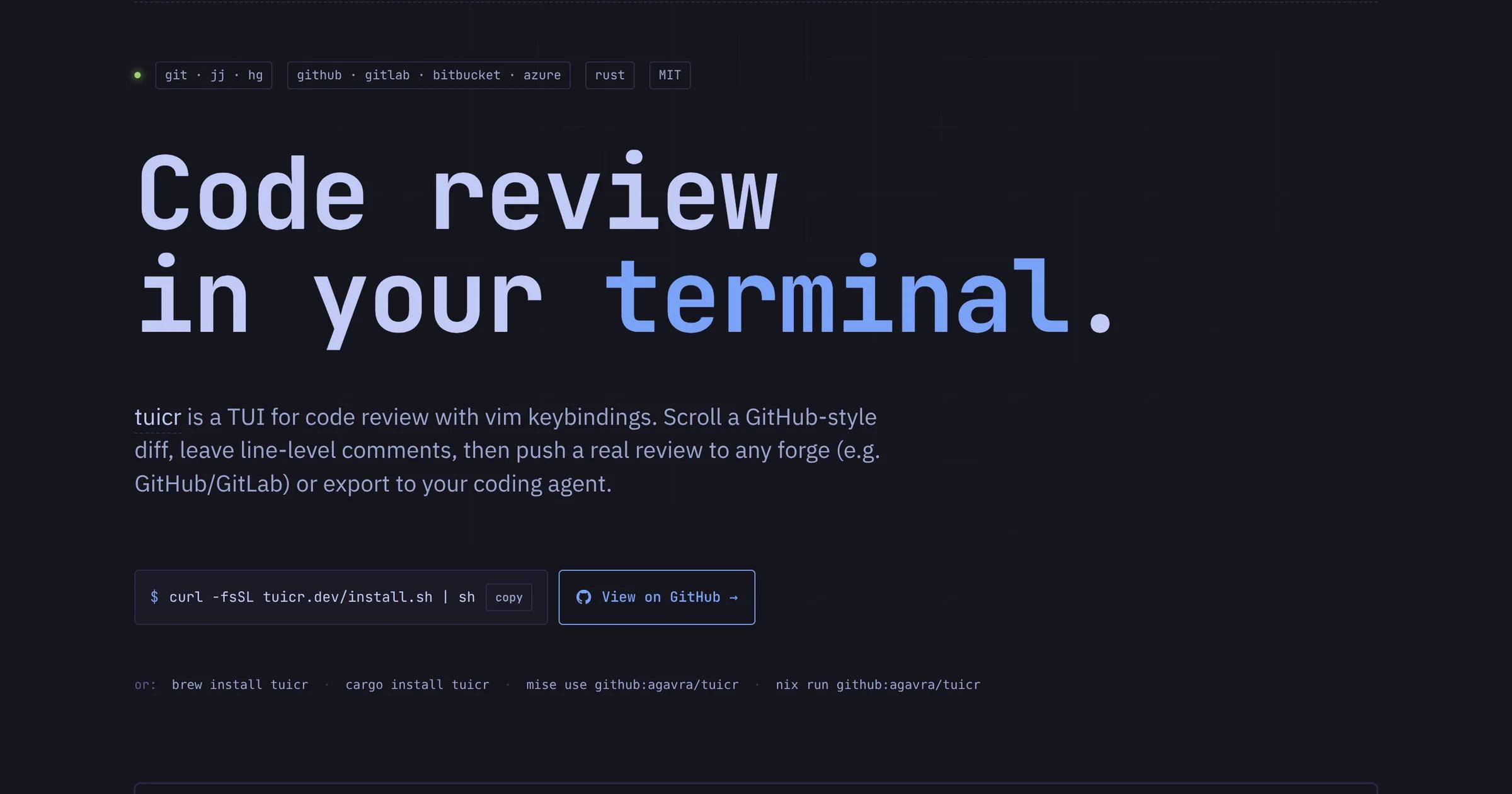
Terminal UI for code review with vim keybindings and GitHub-style
Replaces Graphite, Github, Gitlab
Who it's for
A developer deeply integrated into the vim ecosystem who wants to perform code reviews without leaving their familiar keyboard-driven environment.
The user is not familiar with vim keybindings or prefers mouse-driven interfaces.
A developer who prefers to manage all aspects of their workflow, including code review, directly from the command line for maximum efficiency and minimal context switching.
The user prefers graphical user interfaces for code review.
A team or individual leveraging AI coding agents (e.g., Claude Code, Codex) who needs a structured way to provide human feedback that can be easily consumed and acted upon by the AI.
The user does not use AI coding assistants in their workflow.
A developer working across projects that utilize different version control systems like Git, Jujutsu, or Mercurial, seeking a unified review tool.
The user exclusively uses GitHub or a single VCS and its native review tools.
The problem
Developers often face context switching and inefficiency when moving between their terminal-based development environment and web-based code review interfaces. This is particularly cumbersome for users accustomed to vim's keyboard-driven navigation. The problem is the lack of a robust, terminal-native code review tool that offers deep integration with version control systems and modern review workflows, including AI agent collaboration.
How it works
Every changed file is presented in one continuous, scrollable diff, making it easy to review large changesets.
Provides a full vim-like experience with modal navigation, visual selection, search, and jumps, allowing vim users to review code without changing their muscle memory.
Supports commenting at line, range, file, or review levels, with customizable comment types (issue, suggestion, note, praise).
Reviews can be pushed directly to GitHub, GitLab, or Bitbucket, copied as structured markdown to the clipboard, or piped to stdout for scripting.
Automatically detects and works with Git, Jujutsu (jj), and Mercurial (hg) repositories, reviewing uncommitted changes, commit ranges, or remote PRs/MRs.
Offers a dedicated skill for AI coding agents, enabling them to open tuicr in a tmux split, allowing human review with automated comment flow back to the agent.
Features
- GitHub-style Diff
- Vim Keybindings
- PR-style Comments
- Multiple Export Targets
- VCS Agnostic
- Agent Skill Bundle
How to install
curl -fsSL tuicr.dev/install.sh | sh
Recommended for this setup
Strengths
- Comprehensive Vim Integration: Offers a full suite of vim keybindings for navigation and interaction, providing a highly efficient experience for vim users.
- Direct PR Review Submission: Allows pushing inline, line-level comments and review summaries directly to GitHub, GitLab, and Bitbucket, unlike many alternatives.
- AI Agent-Ready Markdown Export: Generates structured markdown comments that are easily consumable by AI coding agents, facilitating advanced review workflows.
- Broad VCS Support: Uniquely supports Git, Jujutsu (jj), and Mercurial (hg) out of the box, catering to a wider range of development environments.
- Single Static Binary: Distributed as a single static binary, ensuring easy installation and no runtime dependencies, enhancing portability and reliability.
Trade-offs
- Learning Curve for Non-Vim Users: Users unfamiliar with vim keybindings will need to invest time to learn tuicr's navigation and commands.
- Terminal-Only Interface: As a TUI, it lacks the graphical elements and rich interactive features found in web-based code review platforms, which might not suit all preferences.
- Platform-Specific Feature Gaps: While supporting multiple platforms, some advanced features like "Request changes" or "Draft" reviews might not be available for all VCS hosts (e.g., Bitbucket).
Tech stack
FAQ
You can install tuicr using a curl script, Homebrew, Cargo, Mise, or Nix, or by downloading pre-built binaries from GitHub releases.
tuicr supports Git, Jujutsu (jj), and Mercurial (hg), automatically detecting the VCS in your repository.
You can push your review directly to GitHub, GitLab, or Bitbucket, copy structured markdown to your clipboard, or pipe it to stdout for scripting.
Yes, tuicr is built with comprehensive vim keybindings for navigation, selection, and commenting, including modal editing and search.
Yes, tuicr supports over 20 built-in themes and allows for custom themes via TOML configuration files, including syntax highlighting.