Threadlines
Open-source ADE for Claude Code, Codex, and Cursor in one thread
Replaces Conductor, Devin, Claude Code, Cursor
Who it's for
Use separate threads per task and add a second agent to verify the first agent's output before you review. The thread inbox shows which tasks are active and which need your attention, so you can direct multiple agents across a project without losing track.
You work exclusively with one agent account and don't need to compare outputs or split work across models. A single Claude Code or Codex terminal is simpler for single-agent workflows.
Review the pull request a coding agent opened, check CI status, and send review comments back to the agent, all from one screen. Reduces the round-trip time between agent output and your feedback, which is the main bottleneck in agent-assisted development.
Your review process is fully async and lives in GitHub. If your team reviews PRs in GitHub notifications and your agents don't need inline feedback quickly, Threadlines adds no meaningful advantage over a terminal.
Resume sessions after restarts with the full conversation and work history in place. Fork threads to explore alternative approaches without losing the original context. Assign each exploration its own Git worktree so agents work in separate checkouts without collisions.
Your projects are short enough that a fresh agent context each session costs you nothing. If each coding task starts from a clean state anyway, session persistence adds no value.
The Docker path puts a full Threadlines workspace on a VPS or home server, accessible from any browser. Pair a phone with a QR code to monitor running threads remotely. Useful for agents running long background tasks you want to check on without being at your desk.
You need enterprise SSO, team-level access controls, or audit logging. Threadlines targets individual developers and small teams; it does not include multi-user access management in current releases.
The problem
Running multiple coding agents on the same project means juggling separate terminals, browser tabs, and editor windows at once. Each agent has its own output, its own conversation, and its own view of the codebase. When Claude Code finishes one subtask and you want Codex to pick up another, you manually copy context, restart sessions, and track which branch each agent is working on. Code review compounds the problem. An agent opens a pull request and you leave the workspace entirely to check CI status, review diffs, and write comments. Feedback then needs to be relayed back into a new conversation with the agent that did the work, with no record of what you said alongside the diff.
How it works
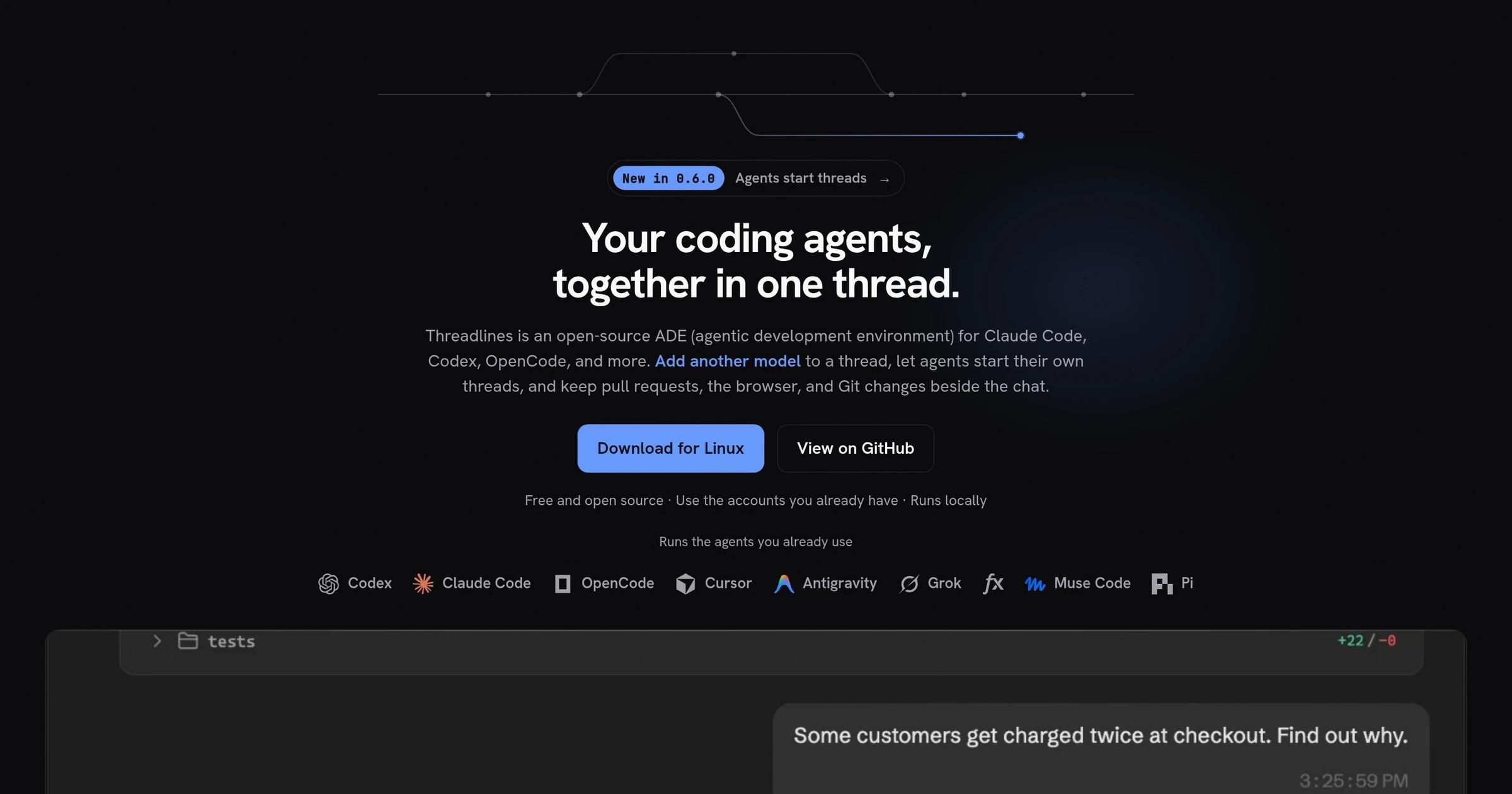
Add a second or third agent to an active conversation thread. Both agents share the same history, so you can ask Codex to verify Claude Code's output, or switch agents mid-task without losing the conversation. Any thread can run two agents in the same view.
An agent can split a large task across new sub-threads, each handled by the agent it picks. Results return to the parent thread when each finishes. By default the app asks for your confirmation before spawning new threads, and the new threads sit under the parent in the sidebar.
Review a GitHub pull request beside the thread that opened it. CI status appears above the composer, changed files and Git history are a click away, and you can send review feedback straight back to the agent without opening a separate browser tab.
Load a URL inside Threadlines and attach a screenshot or the exact page state to the next agent message. Useful for frontend work where the agent needs to see a rendered page to diagnose a visual issue, without switching to an external browser.
Browse changed files and commit history from within the app, then commit, push, and open a pull request without leaving the workspace. Each thread can be assigned its own Git worktree so multiple agents work in separate checkouts simultaneously.
Select lines from project files, terminal output, or a note and pin them to the next agent message. Avoids pasting long snippets manually or repeating context the agent needs to reconstruct from scratch at the start of each session.
Features
- Multi-agent threads
- Agents start sub-threads
- Pull requests and CI inline
- Built-in browser
- Git and source control actions
- Exact context pinning
How to install
Self-hosting uses Docker with a persistent volume for workspace data.
docker run -d --name threadlines --restart unless-stopped \
  -p 3773:3773 \
  -v threadlines-home:/home/threadlines \
  -v /path/to/your/repos:/workspace \
  ghcr.io/threadlines/threadlines:latest
Recommended for this setup
Strengths
- MIT license, locally run: Threadlines is MIT-licensed and runs on your machine against the agent accounts you already have. You pay nothing to Threadlines itself; costs come only from Claude API usage, OpenAI credits, or whichever providers you connect. No per-seat pricing and no managed infrastructure.
- Nine coding agents at launch: Claude Code, Codex, OpenCode, Cursor, Antigravity, fx, Grok Build, Muse Code, and Pi can each run in their own thread or share one. Switching agents mid-thread keeps the conversation history intact. New agents from the open ACP registry can be added as community agents.
- Docker self-hosting with phone access: One Docker command starts a Threadlines server on a VPS or home server. The server is accessible from any browser, and a QR code lets you pair a phone to check on running threads without sitting at your desk.
- Durable sessions with fork support: Sessions persist across restarts. Reopen the app and pick up the conversation and work history exactly where you left off. Fork a thread to explore an alternative approach with the same context, without losing the original thread.
Trade-offs
- Early-stage project: At 20 GitHub stars and version 0.x as of late 2026, Threadlines is new. Core workflows are functional, but the repository has 2 open issues and a small contributor base. Stability and agent coverage improve as the project matures; production teams should evaluate before committing.
- Requires installed agent CLIs: Threadlines drives Claude Code, Codex, and other agents as processes on your machine, so those CLI tools must be installed and authenticated. The first-run setup automates this with one-click installs, but teams on locked-down machines may need to configure the CLIs manually beforehand.
- No cloud-managed option: Unlike Devin or Conductor, there is no managed hosted tier. All compute and context management happens locally or on your own server. This gives you full control but means you own the infrastructure overhead: updates, uptime, and remote-access configuration are yours to manage.
Tech stack
FAQ
Yes. Threadlines is MIT-licensed and free to download, run, and self-host. You connect your own agent accounts (Claude API key, OpenAI account, etc.) and pay only the usage costs those providers charge. There is no Threadlines subscription or per-seat fee.
The current stable release supports Claude Code, Codex, OpenCode, Cursor, Antigravity, and fx. Grok Build, Muse Code, and Pi are available in nightly builds ahead of the 0.7.0 release. Community agents from the open ACP registry can also be installed, though Threadlines has not tested them directly.
Devin is a fully autonomous cloud agent that handles an entire engineering task in isolation. Threadlines is an orchestration layer for the coding agents you already use: you stay in the loop, direct which agent handles which task, and review output in a shared workspace. Threadlines does not replace Claude Code or Codex; it runs them together.
Yes. One Docker command starts the server on a VPS or home machine, and it is then accessible from any browser. A QR-code pairing flow connects a phone to the running instance. See docker/README.md in the repository for the full setup guide including remote-access configuration.
Threadlines drives agents that are installed on your machine, but the first-run setup includes one-click installation of supported agents so you can go from zero to running in a single session. If your environment restricts CLI installs, set up the agents manually beforehand and then connect them through Threadlines settings.