
Terminal
Modern, feature-rich terminal for Windows command-line users.
Replaces Warp
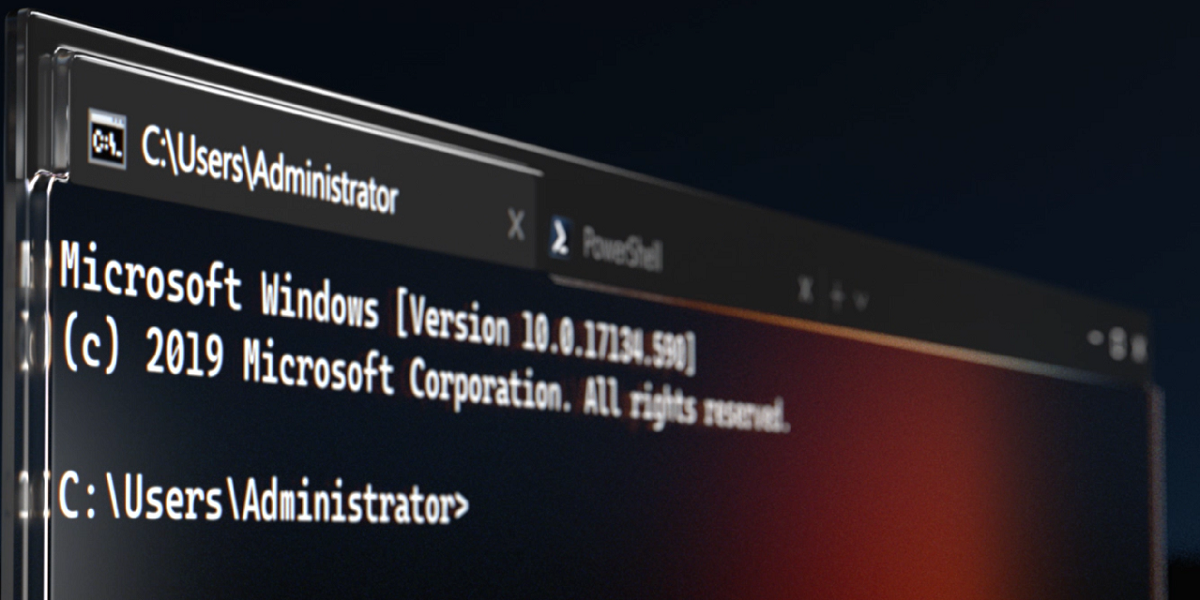
Who it's for
A developer working on Windows needs a powerful and customizable terminal to interact with various development tools, run scripts, manage Git repositories, and access WSL environments efficiently.
The user primarily develops on macOS or Linux and does not use Windows for development.
An IT professional manages Windows servers and workstations, requiring a robust command-line interface for scripting, remote management, and troubleshooting tasks.
The user relies solely on GUI tools for system administration or manages non-Windows systems exclusively.
A Windows power user wants to personalize their command-line experience with custom themes, fonts, and keybindings, and leverage advanced features like tabs and rich text for daily tasks.
The user prefers a minimalist command-line experience or rarely uses the command line.
A community member interested in contributing to the development of Windows Terminal, requiring access to the source code, build instructions, and developer guidance.
The user is only interested in using the terminal and has no desire to contribute to its development.
The problem
The traditional Windows Console Host (conhost.exe) was limited by its primary goal of maintaining backward compatibility, preventing the addition of highly requested modern features like tabs, unicode text, and emoji support. This created a less productive and less enjoyable command-line experience for Windows users compared to terminals on other operating systems.
How it works
Supports multiple command-line instances within a single window, improving workflow and organization.
Offers enhanced text rendering, including support for Unicode, emoji, and 24-bit color.
Allows users to customize themes, styling, key bindings, and profiles for different shells (PowerShell, WSL, Cmd).
Engineered to be fast and efficient, minimizing memory and power consumption.
Utilizes a modern pseudoconsole architecture for improved communication with command-line applications.
Leverages modernized components from the Windows Console Host, including a DirectWrite-based rendering engine and a robust text buffer.
Features
- Tabbed Interface
- Rich Text & Globalization
- Extensive Configurability
- Performance & Efficiency
- Pseudoconsole (ConPTY)
- Shared Components
How to install
winget install --id Microsoft.WindowsTerminal -e
Recommended for this setup
Strengths
- Modern & Feature-Rich: Provides a highly requested set of modern features that significantly enhance the command-line experience on Windows.
- Microsoft Backed: Developed and maintained by Microsoft, ensuring long-term support, integration with Windows, and continuous updates.
- Highly Customizable: Offers extensive options for personalization, allowing users to tailor the terminal to their specific preferences and workflows.
- Open Source: The codebase is open source, fostering community contributions and transparency in development.
- Automatic Updates: Recommended installation via the Microsoft Store ensures users always receive the latest features and security fixes automatically.
Trade-offs
- Windows-Specific: Primarily designed for Windows, limiting its direct applicability for users on macOS or Linux.
- Manual Update Burden: Manual installations (via GitHub releases) do not auto-update, requiring users to regularly download and install new versions for fixes and improvements.
- Dependency on Windows 10/11: Requires Windows 10 2004 (build 19041) or later, excluding users on older Windows versions.
- Canary Build Instability: The nightly "Canary" builds offer early access to features but are the least stable, potentially introducing bugs.
Tech stack
FAQ
Windows Terminal is a new, modern, feature-rich application built to provide a productive command-line experience. The Windows Console Host (conhost.exe) is the original Windows command-line user experience, primarily focused on backward compatibility, and its code is now part of this repository.
The recommended method is to install it from the Microsoft Store, which provides automatic updates. Alternatively, you can download .msixbundle files from the GitHub Releases page, or use package managers like winget, Chocolatey, or Scoop.
This usually happens if you're launching the incorrect solution in Visual Studio. Ensure you are building and deploying the CascadiaPackage project, not OpenConsole.exe, which is just a locally-built conhost.exe.
Yes, Windows Terminal is highly configurable. You can customize themes, color schemes, fonts, background images, key bindings, and create profiles for different command-line shells.
Windows Terminal requires Windows 10 2004 (build 19041) or later. For development, specific SDKs and Visual Studio versions are also required.