
Tab
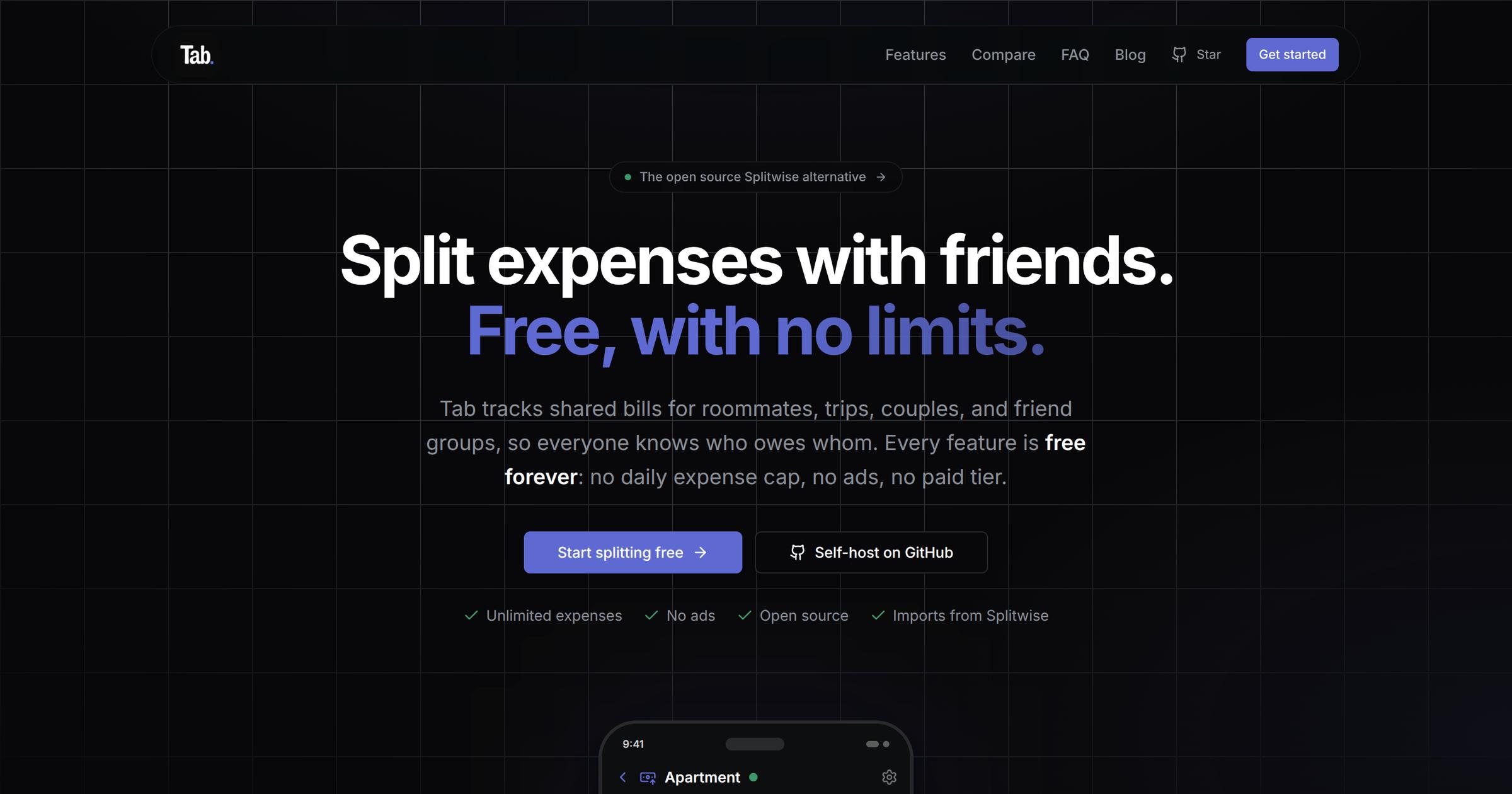
Expense splitting with no daily cap, no ads, and no paywall.
Replaces Splitwise, Settle Up, Tricount, Partly, Splid
Who it's for
Set up a tab for the apartment, add everyone in the household, and use recurring bills to post rent and utilities automatically each month. Tab keeps a live balance so no one has to ask who owes what. The placeholder friend feature lets you add a future roommate before they have an account.
Skip if your household is on Splitwise and everyone has an established expense history there that they are not willing to import or leave behind.
Log expenses in local currency as you go. Tab converts each transaction at the historical rate for that day, so when the group settles up after the trip the math reflects what everyone actually paid. QR code invites let you add a new person to the tab on the spot.
Skip if your group needs offline expense entry. Tab requires a network connection to log expenses; the offline-first mode listed in the README is not yet implemented.
Export your Splitwise data as a CSV and import it into Tab. Your full expense history comes with you, so you can continue splitting with the same group without rebuilding history from scratch. The comparison table on Tab's website documents which Splitwise Pro features are included free in Tab.
Skip if most people in your group have active Splitwise Pro subscriptions and are unlikely to switch. Tab works best when everyone in the group is willing to move to a new tool.
Run Tab on your own server with the Docker Compose setup. Expense data never leaves your infrastructure, and the AGPL-3.0 license means no vendor can retroactively restrict what you do with your self-hosted instance. Magic link authentication means no plaintext passwords are stored.
Skip if you lack the infrastructure to run PostgreSQL, Redis, and a Docker host. The hosted version at tabit.in is a free alternative if self-hosting is not practical for you.
The problem
Expense splitting apps work until they don't. Splitwise, the app most friend groups and roommates use, limits its free users to a daily expense cap, then shows a cooldown timer and an upgrade prompt at $40 per year. For college students, travelers, and young couples, this friction is enough to stop logging altogether, which means losing track of who owes what entirely. The free tier also shows ads and withholds currency conversion and expense search for Pro subscribers. These are not edge-case features: they are the core of a useful splitting app for anyone who travels or needs to review past expenses. Paying for Pro per person adds up fast when the whole group needs to use the same app.
How it works
Say an expense out loud in natural language and Tab parses who paid, the amount, and which tab it belongs to. The underlying parsing uses Google Gemini (optional; configure a GOOGLE_GENERATIVE_AI_API_KEY in your environment for self-hosted deployments). This removes the need to open a form and fill in fields while traveling or cooking.
Export your expense history from Splitwise as a CSV file and upload it into Tab. Your full history of past expenses carries over so you can keep splitting with the same group without starting from zero.
Each expense and settlement can be recorded in the currency you paid in. Tab applies the exchange rate for that transaction's date rather than today's rate, so the conversion stays accurate when you settle up weeks after a trip. The home currency for each tab is set at creation.
Set a bill to repeat weekly, monthly, or on specific weekdays and Tab posts it on schedule without manual entry. Pause or resume recurring expenses at any time. FX conversion runs per occurrence, so recurring international payments stay accurate. Useful for rent, utilities, and subscriptions shared with roommates.
Add a named placeholder to a group before the person has an account. Splits, settlements, and recurring rules apply to placeholders like full members. When the person signs up, merge the placeholder into their account in one step and their full history carries over.
Tab calculates the fewest number of transfers needed for everyone in a group to settle up. Instead of each person paying every other person separately, the algorithm reduces the settlement to the minimum set of transactions. The result shows in the tab's balances view.
Features
- AI voice expense entry
- Splitwise CSV import
- Multi-currency with historical FX conversion
- Recurring bills
- Placeholder friends
- Simplified debt reduction
How to install
Self-host Tab with Docker Compose on a server with PostgreSQL and Redis.
git clone https://github.com/incentyvise/tabit.git
cd tabit
cp .env.example .env
docker compose -f cloud-docker-compose.yml up -d --build
Recommended for this setup
Strengths
- No paywall on any feature: Every feature in Tab is free to all users with no daily cap, no ad-supported tier, and no premium plan. The hosted version at tabit.in is funded by optional donations. Splitwise's free plan limits daily expenses, withholds currency conversion, and shows ads. Tab imposes none of those restrictions.
- AGPL-3.0 self-hosting with full data control: The source code is published under AGPL-3.0 and the Docker Compose setup lets you run Tab on your own server. Under AGPL-3.0 you can self-host for personal, team, or internal commercial use. If you run a modified version as a network service, you must share the modified source with users under the same license. Your expense data stays on your server and is accessible only to you.
- Passwordless authentication: Sign in with a one-time code sent to your email. No password to create, store, or reset. This eliminates a whole class of account security issues for a tool that holds financial data, and reduces friction for new users joining a group tab for the first time.
Trade-offs
- Self-hosting requires PostgreSQL, Redis, and an email service: The Docker Compose setup needs a running PostgreSQL database, a Redis instance, and a Sequenzy account for transactional email (magic link authentication). This is a multi-service deployment with several environment variables to configure. Users looking for a one-command install or a SQLite-based option will not find one here.
- Progressive web app only, offline mode not yet implemented: Tab installs on iOS, Android, Mac, Windows, and Linux from the browser as a progressive web app. There are no native apps in the App Store or Google Play. The README marks offline-first IndexedDB persistence as not yet implemented, so the app requires a network connection to log expenses.
- Very new project with minimal community: The repository was created in March 2026 and has 2 GitHub stars. There are no third-party integrations, no community forum, and no published roadmap outside the GitHub issues tracker. Users who rely on a large ecosystem of tutorials or community support will not find that here.
Tech stack
FAQ
Yes. Tab has no daily expense cap, no ads, and no paid plan. Every feature is available to all users. The hosted version at tabit.in is funded by optional donations and is free forever.
Yes. Export your Splitwise history as a CSV file from the Splitwise app, then upload it in Tab. Your full expense history carries over so you can continue with the same group without starting from zero.
Yes. The full source is on GitHub under the AGPL-3.0 license. The README documents a Docker Compose setup that runs the API, workers, PWA, and admin services. You need a PostgreSQL database, a Redis instance, and a Sequenzy account for transactional email. Under AGPL-3.0 you can self-host for personal, team, or internal commercial use; running a modified version as a hosted service for others requires sharing the modified source.
No. Tab is a progressive web app. You install it to your home screen from the browser on iPhone, Android, Mac, Windows, or Linux. It supports push notifications for new expenses and settlements. There is no App Store or Google Play listing.
Not yet. The README lists offline-first IndexedDB persistence as a planned feature but marks it not yet implemented. Logging expenses currently requires a network connection. Both the hosted version and self-hosted instances require internet access to function.