
Stacklit
Codebase index for AI agents, 78-82% fewer greps, free Go binary.
Replaces —
Who it's for
Teams working on repos with 10,000 or more files get a measurable cost and speed improvement. AI agents on large codebases spend a large fraction of each session on file discovery; the map replaces most of that with a single ranked query.
Repo has fewer than 5,000 files; on small repos the map overhead increases session costs rather than reducing them.
The benchmark found 12-22% cheaper sessions for 'where is it' and 'where does a new thing go' question types. Developers onboarding to an unfamiliar codebase or adding a feature in a large system benefit most from the ranked file list and the dependency graph.
`stacklit setup` writes Claude Code's CLAUDE.md, Cursor's config and .mcp.json, and Codex's AGENTS.md in one pass. Teams already using these tools get a low-friction path to a shared codebase map with no per-tool manual configuration.
Team uses a single AI tool that already ships built-in codebase indexing meeting their needs.
The problem
Every new AI coding session opens blind. The agent has no memory of your codebase structure, so it lists folders, reads directory trees, runs grep, and opens individual files to find its way before writing a single line of code. On a large codebase that orientation loop repeats in full every session and can consume a quarter or more of the total token budget on file-discovery calls that return the same results each time. This is not a limitation of any particular AI tool; it is a property of stateless sessions with no persistent context. Some commercial platforms include their own codebase indexing, but it runs in the cloud, adds to your seat costs, and requires trusting the provider with your source code. Local indexing options generally require manual configuration per tool, leave the index stale when code changes, and do not support multiple AI assistants from one config. Stacklit targets this gap with a local, deterministic codebase map that multiple AI tools read, that updates on every commit, and that an agent can query with a plain question to get a ranked, token-budgeted file list.
How it works
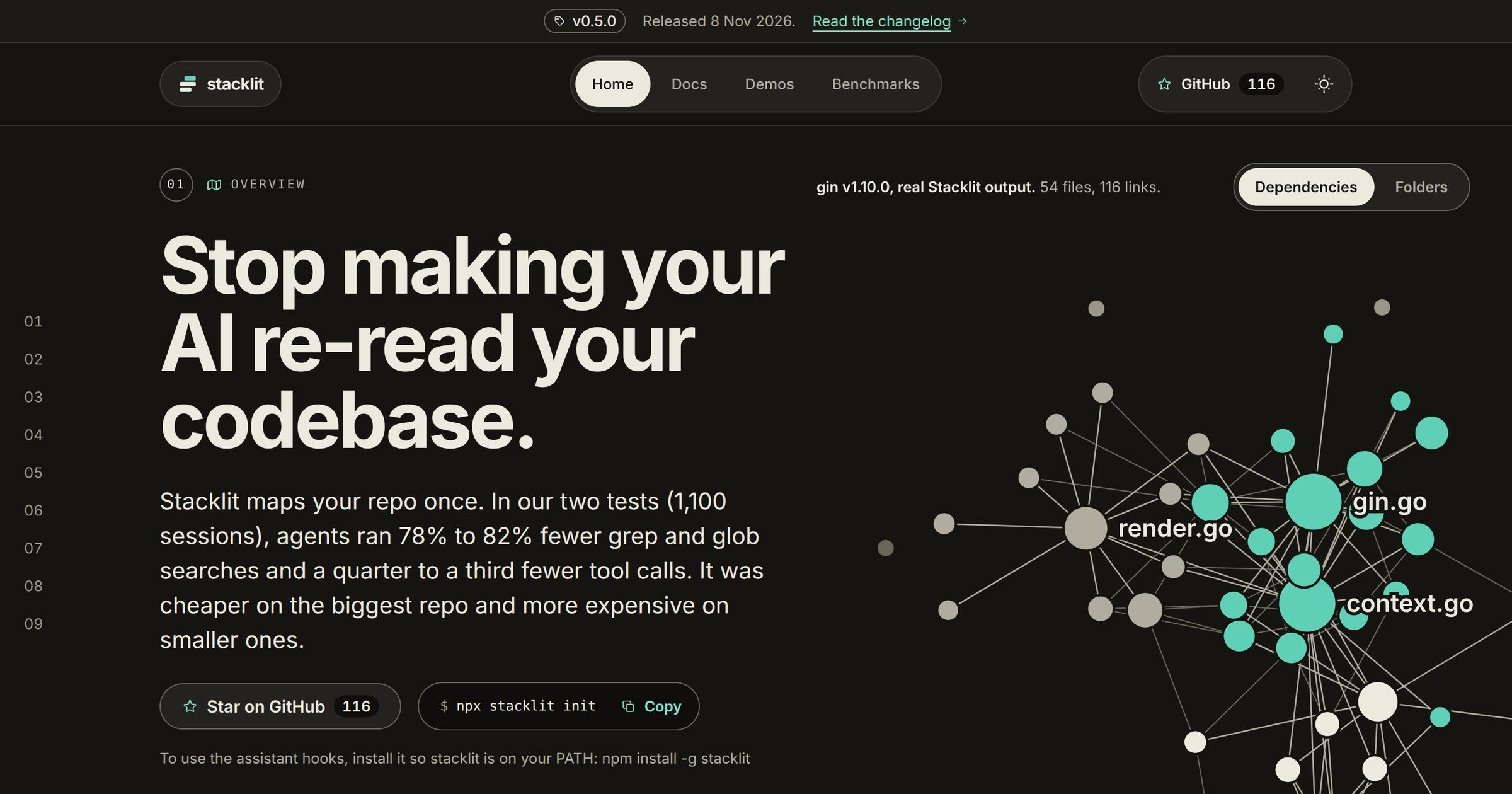
Stacklit parses your repo with tree-sitter and builds a dependency graph covering 48 languages, with full call edges and symbol lookup for 20 of them including Go, Python, TypeScript, Rust, Java, C#, Kotlin, Swift, PHP, and Ruby. The result is a `stacklit.json` file you commit alongside your code.
Ask a plain question and get a ranked file list that fits an explicit token budget. The `query` command takes a natural language question and a `--budget` parameter (in tokens) and returns ranked function signatures and call sites. Additional commands include `slice` (one symbol's source), `impact` (what depends on it), `explain`, `path`, and `hubs`.
Run `stacklit setup` and it finds the AI assistants installed on your machine and writes the config each one reads: CLAUDE.md for Claude Code, AGENTS.md for Codex, opencode.json for OpenCode, and so on. It supports 25 targets including Cursor, Copilot, Windsurf, Zed, and Amp, plus a generic AGENTS.md for anything else.
Setup installs post-commit, post-checkout and post-merge git hooks that run `stacklit init` automatically when you commit, switch branches, or merge. The updated `stacklit.json` can be committed alongside code so every AI tool always reads the current state of the codebase.
Run `stacklit serve` to start an MCP-compatible server exposing 15 tools, or use `--profile minimal` for 4 core tools at about 230 tokens of schema. MCP-compatible agents can query the index, run impact analysis, and slice symbol definitions without touching the filesystem directly.
Features
- Tree-sitter symbol graph across 48 languages
- Token-budgeted query commands
- One-command wiring for 25+ AI tools
- Git hooks keep the map fresh
- MCP server with 15 tools
How to install
Install Stacklit from npm or Homebrew, then run the two setup commands to map your repository and configure your AI tools.
npm install -g stacklit
stacklit init
stacklit setup
Recommended for this setup
Strengths
- Fully local, no telemetry: The Go binary makes no network calls during analysis. The only optional outbound request is loading language icons for the interactive HTML map from thesvg.org; set `STACKLIT_MAP_ICONS=off` to disable that too. No account, no cloud dependency, no telemetry of any kind.
- Deterministic output you can commit and diff: The same repository at the same commit always produces the same `stacklit.json` bytes. You can commit the index and diff it in pull requests, so changes to the dependency graph are visible and reviewable as code alongside the changes that caused them.
- Cost benefit scales with repo size: On a 16,000-file repository, Stacklit reduced agent session costs by 22% (cost ratio 0.78 [0.70, 0.86] in a 50-session paired test). The map overhead is proportionally cheaper on the codebases where file discovery already burns the most tokens per session.
Trade-offs
- Increases cost on small repos: On repos with fewer than about 1,300 files, the map adds more overhead than it saves. The benchmark found 10% more expensive sessions at around 1,300 files, 23-37% more expensive at around 400 files, and up to 61% more expensive at around 2,900 files in one test round. The cost break-even is roughly 10,000 files or more.
- New project with 9 open issues: The repo launched in April 2026 and had 9 open issues at time of indexing. As a relatively new project it may have rough edges in parsing edge cases or handling unusual monorepo layouts. The benchmark also notes its 81% first-file accuracy was measured on its own tuned test set, which is an upper bound.
Tech stack
FAQ
No. The CLI binary makes no network calls during analysis. The only optional outbound request is loading language icons for the interactive HTML map from thesvg.org; set the environment variable `STACKLIT_MAP_ICONS=off` to disable that. No code, metadata, or usage data leaves your machine.
`stacklit setup` supports 25 targets at v0.5.0, including Claude Code, Cursor, Codex, Gemini CLI, GitHub Copilot, Windsurf, Zed, Amp, Aider, Cline, Continue, OpenCode, Roo Code, and Kiro, plus a generic AGENTS.md. Run `stacklit setup --list` to see all 26 targets. Any tool not listed can read `stacklit.json` directly without setup.
No. Cost savings depend heavily on repo size. On a 16,000-file project sessions ran 22% cheaper (cost ratio 0.78). On repos with 400-2,900 files the sessions cost 10-61% more because the map overhead is larger than the grep reduction. The recommended threshold for a net cost benefit is roughly 10,000 files or more.
`stacklit setup` installs git post-commit, post-checkout, post-merge, and post-rewrite hooks that run `stacklit init` automatically whenever you commit, switch branches, or merge. The updated `stacklit.json` can then be committed alongside code so the AI tools always read the current map.
Stacklit indexes 48 languages and formats. Full symbol graph and call edges (the `query`, `slice`, and `impact` commands) are available for 20: Go, Python, TypeScript/JavaScript, Rust, Java, C#, Kotlin, Swift, PHP, Ruby, C, C++, Scala, Dart, Elixir, Lua, Zig, Haskell, OCaml, and Solidity. All other supported languages get file-level module and import data without call edges.