
Parallel Code
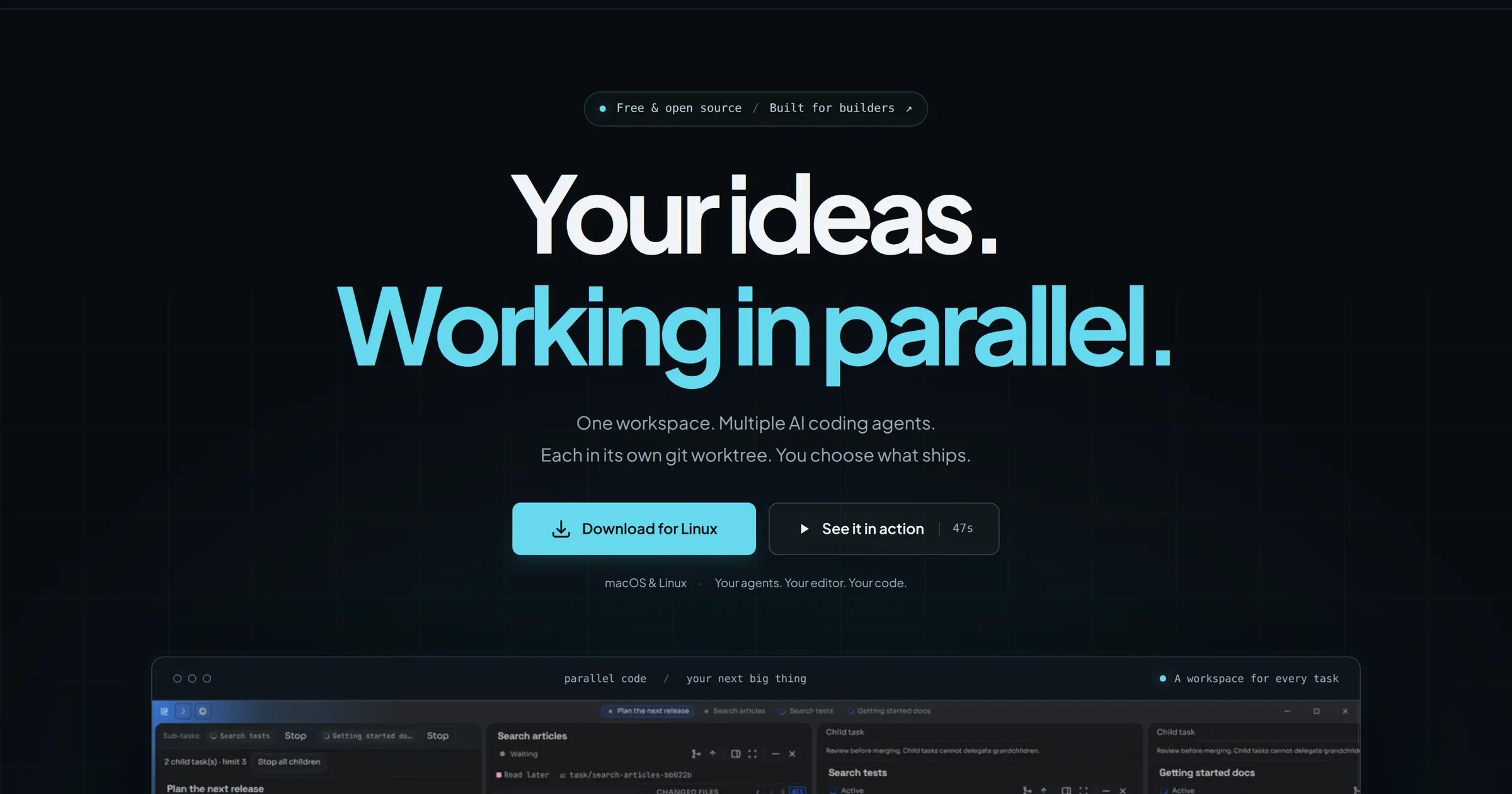
Run AI coding agents in parallel, each in its own worktree
Replaces Conductor, Claude Code, Cursor, Github Copilot
Who it's for
Parallel Code fits developers who want several agents to try the same problem in isolated branches.
You prefer one carefully supervised agent session over parallel experiments.
The worktree model helps run non-overlapping tasks concurrently while preserving a normal git review path.
Your repository workflow does not allow local worktrees or branch-based review.
The problem
AI coding agents are useful, but one-at-a-time execution can block the developer while each attempt runs. When a task can be split or explored in several directions, serial prompting wastes time and makes comparison harder. Parallel agent work also needs isolation. Without separate branches and worktrees, concurrent agents can overwrite each other or leave the developer with a tangled working tree.
How it works
Parallel Code creates separate branches and git worktrees so each agent can work without sharing the same checkout.
The tool is designed to spawn multiple AI agents so independent tasks or competing approaches can run at the same time.
The README describes reviewing completed work and merging the preferred branch back from the sidebar.
Features
- Git worktree isolation
- Parallel agent execution
- Merge-oriented review flow
Recommended for this setup
Strengths
- Useful for exploratory coding: Parallel Code is strongest when a developer wants several attempts at a change or wants independent subtasks handled at once.
- Built around normal git primitives: Using branches and worktrees keeps the workflow understandable to teams that already review and merge code through git.
Trade-offs
- Requires merge discipline: Parallel output still needs human review. Teams should expect to compare branches, resolve conflicts, and reject weak agent changes.
Tech stack
FAQ
Parallel Code creates branches and worktrees, then runs AI coding agents in those isolated directories.
Worktrees let several agents edit separate checkouts without colliding in the same working directory.
The README describes a review and merge flow, but developers should still inspect each branch before merging.