PakePlus
Turn any webpage into a desktop or mobile app
Replaces —
Who it's for
Teams running an internal web platform can wrap it in PakePlus to distribute a dedicated desktop client, controlling access and preventing casual URL sharing outside the organization.
The tool requires authenticated access or distributing builds outside a public GitHub repository.
Developers who have built a Vue or React application and do not want to pay for hosting can package the compiled dist folder as a desktop app and distribute it directly.
The app relies on server-side rendering or dynamic API calls that require a running backend.
Power users can wrap frequently visited web tools — dashboards, note-taking apps, or productivity sites — into standalone desktop windows with custom JavaScript injected to remove ads or automate interactions.
The target site uses authentication flows that break in a Tauri WebView.
Developers with Cocos or Unity projects exported to WebGL can package them as cross-platform desktop or mobile clients without maintaining a separate native build pipeline.
The game requires platform-specific native plugins or hardware access beyond what a Tauri WebView provides.
The problem
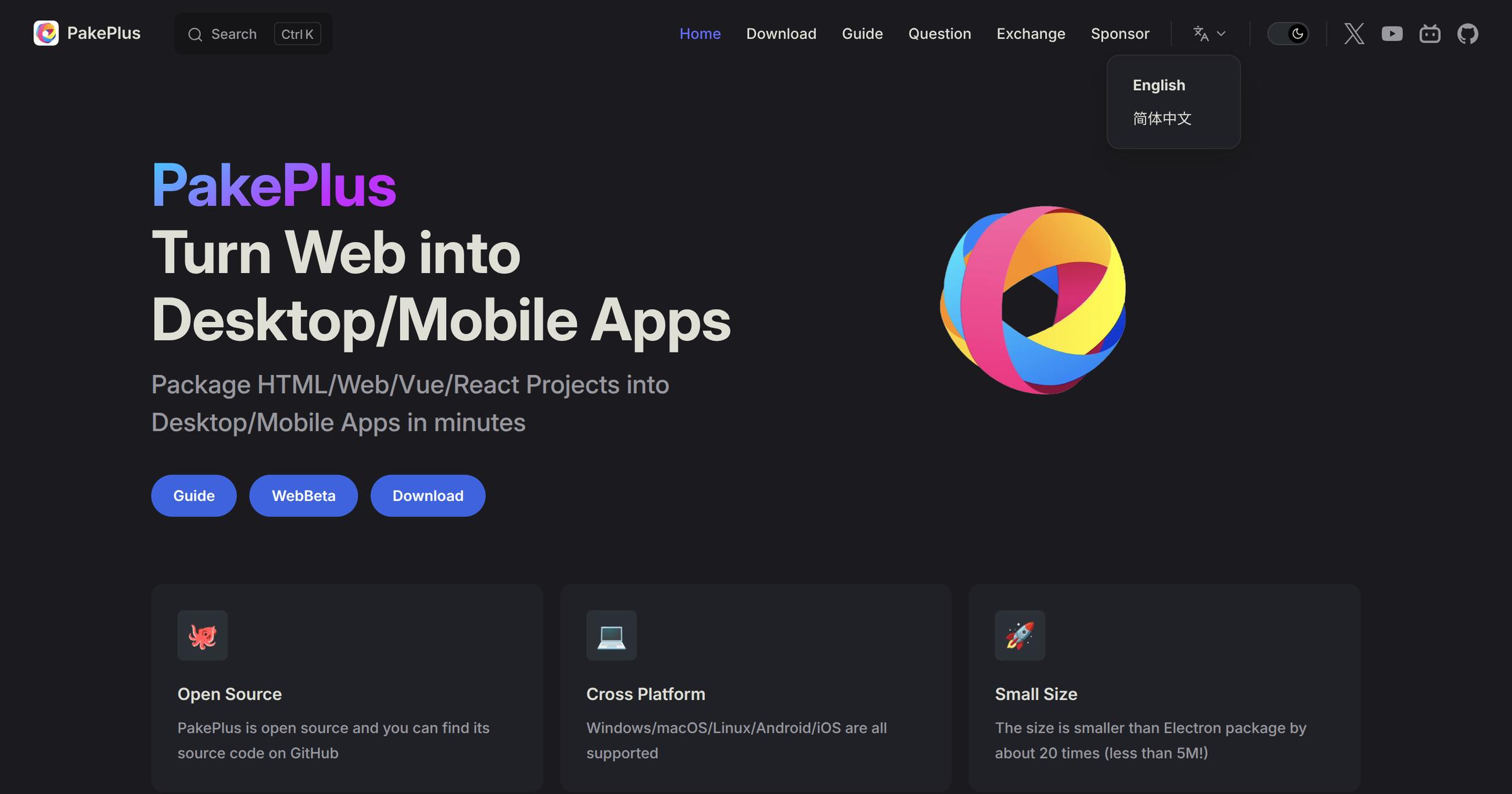
Distributing a web app or internal tool as a desktop or mobile client normally means maintaining a separate Electron or native project, installing heavy local dependencies, and managing platform-specific build pipelines. PakePlus removes that overhead by wrapping any URL or compiled web project in a Tauri shell and handling compilation through GitHub Actions, producing small binaries without touching the developer's local environment.
How it works
Provide a GitHub Token and PakePlus forks a template repository into your account, then uses GitHub Actions to build and release the app automatically. No Rust or Node.js installation required on the host machine.
For users without a GitHub Token, local packaging runs entirely on the machine and completes in roughly 30 seconds without installing any additional dependency environments.
Because the wrapper is built with Rust and Tauri rather than Chromium, packaged apps are approximately 20 times smaller than Electron builds and start faster.
A single project produces builds for Mac, Windows, Linux, Android, and iOS. Android and iOS packaging uses native frameworks separate from Tauri2 for smaller binary sizes.
Users can write and inject custom JavaScript into the packaged app, including calls to system-level APIs for file downloads, command execution, and opening new windows.
Drop a compiled Vue or React dist folder, or a standalone index.html, directly into PakePlus to create a fully offline desktop app without pointing at a live URL.
Features
- Cloud packaging via GitHub Actions
- Local packaging in 30 seconds
- Under 5 MB app output
- Cross-platform targets
- Custom JavaScript injection
- Static project support
How to install
# Download the latest release from: # https://github.com/Sjj1024/PakePlus/releases # For custom development: pnpm i pnpm run dev # local development pnpm run build # package the app
Recommended for this setup
Strengths
- No local toolchain required: The cloud path requires only a GitHub Token. Developers who do not want to maintain a Rust or Tauri environment locally can package and release apps entirely through GitHub Actions.
- Significantly lighter than Electron: Tauri's Rust core produces binaries under 5 MB, compared to the 50-100 MB typical of Electron apps. This reduces download size and cold-start time for end users.
- Token data stored locally: The GitHub Token is stored only on the local machine and never sent to PakePlus servers. The compiled app and its assets live in the user's own GitHub repository.
Trade-offs
- Front-end source partially closed: After incidents involving packaging of illegal software, the PakePlus front-end code is no longer fully open-source. The core repository remains on GitHub under MIT, but the UI source is withheld.
- Packaged apps are publicly accessible: When using the GitHub Token path, compiled releases are stored in a public GitHub repository and can be viewed by anyone. Projects requiring confidential distribution are not a good fit.
- Mac users need a manual step: Because the app lacks an Apple developer signature, macOS shows an 'App is damaged' prompt on first launch. Users must run a one-time terminal command to remove the quarantine attribute before opening the app.
- Personal use terms: The documentation states that packaging is intended for personal use and should not be redistributed or used for commercial purposes when using the GitHub Token path. Users should review the terms before distributing packaged apps commercially.
Tech stack
FAQ
Not for the cloud packaging path. Providing a GitHub Token lets PakePlus use GitHub Actions to compile the app remotely. For local packaging, no dependency installation is required either — the local path is self-contained and completes in around 30 seconds.
PakePlus supports local packaging without a token. The local path runs on your machine, takes roughly 30 seconds, and does not fork any repository or require a GitHub account.
The app does not carry an Apple developer signature, which costs $99 per year. To bypass the prompt, run: sudo xattr -r -d com.apple.quarantine /Applications/PacBao.app (replace the app name with your packaged app's name if applicable), then reopen the app.
Yes. PakePlus supports static file packaging: drop a compiled dist folder or a standalone index.html into the tool to create a desktop app that runs entirely offline without pointing at a hosted URL.
When using the GitHub Token path, PakePlus forks a template repository into your GitHub account and stores compiled releases there. The repository is public, so anyone with the link can download the release. For private distribution, local packaging keeps binaries on your own machine.