
OpenShot
Free open source video editor for Linux, Mac, and Windows
Replaces Adobe Premiere Pro, Davinci Resolve Studio, Final Cut Pro, Capcut
Who it's for
Use OpenShot when a class needs a free desktop editor for assignments, presentations, and basic video storytelling.
The curriculum teaches professional post-production or Adobe-specific certification.
Use OpenShot for product walkthroughs, social clips, event recaps, or internal training videos that do not need a studio pipeline.
You need shared media libraries, advanced color workflows, or multi-editor collaboration.
The problem
Many creators need to cut clips, add titles, arrange audio, and export finished videos, but paid professional editors carry subscription costs and workflows built for full production teams. That is overkill for classrooms, small teams, hobby creators, and occasional marketing work. The challenge is finding a video editor that is accessible without forcing users into a web-only editor or a vendor account. Local desktop editing still matters when files are large, internet access is limited, or users want to keep media on their own machine.
How it works
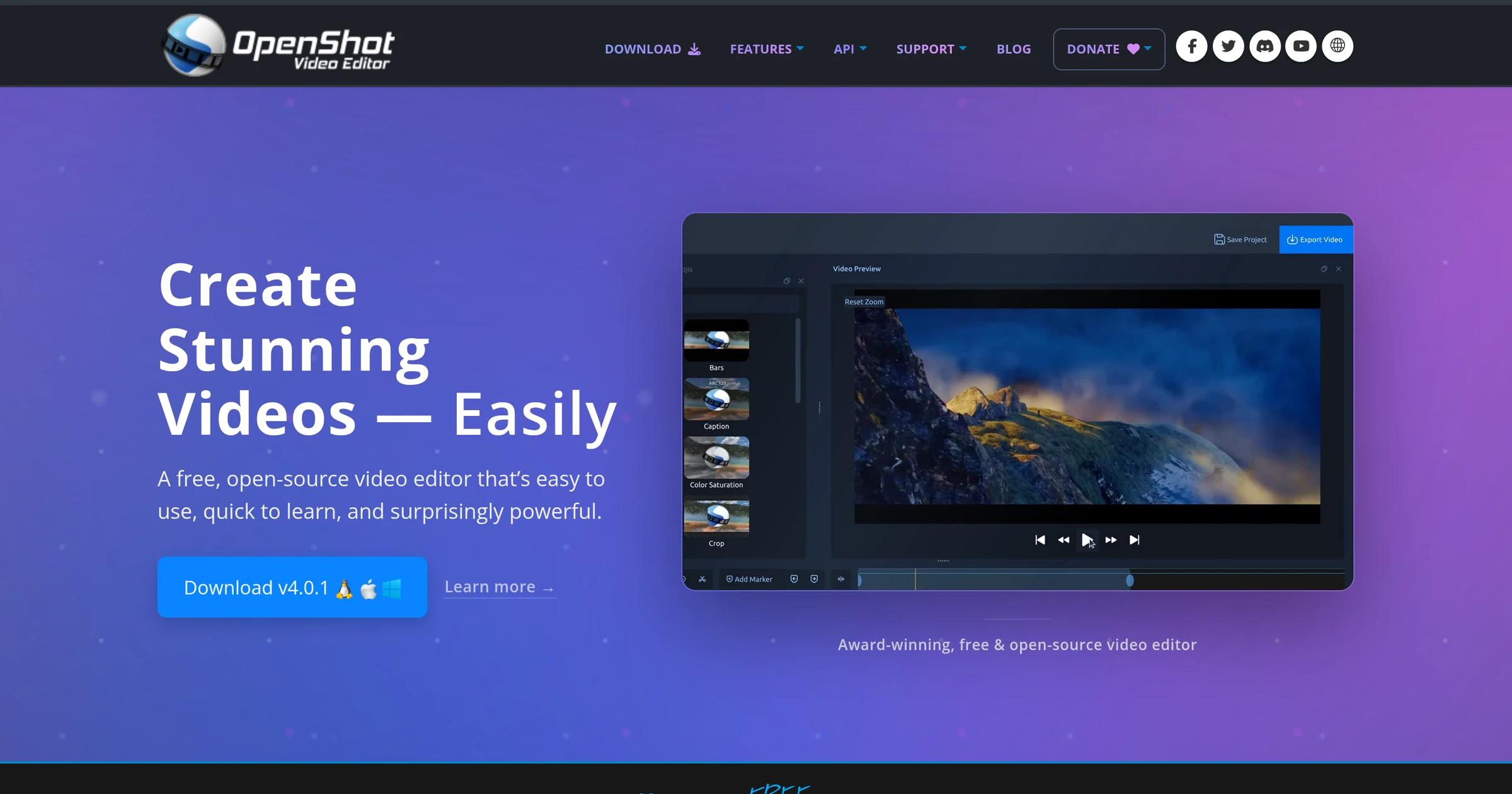
OpenShot provides a non-linear timeline for arranging clips, audio, transitions, titles, and effects in a desktop editing workflow.
The project ships for Linux, Windows, and macOS, which helps mixed teams and classrooms standardize on one editor.
OpenShot includes practical editing tools for title overlays, animated titles, clip transitions, and basic visual effects without requiring a paid plug-in stack.
Features
- Timeline-based editing
- Cross-platform desktop releases
- Titles, transitions, and effects
Recommended for this setup
Strengths
- Accessible for non-professional editors: OpenShot is easier to approach than full professional suites, making it useful for users who need common editing tasks without a steep production workflow.
- Local editing without subscription fees: Users can edit videos on their own machine without paying recurring licensing costs or uploading media to a hosted editor.
Trade-offs
- Not a full studio post-production suite: OpenShot is best for common editing work. Teams needing advanced color grading, collaborative workflows, or high-end post-production pipelines should evaluate Kdenlive, DaVinci Resolve, or Premiere.
Tech stack
FAQ
Yes. OpenShot is free desktop video editing software with source available through the project repository.
OpenShot can replace Premiere Pro for basic editing, titles, transitions, and exports. Premiere remains stronger for professional post-production and collaborative media workflows.
Yes. OpenShot supports Linux, Windows, and macOS.