
OpenFlowKit
Local-first AI diagramming tool for developers and builders
Replaces Eraser Io, Lucidchart, Miro, Edrawmax
Who it's for
OpenFlowKit fits teams exploring visual ways to design and reason about automation flows.
You need a mature hosted diagramming suite with enterprise collaboration controls.
The AI and workflow tags make it a candidate for teams prototyping agent process maps.
You only need a static drawing tool for one-off diagrams.
The problem
Teams often design workflows in static diagrams, then reimplement the same logic elsewhere. That gap creates stale documentation and makes it harder to see how an automation or agent flow should actually behave. Developer-oriented flow tools need to balance visual clarity with operational control. If the canvas cannot map to real workflows, it becomes decoration rather than part of the system.
How it works
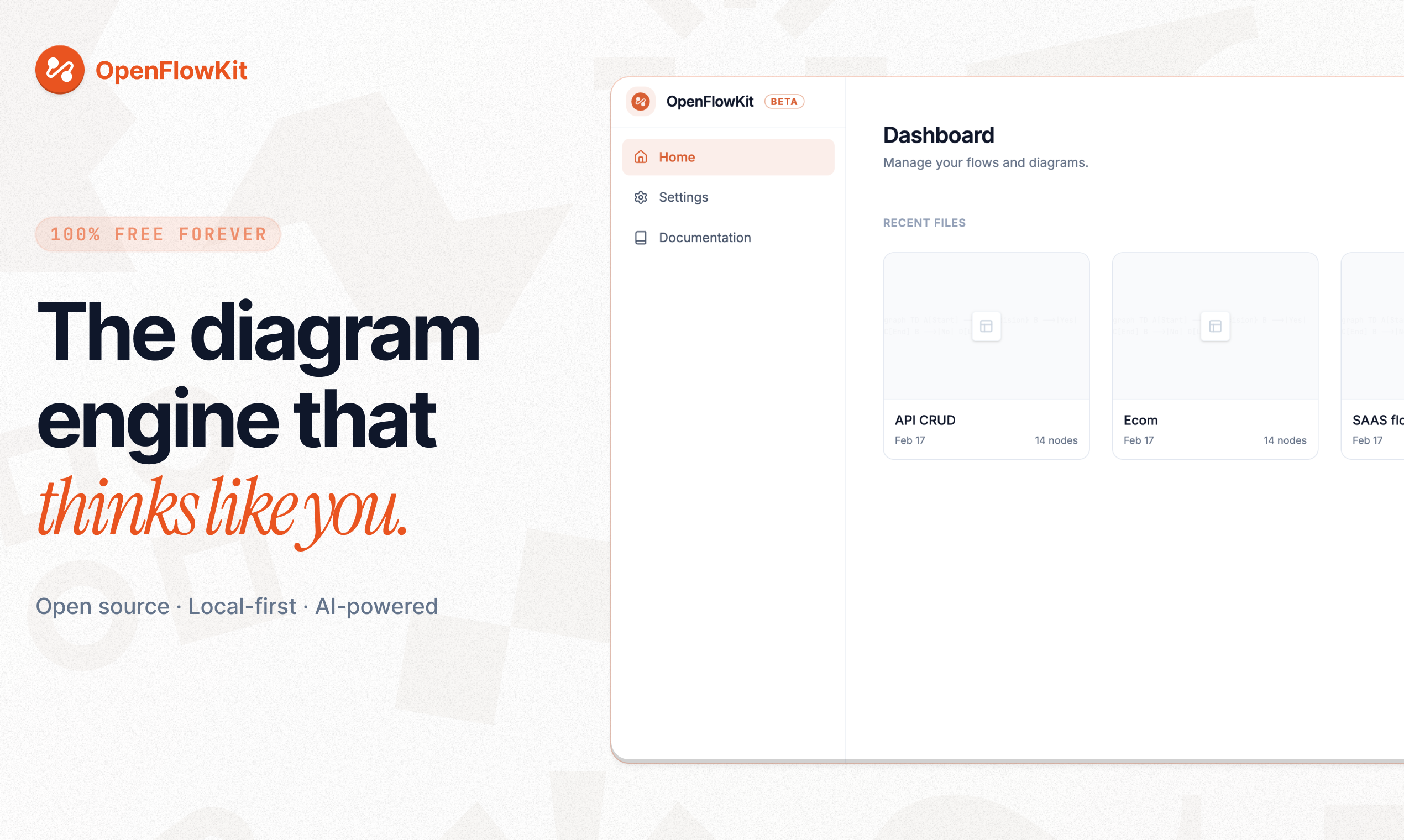
OpenFlowKit is positioned as a diagramming and workflow automation tool for design and developer workflows.
The item is tagged local-first and self-hosted, which makes it relevant for teams that want visual workflow control without a hosted-only canvas.
The AI agent tags make OpenFlowKit worth evaluating for teams sketching or building agentic workflows.
Features
- Diagramming workflow focus
- Local-first positioning
- AI and agent context
Recommended for this setup
Strengths
- Bridges design and implementation: OpenFlowKit is most interesting when diagrams need to connect to developer-owned workflow logic.
- Source-visible evaluation: The GitHub project gives teams a way to inspect the implementation before trusting it for workflow planning.
Trade-offs
- Source claims need a deeper pass: Teams should verify current feature coverage and deployment details before treating OpenFlowKit as core workflow infrastructure.
Tech stack
FAQ
OpenFlowKit should be evaluated as a diagramming and workflow automation project for developer-oriented visual flows.
OpenFlowKit appears relevant for self-hosted evaluation, but teams should confirm the exact deployment path in current upstream documentation.
Developers and AI teams planning visual workflow or agent flow tooling are the best fit for evaluation.