
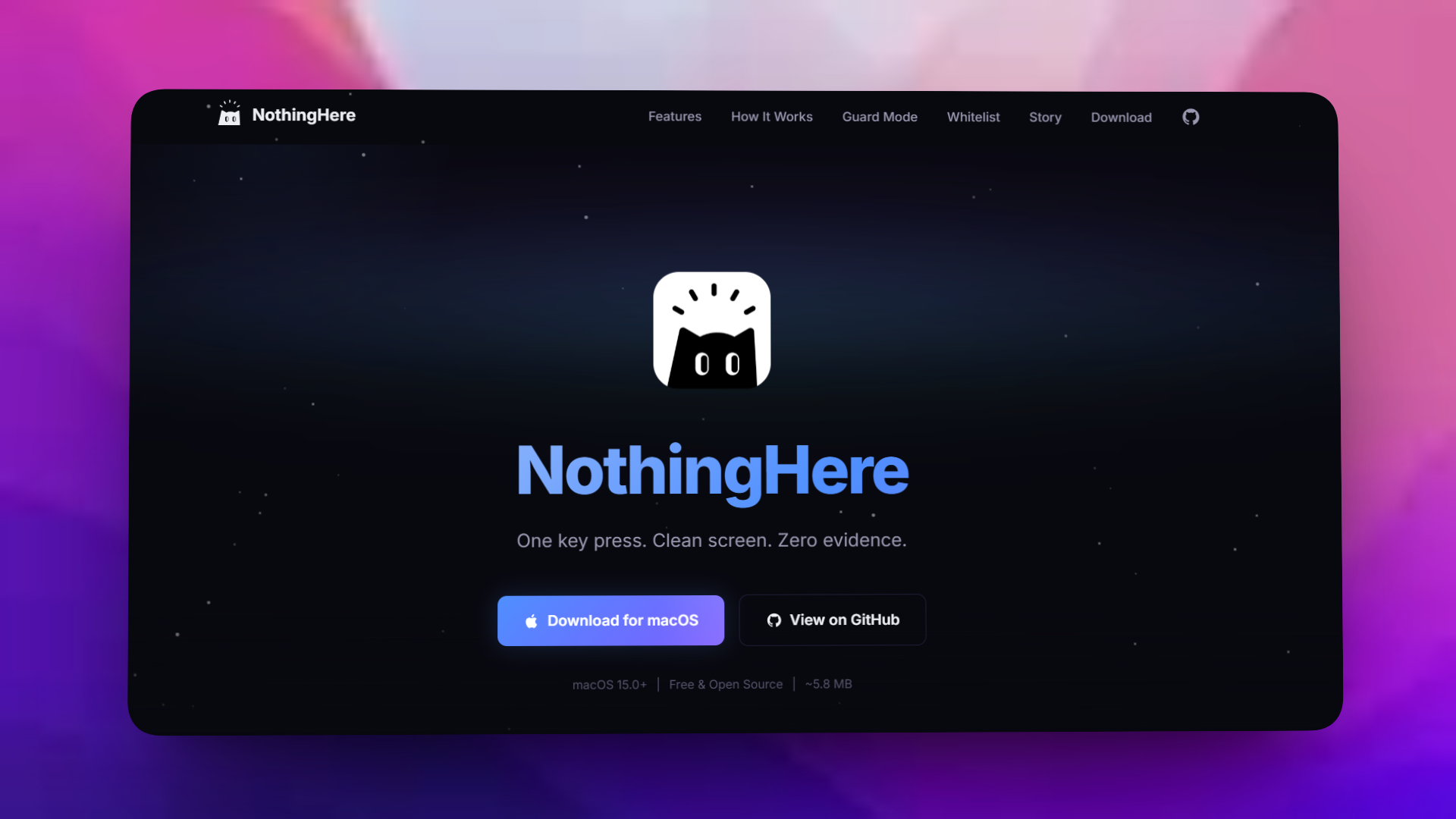
NothingHere
macOS app that hides all windows and mutes sound instantly
Replaces —
Who it's for
NothingHere fits macOS users who often need to hide private or distracting work quickly.
You need true device security or screen-lock enforcement.
The app can help presenters avoid exposing unrelated windows or media during live work.
You already use a dedicated presentation machine or locked-down demo profile.
The problem
People often work with sensitive tabs, internal dashboards, private chats, or unfinished creative work on screen. When someone walks up unexpectedly, manually minimizing windows and muting audio is slow and unreliable. NothingHere handles that narrow privacy moment with a single-purpose macOS utility. It is not a security boundary, but it can reduce accidental exposure during everyday interruptions.
How it works
NothingHere hides windows and opens a chosen cover document or app so the screen changes quickly.
The utility can pause playback and silence sound, reducing awkward audio exposure during interruptions.
The app targets macOS users who want a small privacy utility rather than a broader productivity suite.
Features
- One-action screen cover
- Media pause and mute behavior
- macOS-focused workflow
Recommended for this setup
Strengths
- Very clear use case: NothingHere does one thing: quickly hide distracting or sensitive work when someone interrupts.
- Useful for shared spaces: The utility is relevant for offices, coworking spaces, classrooms, demos, and home setups where screens are visible.
Trade-offs
- Privacy aid, not security control: NothingHere should not be treated as encryption, access control, or compliance tooling. It only changes what is visible on screen.
Tech stack
FAQ
NothingHere is a macOS utility that hides windows, pauses media, and opens a cover document or app quickly.
No. It is a privacy convenience for visible screen content, not a substitute for locking the device or protecting files.
NothingHere is for macOS users who work around interruptions and want a fast way to cover their screen.