
Notesnook
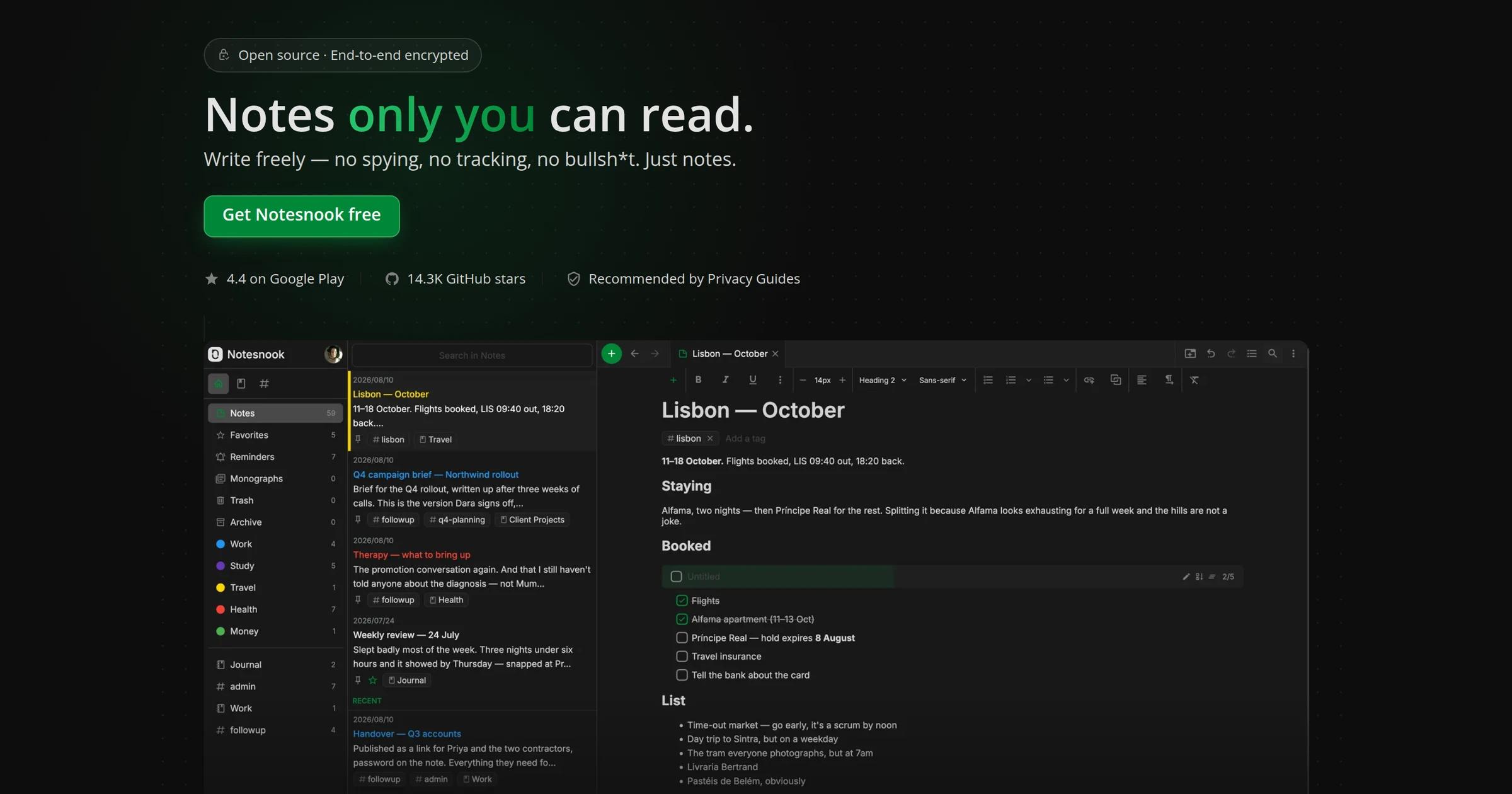
End-to-end encrypted open source note-taking, cross-platform
Replaces Evernote, Standard Notes, Notion
Who it's for
Notesnook fits lawyers, journalists, clinicians, consultants, and researchers who need notes that remain private across devices.
Skip it if your main need is shared project documentation or a collaborative team wiki.
Users can move toward a note app where encryption, open source clients, and data ownership are primary design goals.
Use Evernote or Notion if you value broad integrations and workspace features more than cryptographic privacy.
The problem
Notes often contain sensitive material: client details, research, legal notes, medical information, credentials, interview notes, and personal journals. If the note service can read the content or lock it behind a proprietary sync system, privacy depends on vendor promises rather than cryptography and portability.\u000A\u000AMany popular note apps also mix note-taking with broad workspace features, which can make privacy, export, and offline reliability harder to reason about. Privacy-focused users need a focused notes app where encryption and ownership are central.
How it works
Notesnook encrypts note content so the service provider cannot read private notes. This is the key difference from many general productivity workspaces.
The repository includes open source app code across desktop, web, and mobile surfaces. Users and teams can inspect the privacy-critical parts of the note-taking stack.
Notesnook supports a self-hosted sync path for users who want control over where encrypted note data is stored. This reduces dependence on a single hosted provider.
Features
- End-to-end encrypted notes
- Open source client apps
- Self-hostable sync server
Recommended for this setup
Strengths
- Privacy is a product boundary: Notesnook puts encryption and private sync at the center instead of treating privacy as an add-on. That makes it a better fit for sensitive personal and professional notes.
- Focused alternative to workspace bloat: Notesnook is designed for notes rather than project management, databases, and team wikis. Users who want private writing and retrieval do not need to adopt a larger workspace system.
Trade-offs
- Not a Notion-style team workspace: Notesnook is strongest for private notes. Teams needing relational databases, public docs, project boards, and rich collaborative workspaces should choose a different tool.
- Self-hosting adds sync responsibility: Running the sync server means owning uptime, backups, TLS, and upgrades. Many users will prefer the hosted sync option even if they value open source clients.
Tech stack
FAQ
Yes. Notesnook is built around end-to-end encrypted note storage. That means note content is designed to remain unreadable to the service provider.
Yes. Notesnook provides a self-hostable sync server path. Self-hosting gives more control over where encrypted data is stored, but it also requires operations work.
Notesnook prioritizes encrypted private notes and open source clients, while Evernote provides a mature hosted productivity product with broad capture and organization features. Choose Notesnook for privacy; choose Evernote for hosted convenience.