
Nook
Open source macOS browser with vertical sidebar tabs and ad blocking.
Replaces Arc, Dia, Sigmaos
Who it's for
Nook's DevMCPServer lets a local coding agent control the browser through an MCP endpoint. The agent can navigate pages, read DOM content, and interact with tabs without the developer switching focus. The integration is native to the app, not a browser extension.
Your workflow does not involve a local MCP-compatible coding agent, or you develop on Windows or Linux. Nook is macOS and Apple Silicon only.
NookBlocker removes ads and cosmetic residue at the WebKit level on every page load, without requiring a separate extension install or a browser store account. The blocker's filter lists and cosmetic rules are part of the app's open source codebase.
You need a large browser extension ecosystem. Nook supports WKWebExtensions but the catalog is smaller than Chrome's or Firefox's. Extensions relying on Chrome-specific APIs will not work.
Arc stops working on December 22, 2026. Nook provides the same vertical tab, sidebar-first, spaces-based layout that Arc popularized, under a GPL-3.0 license, on an Apple Silicon Mac. Export your Arc data before mid-December and switch to Nook if the sidebar model is what you need on macOS.
You use Arc on Windows or iOS, or you rely on Arc's collaboration features or shared links. Nook is macOS and Apple Silicon only and does not replicate those integrations. Windows users and iOS-only Arc users need a different replacement.
Nook's package-based Swift architecture separates the blocker, tweak engine, AI manager, and UI into distinct local Swift packages. Anyone with Xcode can read the content blocker logic, modify the site tweaks, or add a new AI provider to AIManager without touching the rest of the app.
You do not have an Apple Silicon Mac and Xcode 26. Building from source requires both.
The problem
Browser tabs accumulate faster than you can manage them. The horizontal tab bar most browsers use gives each open page the same visual weight, with no hierarchy, no grouping, and no quick way to see which spaces hold which context. Power users end up with dozens of tabs open and no structure for them. Commercial browsers with better tab management, like Arc and Dia, addressed this with sidebar-first designs, but both are proprietary products. Arc stops working on December 22, 2026, and new Arc accounts can no longer be created. If you rely on Arc's sidebar layout today, you need an open source path forward.
How it works
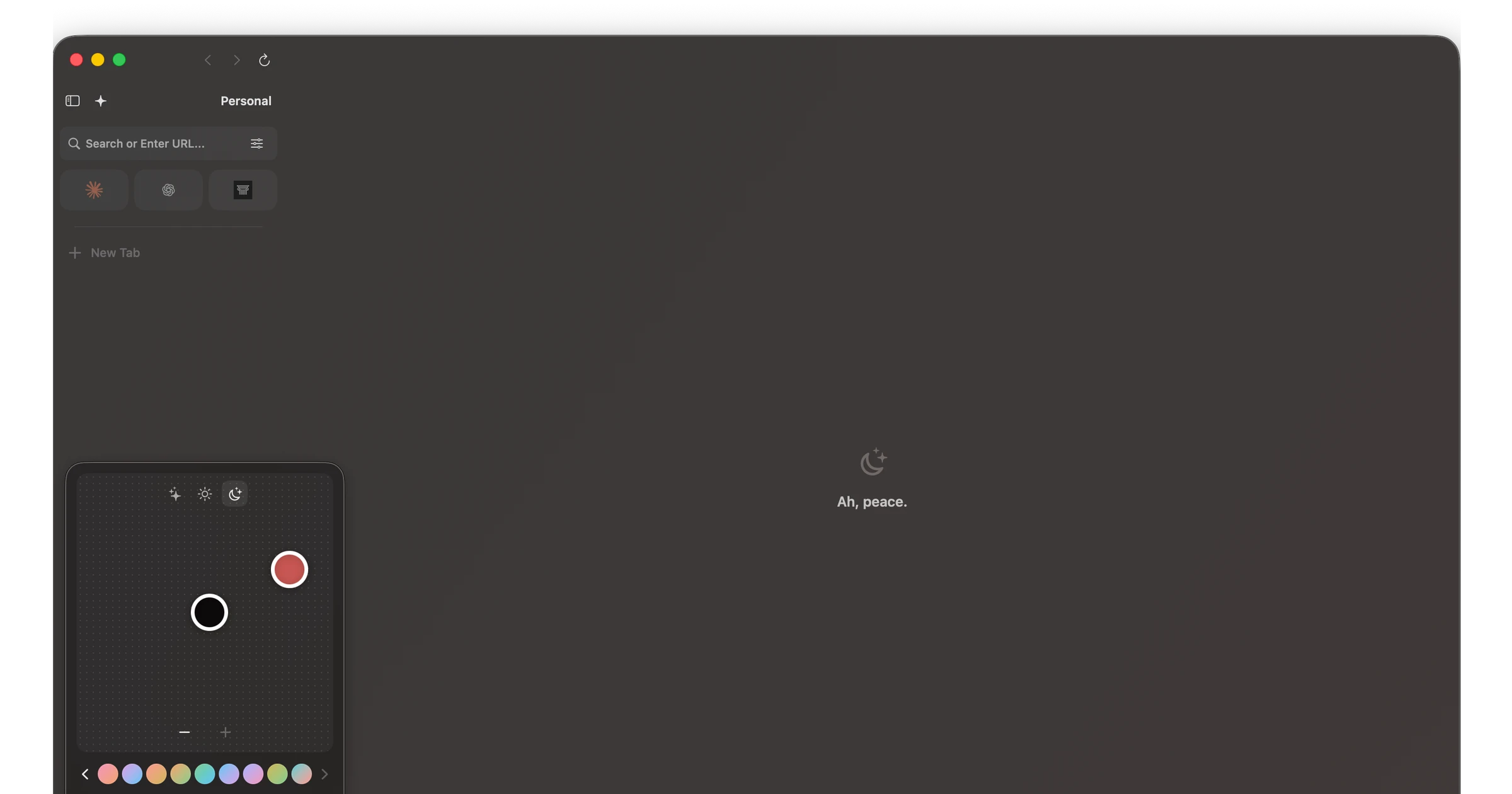
Vertical tabs live in a persistent sidebar panel, not a tab bar. Tabs are organized into spaces using the NookTabsCore model, each with its own item tree and ordering. This keeps related context grouped and visible without opening a separate window manager.
NookBlocker integrates adblock-rust and a cosmetic filtering engine directly into the browser at the WebKit level. Filter lists refresh via CI scripts. Cosmetic filtering removes page-level layout artifacts such as empty divs and ad containers that basic blockers skip. No extension store account needed.
On macOS 26 with Apple Intelligence enabled, the AI chat panel runs entirely on-device. No prompt data leaves the machine. The AIManager also supports external AI providers and an MCP client for connecting the browser to coding tools or external AI endpoints.
TabOrganizerManager groups open tabs by topic using Apple's MLX framework, running the model locally on Apple Silicon. Tab data never goes to a remote server. Requires macOS 26 and Apple Intelligence enabled; the MLX dependency has no x86_64 build.
NookTweaks ships native improvements for YouTube, Facebook, and other sites, including SponsorBlock integration and custom routing rules. These are built into the app as a native Swift package, not browser extensions, so they cannot be disabled by extension permission policies.
DevMCPServer exposes a local MCP endpoint so a coding agent running in a terminal can drive the browser: navigate to URLs, read page content, and interact with the active tab. Useful for AI-assisted development workflows where the agent needs browser access alongside code.
Features
- Sidebar-first tab navigation with spaces
- Built-in content blocker
- On-device AI chat
- On-device tab organizer via MLX
- Site tweaks and SponsorBlock integration
- Developer MCP server
How to install
Nook ships pre-built for Apple Silicon. Download and install from GitHub Releases (macOS 15.5 or later, Apple Silicon required): https://github.com/nook-browser/Nook/releases/latest Open the downloaded DMG and drag Nook to Applications. To build from source instead (macOS 15.6 + Xcode 26, see FAQ):
git clone https://github.com/nook-browser/Nook.git
cd Nook && open Nook.xcodeproj
Recommended for this setup
Strengths
- GPL-3.0 codebase you can inspect, build, and fork: Nook publishes its full source under GPL-3.0. You can read the content blocker logic, inspect the AI manager, and build the app from source with Xcode 26 on Apple Silicon. The GPL requires any distributed derivative to also publish its source, which protects the open chain if a fork takes over the project.
- On-device AI with no remote telemetry: The tab organizer and AI chat run through Apple's MLX and Apple Intelligence locally on the device. No queries go to a remote server for these features. Commercial browsers with AI capabilities, including Arc and Dia, typically route AI requests to cloud endpoints.
- Active development resumed under a new maintainer: Development restarted in September 2026 under a new maintainer. The repository received its last push on 2026-10-29 and the architecture includes a planned iOS port path through local Swift packages that carry no AppKit dependency.
Trade-offs
- Apple Silicon only for full feature set: The on-device tab organizer and AI features depend on MLX, which has no x86_64 build. Pre-built releases target Apple Silicon. Anyone on an Intel Mac cannot run the current app or access the full feature set.
- macOS 15.5 or later required: Nook requires macOS 15.5 (Sequoia) minimum to run the pre-built app. Building from source requires macOS 15.6 and Xcode 26. On-device AI and the tab organizer need macOS 26 with Apple Intelligence enabled. Users on macOS 14 or earlier cannot run the browser at all.
- Early-stage project with open issues: Development restarted in September 2026 under a new maintainer with 21 open issues tracked on GitHub. As an early-stage browser, edge cases, missing features, and rough surfaces are to be expected compared to Arc or Dia, which have multi-year shipping histories.
Tech stack
FAQ
No. Nook builds for Apple Silicon only because the on-device tab organizer uses MLX, which has no x86_64 build. Pre-built releases and the build-from-source path both require Apple Silicon. Intel Mac users cannot run the current version.
The pre-built app requires macOS 15.5 (Sequoia) or later. Building from source requires macOS 15.6 and Xcode 26. On-device AI chat and the tab organizer need macOS 26 with Apple Intelligence enabled. Users on macOS 14 or earlier cannot run the app.
Yes. Nook is licensed under GPL-3.0, meaning its full source is public, forkable, and any distributed derivative must also release source. Arc is a proprietary app with no public source. The Nook repo description notes it is "A new browser, not owned by Atlassian," a reference to Arc's acquisition history.
NookBlocker is a native Swift package built on adblock-rust with a cosmetic filtering engine. It blocks at the WebKit level, not through a JavaScript extension, so it cannot be disabled by an extension permission policy and handles cosmetic residue such as empty divs and ad containers that standard blockers skip.
Yes, Nook supports WKWebExtensions, Apple's browser extension standard for macOS. The catalog is smaller than Chrome's or Firefox's. Extensions built on Chrome-specific APIs or Manifest V2 features will not work. Core browsing features like content blocking and site tweaks are built into the app and do not require extensions.