
Firefox
Open source browser from Mozilla with privacy by default
Replaces Google Chrome, Google Chrome Enterprise, Microsoft Edge, Arc
Who it's for
Use Firefox when you want a mainstream browser from a non-profit with open source code and strong privacy positioning.
You rely on a Chromium-only extension or web app every day.
Use Firefox as an approved browser to reduce dependence on one vendor browser stack.
Your browser policies require Chrome-specific management features that Firefox cannot match.
Use Firefox to test sites against a non-Chromium browser engine and catch standards issues.
Your only target environment is a locked-down Chromium kiosk.
The problem
Browsers are now identity, security, tracking, and application platforms, not just page viewers. When a team standardizes on a browser from the same company that owns search, ads, operating systems, or productivity suites, policy and privacy decisions can become tied to that vendor's ecosystem. Users need a capable browser that keeps the open web competitive and gives them more choice over data handling.
How it works
Firefox source is available through Mozilla's public repositories and source documentation, giving developers visibility into the browser stack.
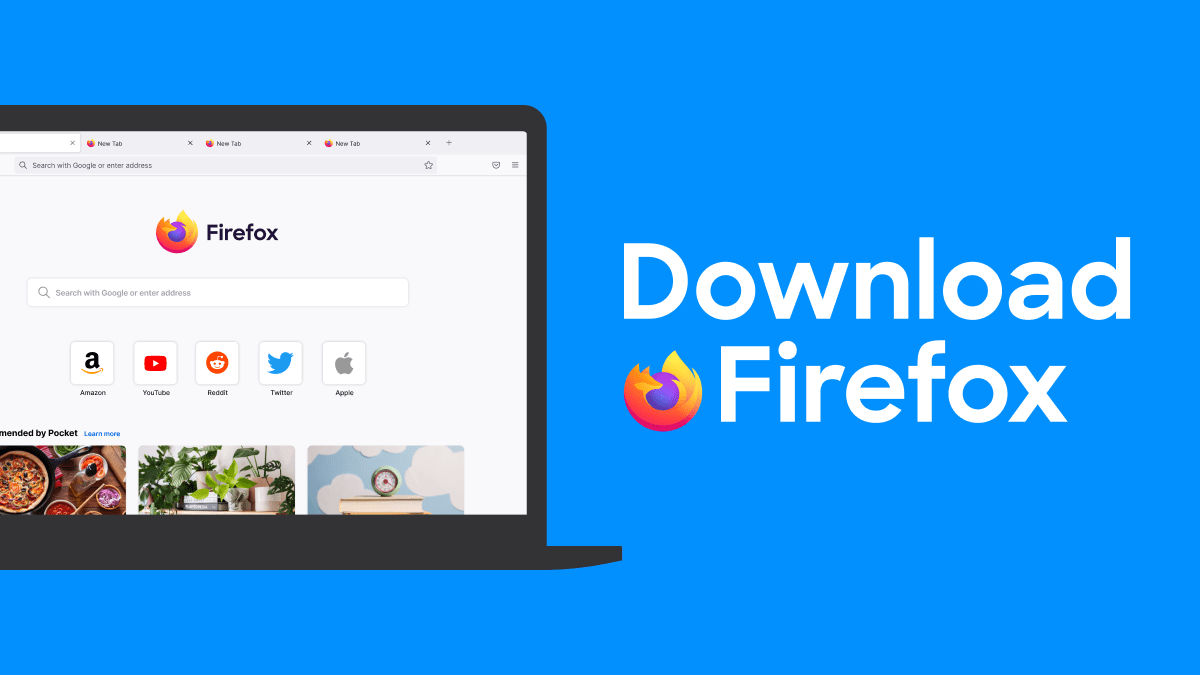
Firefox is positioned as a fast, reliable, and private web browser from Mozilla, a non-profit organization.
Firefox runs across major desktop and mobile environments, which makes it practical as a daily browser outside a single operating system vendor.
Mozilla provides source docs, Bugzilla issue tracking, Matrix support, and contributor documentation for browser development.
Features
- Open source browser codebase
- Privacy-focused positioning
- Cross-platform user browser
- Public contribution and issue process
Recommended for this setup
Strengths
- Non-profit stewardship: Mozilla's role matters for users who want a major browser not controlled by an ad platform or operating system vendor.
- Good privacy default narrative: Firefox is positioned around privacy and reliability, making it a strong option for users who dislike Chrome's data ecosystem.
- Open web diversity: Using Firefox supports browser engine diversity, which helps prevent one browser family from defining web behavior alone.
Trade-offs
- Enterprise policy parity should be checked: Chrome Enterprise and Edge for Business have deep admin tooling. Organizations should verify Firefox policy support against their management needs before migration.
- Some sites optimize for Chromium first: Most web apps work in Firefox, but teams with legacy internal apps should test compatibility before switching defaults.
Tech stack
FAQ
Firefox is an open source web browser from Mozilla, described by Mozilla as fast, reliable, and private.
Yes. Firefox is a major non-Chromium browser and a practical alternative to Chrome or Edge for many users.
Mozilla tracks Firefox issues in Bugzilla and provides contributor documentation through Firefox Source Docs.