Milvaion
Distributed .NET job scheduler, decoupled workers, one dashboard.
Replaces Hangfire Pro
Who it's for
When background jobs run across a dozen services, each with its own Hangfire dashboard, Milvaion's unified view gives platform teams a single place to check job health, review execution history, and configure alerts. The two-line drop-in integration for existing services means adoption does not require coordinating application changes across every development team.
Teams running a single .NET service with straightforward job requirements will find in-process Hangfire or Quartz.NET simpler to operate than a full distributed scheduler infrastructure.
The DAG-based workflow engine lets backend engineers model complex job sequences with conditional branching and data passing between steps, without building their own orchestration layer. The visual builder in the dashboard makes it easy to inspect and modify pipeline structure without code changes.
Teams whose jobs are independent and not dependent on each other's outputs do not need the workflow engine; a standard scheduler handles that use case with less infrastructure.
The built-in HTTP Worker and SQL Worker run REST calls and database queries on a cron schedule with no code required. Teams maintaining scheduled API calls, nightly reports, or database cleanup procedures can configure these through the dashboard without writing or deploying custom job code.
If your scheduled jobs require complex branching or data transformations that the built-in workers cannot express, the same use case calls for a custom worker with the Milvaion SDK.
The problem
Background jobs in .NET microservices grow into a monitoring mess. When every service runs its own Hangfire or Quartz.NET instance, checking job health means opening a different dashboard per service, and history disappears when each library's retention window expires. Nobody has a single answer to "which jobs failed last night?" without paging through a dozen URLs. The architectural problem runs deeper. When scheduling and execution run inside the same process, a long job blocks others from starting, a crashing job can take the scheduler down with it, and there is no way to give GPU-intensive jobs their own dedicated workers. Scaling job throughput means scaling the entire application, not just the execution tier. For teams operating at any real volume across multiple services, in-process schedulers become a ceiling.
How it works
The API server decides when and what runs; workers receive job messages from RabbitMQ and report status back. The two processes are fully independent: workers can be added, removed, or scaled horizontally without restarting the scheduler. Job-type routing lets you direct specific jobs to workers with the right hardware, such as dedicated workers for GPU or memory-intensive tasks.
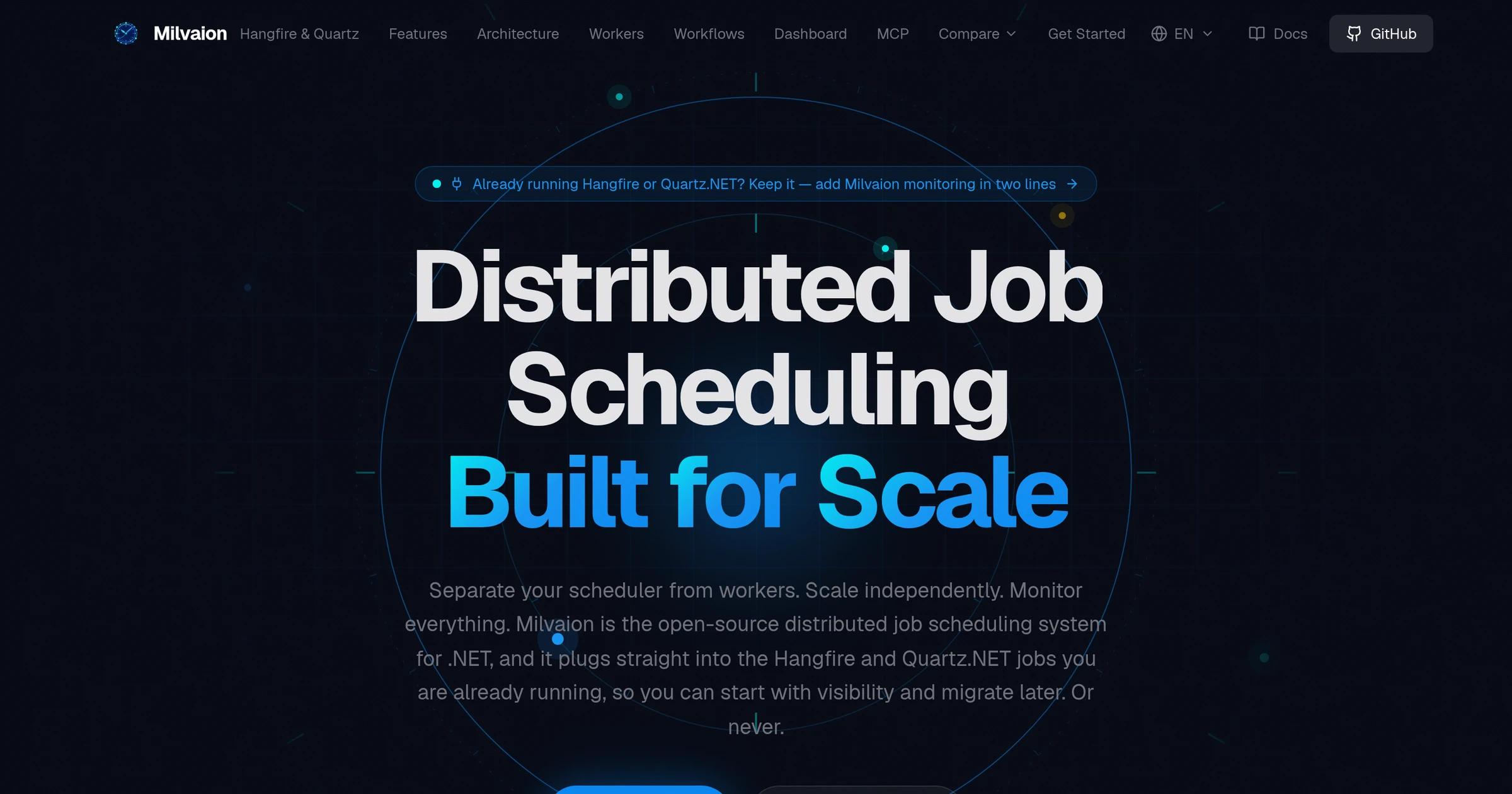
If your services already run Hangfire or Quartz.NET, you can add Milvaion's unified dashboard with two lines of service registration code. Your existing scheduler keeps owning triggers, storage, and cron expressions; job code stays unchanged. Every Hangfire and Quartz.NET job appears in the dashboard as an external job, alongside any native Milvaion workers.
Chain multiple jobs into directed acyclic graphs with a drag-and-drop editor in the dashboard. Workflow nodes support conditional branching (true/false ports based on output or status), merge nodes that wait for all parallel branches, and data mappings that pass output fields from one step as input to the next. Failure strategies can stop the whole workflow on first failure or continue independent branches.
HTTP Worker calls REST endpoints on a schedule, SQL Worker runs database queries, Email Worker sends messages via SMTP, and Maintenance Worker handles Milvaion's own data cleanup and archival. All four run out of the box and are configured through the dashboard rather than written as application code.
The React dashboard uses SignalR for live updates on running jobs, worker heartbeats, and per-execution logs. Execution history stores in PostgreSQL, so it persists beyond each library's default retention window. OpenTelemetry support exports metrics and traces to external observability stacks, and technical logs can be forwarded to Seq.
Features
- Scheduler-worker separation via RabbitMQ
- Drop-in monitoring for Hangfire and Quartz.NET
- DAG-based workflow engine with visual builder
- Four built-in workers requiring no job code
- Real-time dashboard with persistent execution history
How to install
Deploy the Milvaion server stack locally with Docker Compose.
git clone https://github.com/Milvasoft/milvaion.git
cd milvaion
cp .env.example .env
docker compose up -d
Recommended for this setup
Strengths
- Adopt incrementally, keeping existing Hangfire job code intact: Teams already on Hangfire or Quartz.NET can add Milvaion monitoring with two lines of service registration code, with no migration window and no changes to existing job code, triggers, or storage configuration. You can stop at the monitoring layer permanently or migrate individual jobs to Milvaion workers selectively over time.
- Apache 2.0 license with no per-seat or per-job fees: Milvaion is Apache 2.0 licensed, which allows use, modification, and distribution for any purpose, including commercial use, without licensing fees. Unlike paid commercial frameworks that charge per developer or per execution tier, running Milvaion on your infrastructure costs only the servers it runs on.
- Independent scaling of workers and scheduler: Because execution is decoupled from scheduling, you can scale the worker pool horizontally for throughput without touching the API server. Job-type routing assigns specific job types to specialized worker instances, so a resource-intensive batch job does not compete for capacity with lightweight event-driven jobs.
- MCP server for AI assistant access to job data: Milvaion exposes an MCP server that integrates with Claude Code, Cursor, or GitHub Copilot. More than forty tools cover reading job status and history, triggering runs, pausing jobs, and making edits, each gated by the same role-based permissions as the main REST API. A read-only API key gives an AI assistant full visibility with no ability to change anything.
Trade-offs
- Requires PostgreSQL, Redis, and RabbitMQ to run: The full Milvaion stack needs three external services alongside the application: PostgreSQL 16, Redis 7, and RabbitMQ 3.x. For teams running single-service .NET applications, this is a heavier infrastructure footprint than running Hangfire alone. Docker Compose covers local development, but production deployments need each service properly provisioned and monitored.
- .NET 10 required for all integrations: Milvaion is built on .NET 10. Teams whose services run on .NET 6, 7, or 8 would need to upgrade before adopting either the native worker SDK or the drop-in Hangfire and Quartz.NET monitoring integrations. This is a meaningful prerequisite for organizations with long-running LTS releases.
- Early-stage project with limited production track record: Milvaion was created in January 2026 and had 81 GitHub stars at the time of this listing. Teams that require a large ecosystem of community plugins, documented long-term production history, or extensive third-party integrations should evaluate maturity against those criteria before committing.
Tech stack
FAQ
It works alongside them without requiring migration. Adding Milvaion monitoring to an existing Hangfire or Quartz.NET service takes two lines of service registration code; your existing job code, storage, and cron expressions stay unchanged. You can keep running Hangfire and Quartz.NET indefinitely and use Milvaion only for the unified dashboard and execution history. Migrating individual jobs to Milvaion native workers is optional and can happen selectively over time.
The stack needs PostgreSQL 16, Redis 7, RabbitMQ 3.x, and .NET 10 on the host. The quick start uses Docker Compose, which starts all services together from a single configuration file. For production, the documentation covers Docker and Kubernetes deployment patterns, horizontal scaling of workers, and reliability settings including retry backoff, dead-letter queues, and zombie detection for stuck jobs.
Yes. Milvaion is Apache 2.0 licensed, which permits use, modification, and distribution for any purpose including commercial use with no licensing fees. You run it on your own infrastructure; the only costs are the servers the stack runs on.
Yes. Because workers are separate processes that connect via RabbitMQ, you can configure job-type routing to direct specific jobs to workers deployed on specialized hardware. A GPU-intensive machine learning job and a lightweight notification job can each have their own dedicated worker pool, scaled independently of the API server and each other.
Milvaion exposes an HTTP MCP server at your deployment URL under /mcp. You add it to your AI assistant's MCP configuration with an API key. More than forty tools are available, covering reading job status and history, triggering runs, pausing jobs, and making edits, each gated by the same role-based permissions as the REST API. A read-only API key gives full visibility with no ability to change job configuration.