
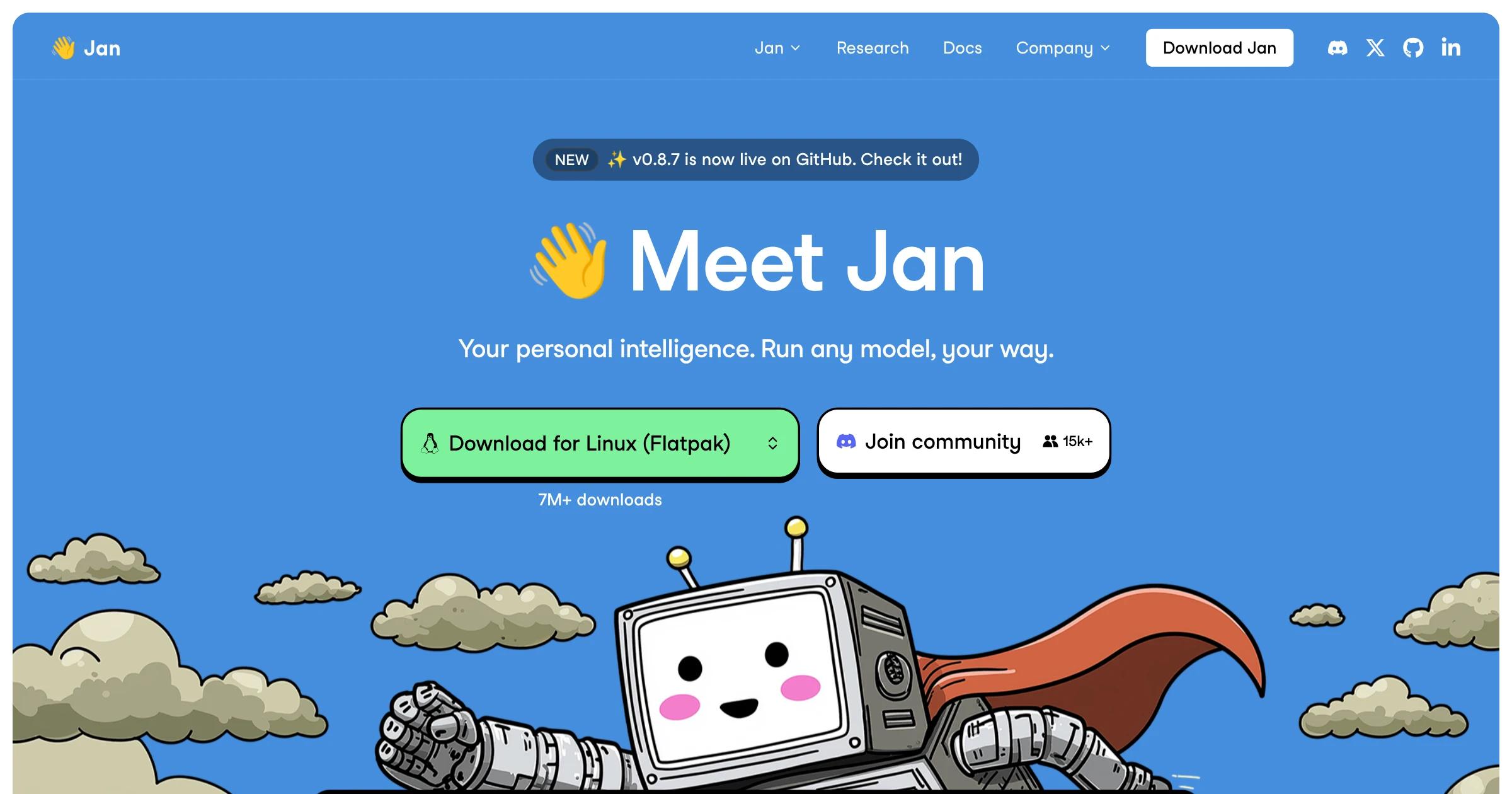
Jan
Run open source LLMs on your own hardware with no cloud required
Replaces Chatgpt, Github Copilot, Google Gemini For Workspace
Who it's for
Use Jan for private brainstorming, document work, and local model experiments on a personal machine.
You need the strongest hosted model with no local setup.
Use the localhost OpenAI-compatible API to test apps against local models before using paid cloud APIs.
Your workflow requires managed team accounts and centralized admin controls.
The problem
Hosted AI chat is convenient, but sensitive prompts, documents, and experiments often should not leave the machine or depend on one provider account. Developers and privacy-minded users need a desktop AI workspace that can switch between local and cloud models.
How it works
Jan downloads and runs models such as Llama, Gemma, Qwen, and GPT-OSS from Hugging Face on the user’s machine.
Jan exposes a local server at localhost:1337, letting other applications connect to local models through familiar API patterns.
The README lists OpenAI, Anthropic, Mistral, Groq, MiniMax, and MCP integration for workflows that need more than local chat.
Features
- Local model chat
- OpenAI-compatible local API
- Cloud and MCP support
Recommended for this setup
Strengths
- Private local AI workflow: Jan gives users a way to keep prompts and files local when the selected model runs on the machine.
- Good bridge between local and cloud models: Users can start with local models and connect cloud providers when they need stronger hosted models.
Trade-offs
- Local model quality depends on hardware: A laptop may run small models well but struggle with larger models that hosted ChatGPT handles easily.
- License needs review before apply: GitHub metadata does not expose a clean SPDX value in this environment, so ContentOps should verify the current license before publication.
Tech stack
FAQ
Jan can replace ChatGPT for local or offline chat workflows. ChatGPT remains stronger for hosted model quality, account features, and broad multimodal polish.
Yes. The README says Jan can download and run local LLMs and also connect to cloud providers.
Yes. Jan provides an OpenAI-compatible local server at localhost:1337.