
Emdash
Parallel coding agents in isolated worktrees, any provider.
Replaces Conductor
Who it's for
Run separate agents for a bug fix, a refactor, and a dependency update at the same time, each in its own worktree. Review the three diffs side by side and merge the ones that pass.
If you are running agents sequentially on purpose (for example, chaining output of one agent as input to the next), Emdash's parallel worktree model does not map to that workflow directly.
Schedule weekly bug sweeps, pre-release checks, or dependency audits as recurring agent jobs. Each run executes in an isolated context, logs results, and shows pass or fail without manual intervention.
If your recurring jobs need to interact with a CI/CD pipeline's build artifacts directly, you will need additional tooling beyond Emdash's scheduling.
Connect Linear, Jira, GitHub, and other trackers to pull issues directly into agent sessions. Each issue becomes a task with full context, running in its own worktree. No copy-pasting from tracker to terminal.
Teams requiring shared visibility into all agent runs across multiple engineers will need to coordinate via the shared Git repository since each developer runs their own Emdash instance.
Connect over SSH to a dev server, cloud VM, or GPU box and run the same parallel agent workflow remotely. Credentials are stored in the OS keychain and SSH certificates held by the agent are supported.
If your remote machine does not have the required agent CLIs installed, you will need to set them up there first. Emdash can install supported agents but requires an internet connection on the remote host.
The problem
Running AI coding agents one at a time creates a bottleneck that scales poorly with the volume of agent-ready tasks. A developer using Claude Code or Codex typically opens a terminal, starts a task, waits for the agent to finish, reviews the output, and then moves to the next one. When the backlog has ten tickets and each agent run takes five minutes, most of that time is dead time. The problem compounds for teams. Each engineer working separately means no shared view of what agents are doing across branches, no way to quickly review several agents' diffs in parallel, and no easy path to recurring automated jobs. Teams end up copy-pasting issue text into separate terminal sessions and tracking progress in side notes, which removes most of the productivity benefit that parallel agent execution could provide.
How it works
Each task runs in its own Git worktree and branch, so multiple agents can work on separate features simultaneously without file conflicts. Each worktree keeps its own branch, terminal history, conversation, and review state together.
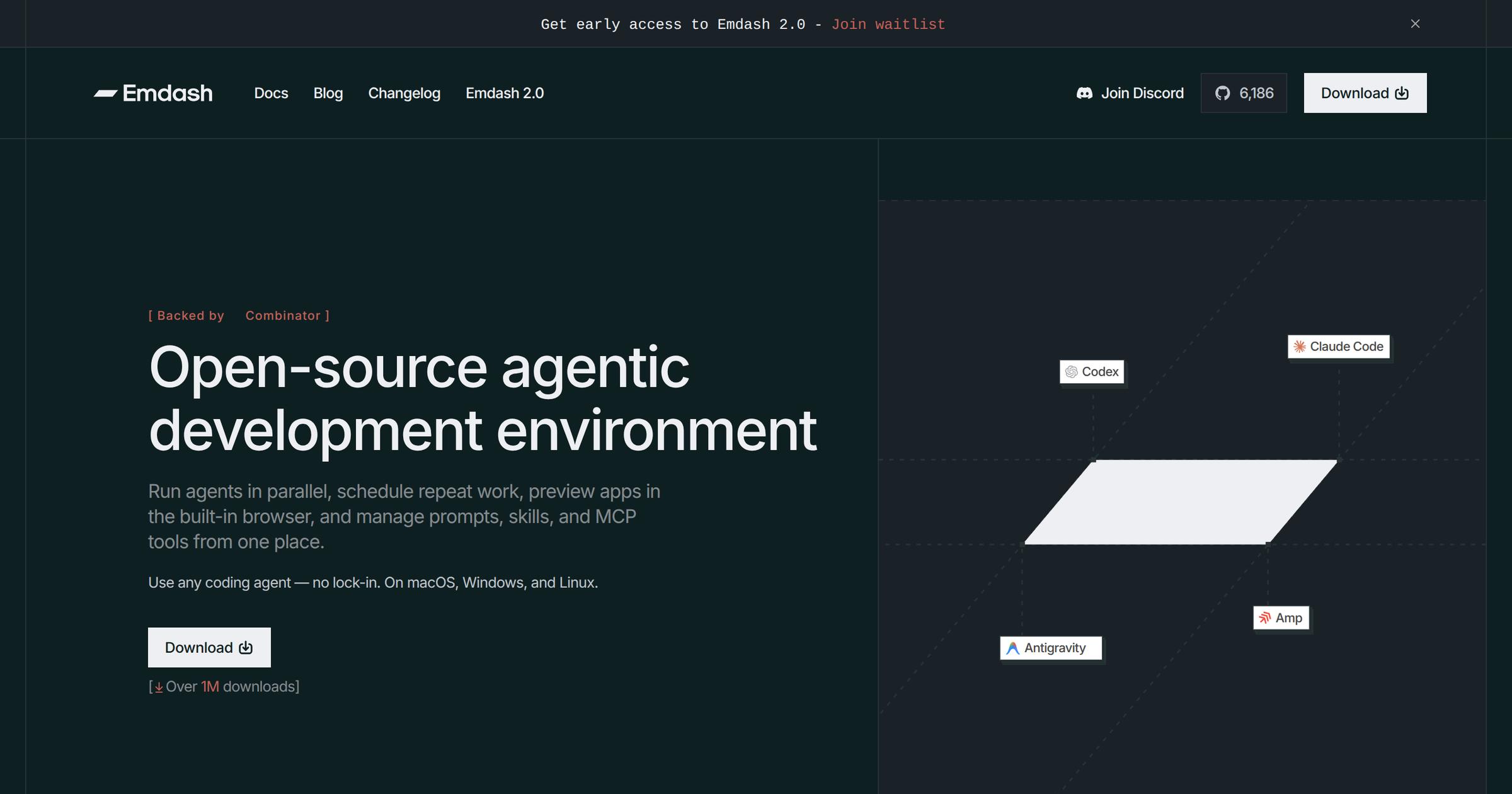
Works with over 25 agent CLIs including Claude Code, Codex, Cursor, Amp, OpenCode, and Devin. Emdash detects installed providers automatically and manages install state, hooks, and provider settings without manual configuration.
Pull tasks directly from Linear, GitHub, Jira, GitLab, Asana, Featurebase, Monday.com, Forgejo, Plain, or YouTrack. The agent receives the full issue context rather than a copy-pasted summary.
Inspect diffs, create pull requests, check CI status, and merge without switching to another tool. The review panel covers all active worktrees in one view.
Connect to remote machines over SSH or SFTP and run the same parallel workflow on a dev server, cloud VM, or GPU box. Supports SSH agent, key, and password authentication, with credentials stored in the OS keychain.
Schedule recurring jobs such as weekly bug sweeps, release prep, or automated reviews on a cron-like schedule. Each automation runs in its own isolated context and logs pass or fail results.
Features
- Parallel agents in isolated Git worktrees
- Provider-agnostic agent support
- Issue tracker integration
- Review, commit, and CI from one place
- Remote SSH execution
- Recurring agent automations
How to install
Install on macOS via Homebrew, or download a signed installer for Windows and Linux from GitHub Releases.
brew install --cask emdashRecommended for this setup
Strengths
- Apache-2.0 license with local-first data: The Apache-2.0 license lets you use, modify, and distribute Emdash commercially with no restrictions. App state is stored in a local SQLite database; your code and conversations are never sent to Emdash servers. Telemetry is optional and can be disabled in Settings.
- No agent lock-in: Supports over 25 agent CLIs. You can mix providers per task or switch providers without changing your workflow. Unlike tools tied to a single model vendor, Emdash keeps the choice with you.
- Active development and large community: Over 6,000 GitHub stars and 1 million downloads since launch in August 2025, with the last push in November 2026. Backed by Y Combinator W26. The team ships updates frequently, with recent additions including remote SSH, scheduling, and an in-app browser.
- Worktree isolation prevents merge conflicts: Each agent works in a separate Git worktree and branch from the start, so parallel runs never step on each other. When you are done reviewing, you merge what works and discard the rest.
Trade-offs
- Desktop app only, no web or server deployment mode: Emdash is a desktop application for macOS, Windows, and Linux. There is no web-based interface or self-hosted server edition. Teams requiring a centralized server deployment or browser-only access to the orchestration layer will need a different approach.
- Agent API key costs are separate: Emdash is free, but you still pay for the underlying agent API calls (OpenAI, Anthropic, etc.) separately. High-volume parallel runs can generate significant API costs depending on the providers and models in use.
- No shared multi-user coordination view: Each developer runs their own Emdash instance. There is no server-side mode where a team shares a single Emdash deployment, tracks each other's agent runs in real time, or coordinates from a central dashboard. Teams coordinate through Git and the shared repository instead.
Tech stack
FAQ
Yes. Emdash is free and open source under the Apache-2.0 license. There is no subscription, no per-seat fee, and no usage limit from Emdash itself. You pay only for the underlying AI provider API calls, which are billed directly by the provider.
Emdash supports over 25 agent CLIs, including Claude Code, Codex, Cursor, Amp, OpenCode, Devin, Qwen Code, Droid, and GitHub Copilot. It detects installed providers automatically. You can use different agents on different tasks in the same session.
No. Emdash is local-first. App state is stored in a SQLite database on your machine. Emdash does not send your code or agent conversations to its servers. The agent CLIs you use may send code to their own providers depending on the provider's data handling policy.
A Git worktree is a linked working directory that shares a repository's history but has its own branch and file state. Emdash creates one worktree per agent task so that parallel agents work on separate branches simultaneously without file conflicts. When a task finishes, you review its diff and decide whether to merge or discard.
Yes. Emdash is available for macOS (Apple Silicon and Intel), Windows (installer and portable executable), and Linux (AppImage, .deb, and .rpm packages for x64 and ARM64). See the GitHub Releases page for all current builds: https://github.com/generalaction/emdash/releases/latest