
CrewCode
Multi-agent orchestrator for parallel AI coding
Replaces Conductor
Who it's for
Create separate worktrees for independent tasks, assign an agent to each, and supervise all sessions from Mission Control without opening multiple terminal windows. The integrated git diff and PR workflow lets you land finished branches without switching tools.
If you run only one agent at a time and rarely juggle branches, the standard Claude Code or Codex CLI is simpler and has lower overhead than a desktop orchestrator.
Assign lanes to different scopes (front end, back end, tests), mix providers to match task complexity, and review output in one place. Delegated Threads lets an agent spin up real, archivable chat sessions for subtasks, so the work trail is inspectable after the session ends.
Teams with established CI/CD pipelines and human code review may find CrewCode's in-app review workflow redundant if agents commit directly to feature branches already under review.
Run CrewCode on a VPS or always-on home server and continue sessions from a browser or phone. The Background Brain keeps worktrees and sessions alive after closing the Electron window; the Hub dashboard lists online machines and recent threads.
If all development happens on a single local machine with no remote continuity needs, the Hub and Background Brain add setup complexity you will not use.
The problem
Running more than one AI coding agent quickly becomes unmanageable. Each agent needs its own terminal, its own worktree, its own context window, and its own set of open files. Without tooling to hold those together, developers end up juggling multiple terminal windows across multiple branches with no central view of what each agent is doing or where it has gone wrong. The harder challenge is coordination. When one agent finishes a task on a feature branch, reviewing its diff, handing work to another agent, handling merge conflicts, and deciding whether to discard or land the branch all require context-switching back to individual sessions. Developers lose track of which branches are live, which agents are blocked, and which diffs are worth reviewing, and that overhead often cancels out the speed gains that parallel agents were supposed to deliver.
How it works
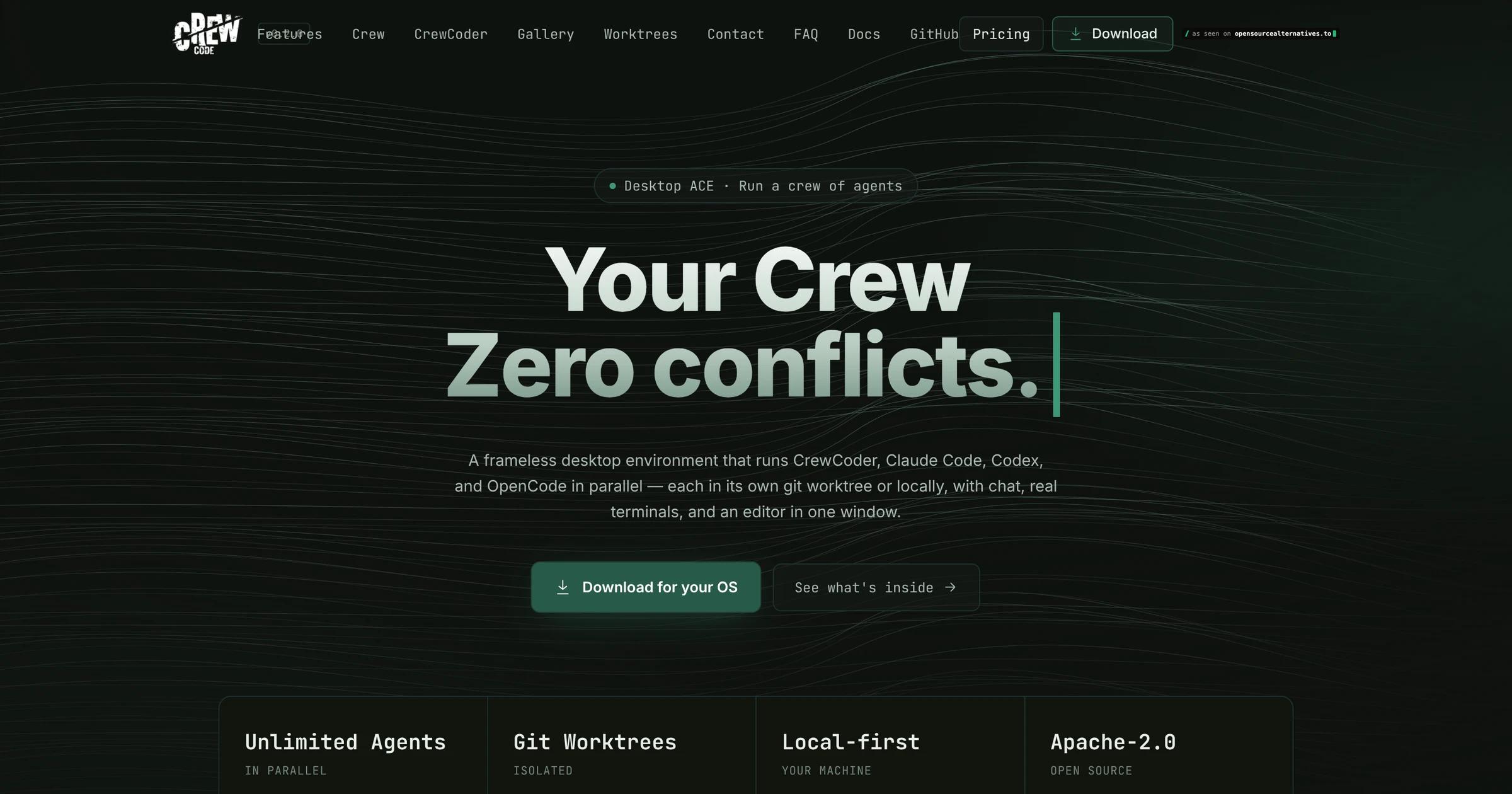
Launch named lanes with different agents, models, roles, and effort levels running in parallel on the same project. Each lane gets its own worktree, so agents never conflict over the working tree. Save and reuse crew templates for common task patterns.
Every agent session runs in an isolated git worktree, keeping parallel work on separate branches without stashing or juggling. Before merging, CrewCode surfaces exact file overlap and likely cross-file contract collisions. Worktree and merge-audit state recovers automatically after a restart.
Run Claude Code, Codex, OpenCode, Ollama, Hermes, OpenRouter, and Grok Build in the same workspace and switch providers mid-session. When you switch, CrewCode generates a handoff summary so the new agent picks up without losing context.
Stage, diff, commit, pull, push, and sync inside the app. Review AI-generated diffs, resolve merge conflicts, and delegate conflict resolution back to an agent. Create, approve, and merge pull requests through GitHub CLI integration without leaving the app.
Install plugins from `~/.crewcode/plugins/` to add custom panels, sidebar items, MCP server declarations, and agent providers. Plugin UIs run in sandboxed `crewcode-plugin://` iframes and communicate through a typed API, so plugin code never gets direct Electron or Node access.
Run CrewCode headlessly on a VPS or home server and reach dev sessions from any browser or phone. The Hub uses a passkey-secured dashboard over an end-to-end-encrypted relay; dev machine files, code, and prompts never reach the Hub. No inbound ports required.
Features
- Multi-agent crew orchestration
- Worktree-native isolation with conflict preview
- Provider mixing and mid-session handoff
- Integrated git and GitHub PR workflow
- Local plugin platform with sandboxed extensions
- Self-hosted Hub for remote and mobile access
How to install
Install CrewCode on Linux with the verified SHA-256 installer script.
curl --proto '=https' --tlsv1.2 -fsSL https://crewcode.logixhub.icu/install | shRecommended for this setup
Strengths
- Apache-2.0 with no paid tier or cloud dependency: CrewCode is fully Apache-2.0 licensed: use it, modify it, and deploy it commercially with no fee. There is no cloud tier, no subscription, and no data leaving your machine by default. Unlike proprietary orchestrators, the tool's continued availability doesn't depend on a company's commercial decisions.
- Provider-agnostic: not locked to one AI vendor: CrewCode runs Claude Code, Codex, OpenCode, Ollama, Hermes, OpenRouter, and Grok Build from one workspace. Mix local and hosted providers in the same project and switch models without starting a new session, keeping API costs and vendor risk in your own hands.
- Worktree-first conflict prevention before merge: Parallel agent sessions run in isolated git worktrees by design. Before any crew merge, CrewCode surfaces exact file overlap and likely cross-file contract collisions, reducing the chance that two agents overwrite each other's work silently.
Trade-offs
- Very early-stage project with a small community: CrewCode was created in August 2026 and has 19 GitHub stars at the time of this writing. The project is active (last pushed 2026-11-07), but the community is small and third-party documentation is limited. Users encountering bugs or missing features will largely rely on GitHub Issues and the README.
- Local voice requires Python 3.11 and native dependencies: Realtime voice is off by default. Hosted providers (GPT Realtime, xAI Voice) need separate API keys and billing. Local voice (Parakeet TDT 0.6B v2 for transcription, Kokoro-82M for speech) requires Python 3.11 and native dependencies, adding setup overhead many users will skip.
- macOS installer not yet formally documented: The README notes that the author would appreciate help testing on macOS. The documented installer covers Linux (Arch, Debian, and AppImage for other x86_64 distributions). macOS and Windows are listed as targets but lack a first-party signed installer in the documented install path.
Tech stack
FAQ
Yes. CrewCode is licensed under Apache-2.0 and free to use, modify, and distribute commercially. There is no paid tier, no subscription, and no hosted service required for core use. The optional self-hosted Hub is also free; you deploy it on your own infrastructure.
CrewCode supports Claude Code, Codex, OpenCode, Pi, Ollama, Hermes, OpenRouter, and Grok Build. Providers can be mixed within the same project. When you switch providers mid-session, CrewCode generates a handoff summary so the new agent picks up without losing context.
Each agent session runs in its own git worktree, keeping parallel work on separate branches without stashing or conflicts. Before merging a crew's output, CrewCode surfaces exact file overlap and cross-file contract collisions. Worktree and merge-audit state recovers automatically after a restart.
CrewCode targets macOS, Linux, and Windows. The documented installer covers Linux (Arch, Debian, and AppImage for other x86_64 distributions). The README notes that macOS testing help would be appreciated, so the macOS path may be less polished than Linux at this stage.
Crew lanes are parallel, ephemeral agent sessions that live for the duration of a crew run. Delegated Threads are persistent chat sessions with transcripts and archiving that an agent creates inside a turn and that you can open, read, and continue yourself afterward. Lanes are for concurrent work during a run; Delegated Threads outlive the run that made them.