Crest
Open source browser with Spaces, Peek, and Split View for Mac and iOS
Replaces Arc, Vivaldi, Opera One
Who it's for
Crest maps Arc's features directly: Spaces remain Spaces, Favorites become Pinned sites, Pinned Tabs become Saved tabs, Air Traffic Control becomes Link Routing, and Space Themes become Crest Studio. The Mac import tool carries over Arc Spaces, tabs, folders, colors, icons, and passwords, letting you review each destination Space before anything moves.
If you primarily used Arc on Windows or Linux, or need cross-platform browser continuity, Crest does not cover those platforms.
Separate Spaces for each client, project, or environment keep sessions, extensions, and credentials isolated at the browser level. Quick Window on Mac opens external links in the right signed-in Space without switching manually, and Link Routing sends URLs to their designated Space automatically.
If your workflow depends heavily on Chrome extension ecosystems, verify compatibility at crestbrowser.com/guides/extension-compatibility before committing, as Crest extension support varies.
Private Spaces use temporary storage, stay out of history and sync, and can require Face ID or Touch ID to unlock. Content blocking with uBlock Origin Lite or the built-in list covers iPhone, iPad, and WebKit pages. Chromium pages on Mac require a blocking extension installed per-Space.
If you need a browser with a completed independent security audit for high-sensitivity work, Crest's current early-access status may not meet that bar.
The problem
Most browsers put every login, tab, and session into one shared container. Switching between work and personal accounts means manual sign-out and sign-in, separate browser profiles with no shared organization, or incognito windows that drop their state when closed. Power users managing three or more contexts, like work, a side project, and a personal account, end up with browser profiles that drift out of sync, bookmarks duplicated across contexts, and passwords tied to the wrong session. The specific pain with existing paid browsers is context bleed: a personal notification badge on a work site, a work meeting link opening in a personal login, or extension settings that apply globally rather than per-context. Arc built a model around Spaces that addressed most of this, but Arc stops working on 22 December 2026 and new accounts can no longer be created. Users who built their workflow around Arc's Spaces have no direct commercial replacement with the same model and an active development path.
How it works
Each Space carries its own cookies, website data, history, archive, tabs, credentials, settings, and sync identity. Switching Spaces changes the full browsing context, not just the color of the window. Work and personal sessions cannot bleed into each other, and Private Spaces use temporary storage that never touches normal history or sync.
Mac opens pages in an ungoogled-Chromium build with Google integrations removed, supporting Chrome Web Store extensions. Any site can open in WebKit instead, which adds Reader, whole-page on-device translation, FairPlay video, and built-in content blocking. The default engine and per-site rules are configurable in Settings, and Crest switches to WebKit automatically for protected video.
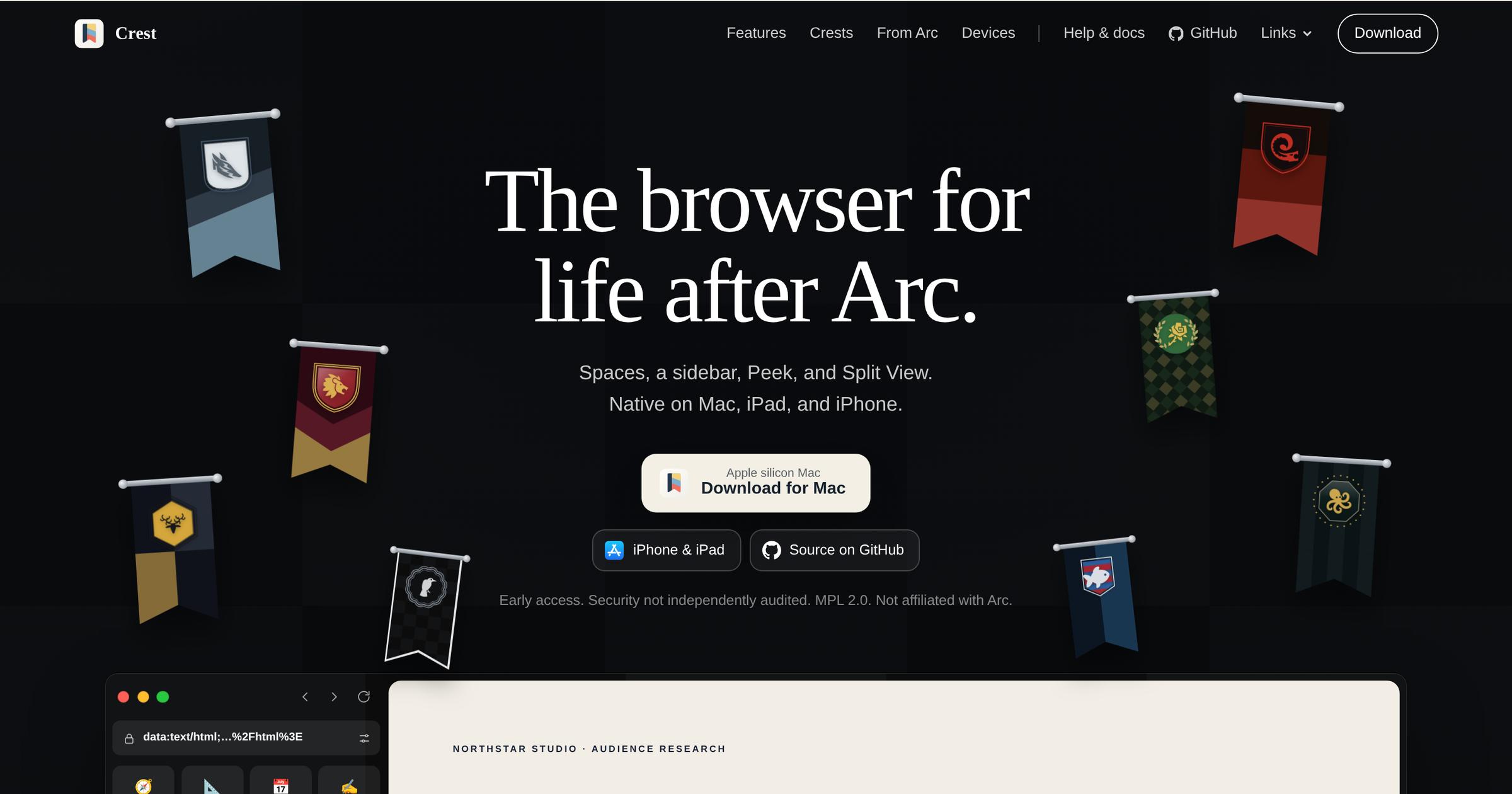
Each Space's sidebar gets a custom crest built in a live-preview editor: choose shape, artwork, colors, band, emblem, border, and finish from heraldic artwork, emoji, monograms, or SF Symbols. Appearance settings let you dock the sidebar on either edge, go borderless, adjust tab shape and scale, pick pin layouts, and set color schemes per Space or globally.
Spaces, tabs, folders, Split View groups, appearance, history, and archive sync across Mac, iPhone, and iPad through iCloud. Passwords stay in the system Keychain and are not sent to CloudKit; iCloud Keychain handles them separately. Sync is optional and requires only an Apple ID, not a separate Crest account.
Keep two to four live pages open side by side in a Split View group, with resizable columns on Mac and iPad. Peek lets you preview a link above the current page before deciding to keep it as a tab. On Mac, you can drag a link directly into a live Peek window.
Chrome Web Store extensions are installed per-Space on Mac, so a work Space can have work-specific extensions without affecting personal browsing. Crest Passwords stores credentials in the system Keychain matched per-origin and per-Space, preventing a work Space from auto-filling personal credentials.
Features
- Isolated Spaces per context
- Dual-engine browsing on Mac
- Crest Studio for Space appearance
- iCloud sync across Apple devices
- Split View and Peek
- Per-Space extensions and passwords
How to install
Install Crest on an Apple silicon Mac running macOS 26.1 or later via Homebrew.
brew install --cask crest-browserRecommended for this setup
Strengths
- Active development with a public roadmap: Crest reached version 0.8 in October 2026, adding coding agent support, a new command palette, and Settings. The public roadmap lives on GitHub. For users moving off Arc after its browser focus shifted, this is a project in active development with a clear contribution path under MPL-2.0.
- Chromium and WebKit in one Mac browser: Running both an ungoogled-Chromium build and WebKit in one browser is uncommon in the open source space. Chromium handles Chrome Web Store extensions and most modern sites; WebKit covers Reader, on-device translation, FairPlay video, and built-in tracker blocking without requiring an extension.
- MPL-2.0 license with source access: The Mozilla Public License 2.0 lets you use, modify, and distribute Crest. You can inspect the full source on GitHub and submit contributions. Modifications to MPL-2.0 files must be shared under the same license if distributed, but personal and commercial use of the unmodified app are unrestricted.
- No account required for core use: Crest does not require creating an account to browse. Spaces, tabs, passwords, and history are local to your device. iCloud sync is optional and uses your existing Apple ID. This keeps your browsing data off third-party servers by default.
Trade-offs
- Apple platforms only: Crest runs on Apple silicon Mac (macOS 26.1+), iPhone (iOS 26.1+), and iPad (iPadOS 26.1+) only. There is no Windows, Linux, or Intel Mac version. Teams or individuals who need a consistent browser across platforms cannot use Crest as their sole browser.
- Security not independently audited: The product website states: "Early access. Security not independently audited." Crest handles passwords in the system Keychain, session credentials per-Space, and Private Spaces with biometric lock. Users with high-security requirements should account for the absence of a formal third-party security review before relying on it for sensitive work.
- Early access with 223 open issues: At version 0.8 with 223 open issues on GitHub as of October 2026, Crest is under active development. Users should expect rough edges and features still in progress. The roadmap describes items that are not yet shipped, and some behaviors reported in issues may not be fixed quickly.
Tech stack
FAQ
No. Crest runs on Apple silicon Mac (macOS 26.1+), iPhone (iOS 26.1+), and iPad (iPadOS 26.1+) only. There is no Windows, Linux, or Intel Mac version currently available or on the public roadmap.
Crest is MPL-2.0 licensed. The Mozilla Public License 2.0 lets you use, modify, and distribute the browser. Modifications to MPL-2.0 files must be shared under the same license if you distribute them, but using the unmodified app personally or commercially is unrestricted. Source is on GitHub.
No. Core browsing, Spaces, passwords, and local data do not require an account. iCloud sync uses your Apple ID and is optional. Passwords are stored in your device's system Keychain, not in a Crest-controlled service.
Crest was built specifically for Arc users. It maps Arc's core features directly: Spaces, sidebar, Peek, Link Routing, iCloud sync, and per-Space appearance. Arc is a proprietary browser from a commercial company that shifted focus away from its Space-based browser; Crest is an MPL-2.0 open source project under active development with a public roadmap.
Yes, on Mac. The browser import tool lets you review each destination Space before anything moves. Arc imports carry Spaces, tabs, folders, colors, icons, and passwords. The import runs from within Crest after installation.