
context-mode
Cuts LLM context use by up to 98% per session via local MCP sandbox
Replaces Tokenade, Cursor, Windsurf
Who it's for
A developer running extended Claude Code or Cursor sessions regularly sees context compaction erase task state and force session restarts. Context-mode sandboxes large tool output automatically, saving up to 98% of context per tool call, and persists session state in local SQLite so the agent resumes exactly where it left off.
Your sessions are short, use few tool calls, or you work with models where token costs are low enough that context overflow is not a practical constraint.
Engineering managers and technical leads at teams running AI-assisted development can connect the free plugin to the commercial Platform to see productive session rates, retry waste, and capacity imbalance across the org. Data forwarded is structural events only: tool names, file paths, error counts. Source code and prompt content never leave developer machines.
You need per-developer context optimization only, without team-wide analytics. The free OSS plugin covers that without a Platform subscription.
Teams that use a mix of Claude Code, Cursor, GitHub Copilot, Gemini CLI, and other MCP-compatible agents get uniform context optimization from a single plugin install. The same FTS5 index and session memory layer applies regardless of which client the developer opens on a given day.
You use a single AI coding client that already provides built-in context management satisfactory for your session lengths.
Developers building features that require reading many files, running shell commands, and iterating across long sessions see the largest gains. The Think in Code routing replaces bulk file reads with analysis scripts, reducing context use from hundreds of KB to a few KB for tasks like counting functions across a codebase.
Your primary AI coding use is short, bounded tasks like single-file edits or question-answer sessions where context accumulation is not a bottleneck.
The problem
Every AI coding agent burns through context the same way. A single gh issue list call dumps 59 KB into the conversation. A Playwright snapshot costs 56 KB. After thirty turns, 40% of the context window is gone, filled with raw data the agent re-sends with every subsequent turn. When the conversation compacts to free space, the agent loses track of which files it was editing, which tasks were in progress, and what the user last asked. The context window is not infinite, and expanding it at the model level does not fix the routing problem. More tokens per request means higher per-session cost, not fewer unnecessary reads. Developers work around this by manually pruning context, resetting sessions, or paying for higher-tier models. None of these address the root cause: raw data that should never have entered the context in the first place.
How it works
Intercepts large MCP tool output before it enters the LLM context window and stores it in a local SQLite FTS5 database. The agent searches the index via BM25 when it needs the data, rather than re-reading raw output each turn. A 315 KB Playwright snapshot becomes 5.4 KB in context, a 98% reduction per tool call.
Tracks every file edit, git operation, task, error, and user decision in SQLite throughout the session. When the conversation compacts, context-mode does not dump buffered data back into context: it indexes events into FTS5 and retrieves only what is relevant via BM25. The agent picks up exactly where it left off after compaction.
Enforces a paradigm where the LLM writes a script to analyze data rather than reading it directly into context. Instead of 47 individual file reads (700 KB), the agent writes one script that runs the analysis and logs only the result (3.6 KB). This routing is applied automatically across all 17 supported adapters.
Registers as an MCP server across Claude Code, Cursor, GitHub Copilot, VS Code Copilot, JetBrains Copilot, GitHub Copilot CLI, Gemini CLI, Codex, Kiro, Antigravity CLI, OpenCode, pi-agent, Zed, and more. Hook-capable adapters get automatic routing enforcement via SessionStart and PreToolUse hooks with no manual file writes.
All data, the FTS5 index, session events, and tool output, stays on the developer's machine. There is no account, no cloud connection, and no telemetry in the free OSS tier. The commercial Platform tier is opt-in and forwards only structural metadata (tool names, file paths, error counts), never source code or prompt content.
Features
- Context Saving via Local FTS5 Sandbox
- Session Continuity Across Compaction
- Think in Code Routing
- 17-Adapter MCP Support
- Fully Local, No Telemetry
How to install
Install context-mode as a global npm package, then configure it as an MCP server in your AI coding client's settings.
npm install -g context-modeRecommended for this setup
Strengths
- Cross-agent, vendor-neutral context optimization: Works across 17 AI coding clients via standard MCP protocol. A developer running Claude Code for some workflows and Cursor for others gets the same context optimization on both without separate integrations. No single editor or model vendor required.
- Documented 98% per-call context reduction: The README documents specific reduction ratios from real tool calls: 315 KB to 5.4 KB (98%) for tool sandboxing, and 47 file reads (700 KB) versus one ctx_execute call (3.6 KB), a 194x reduction. Both figures are verifiable against the plugin's own ctx_stats output.
- Session memory that survives conversation compaction: Most AI coding agents lose task state when the conversation compacts. Context-mode persists that state in local SQLite and retrieves it via BM25 search after compaction, so the agent does not forget what it was doing. This is a qualitatively different guarantee from simply having a larger context window.
- Zero cloud dependency, 331,000+ active installs: Over 331,200 developers run the plugin locally with no account required. Engineering teams at companies with strict cloud-access policies can install it because it never calls home. Adoption at this scale inside security-conscious organizations (Microsoft, Google, NVIDIA, Red Hat) signals it passes typical enterprise security review.
Trade-offs
- Elastic License 2.0 restricts managed service resale: Context-mode is licensed under the Elastic License 2.0 (ELv2), not an OSI-approved open source license. You may self-host, run, modify, and distribute it for any internal purpose including commercial team use. You may not offer it to external users as a hosted or managed service, and you may not remove licensing notices. Teams building a developer tooling product for external customers should review the ELv2 terms before bundling it.
- Org-level analytics require the paid Platform tier: The free OSS plugin handles context optimization. Visibility into AI tool usage across an engineering team (productive session rates, retry waste, capacity patterns, and role-based views for CTOs, EMs, and FinOps) requires the commercial Context Mode Platform at $20 per seat per month. The plugin itself stays free.
- Node.js 22.5 or Bun required: The plugin requires Node.js 22.5 or higher, or the Bun runtime. Developers on Node LTS 18 or 20 must upgrade their runtime before installing. On Claude Code the plugin marketplace handles this automatically, but manual installs on other adapters require the runtime prerequisite check first.
Tech stack
FAQ
The OSS plugin is free to install and run under the Elastic License 2.0. It works without an account, without a cloud connection, and without usage limits. The commercial Context Mode Platform ($20 per seat per month) adds org-level analytics and is completely separate from the free plugin.
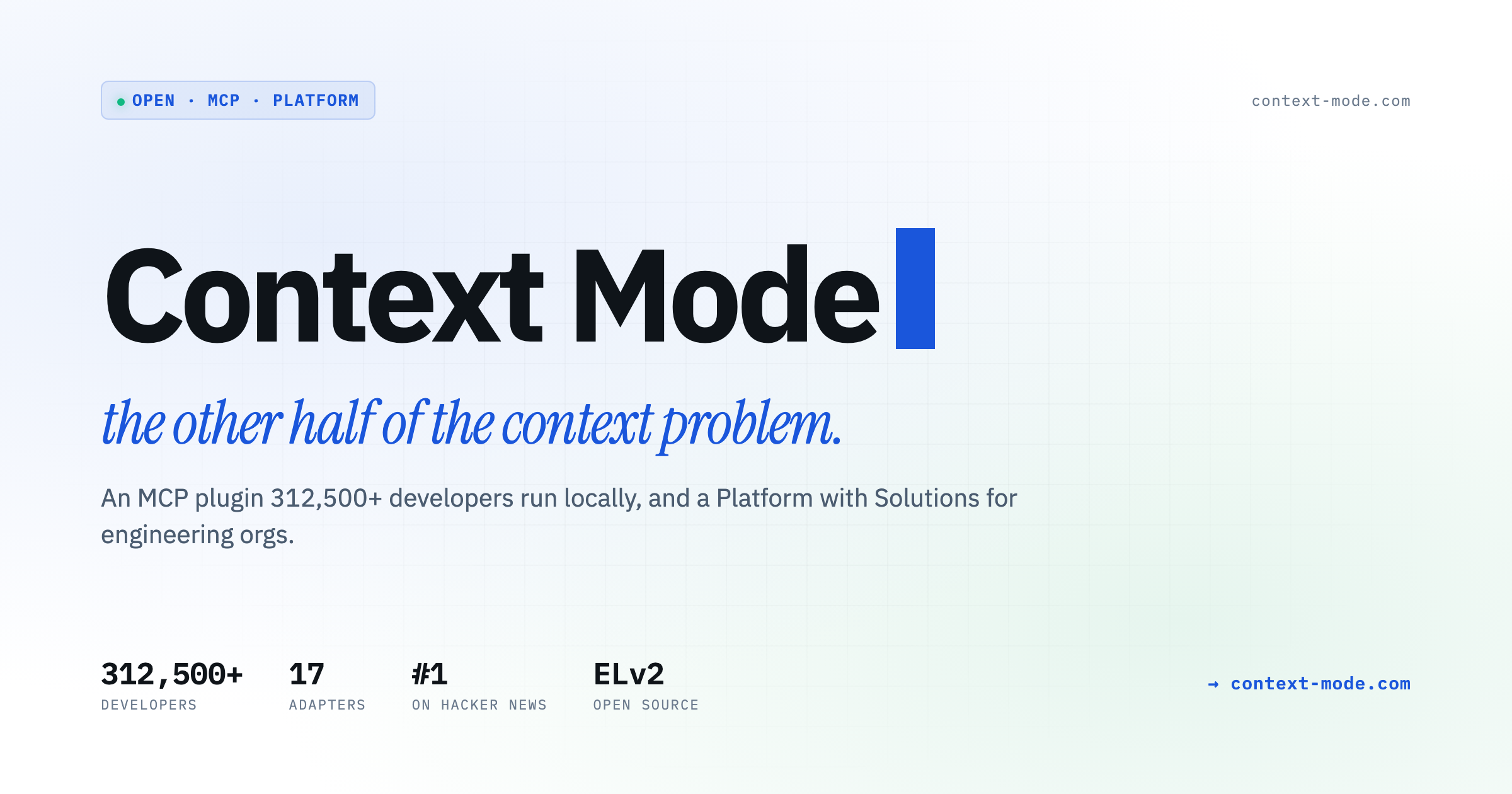
Context-mode supports 17 adapters: Claude Code (via plugin marketplace), Cursor, GitHub Copilot, VS Code Copilot, JetBrains Copilot, GitHub Copilot CLI, Gemini CLI, Codex, Kiro, Antigravity CLI, OpenCode, pi-agent, Zed, and more. Hook-capable adapters get automatic routing enforcement via session hooks. Non-hook adapters require a one-time routing file copy.
No. The free OSS plugin stores all data locally in SQLite on your machine. There is no telemetry, no cloud connection, and no account required. The optional Platform tier forwards only structural metadata (tool names, file paths, error counts) over an authenticated channel, and explicitly never source code, prompt content, or file content.
ELv2 allows you to self-host, run, copy, modify, and distribute context-mode for any internal purpose, including commercial and team use. It does not allow offering context-mode to external users as a hosted or managed service. It also prohibits removing licensing notices or tampering with license key functionality. For most individual developers and internal engineering teams, ELv2 imposes no practical restrictions.
Context-mode tracks every file edit, git operation, task, error, and user decision in a local SQLite database throughout the session. When the AI agent compacts the conversation to free context space, context-mode indexes those events into FTS5 full-text search and retrieves only what is relevant via BM25. The agent resumes its task state without the developer needing to re-explain what was in progress.