
Aider
Git-native terminal coding agent for multi-file edits and clean diffs
Replaces Claude Code, Github Copilot, Amazon Q Developer
Who it's for
Ask for features, fixes, tests, and refactors while Aider edits files and keeps changes visible through Git.
You want inline autocomplete more than conversational repository edits.
Use lint and test commands after AI changes so failures loop back into the editing session.
Your project has no runnable checks and no clear Git workflow.
The problem
IDE assistants are convenient for suggestions, but larger changes still require the developer to collect context, apply edits, run tests, and manage commits. Terminal-first developers need an AI coding loop that works with Git, diffs, and project commands instead of only autocomplete.
How it works
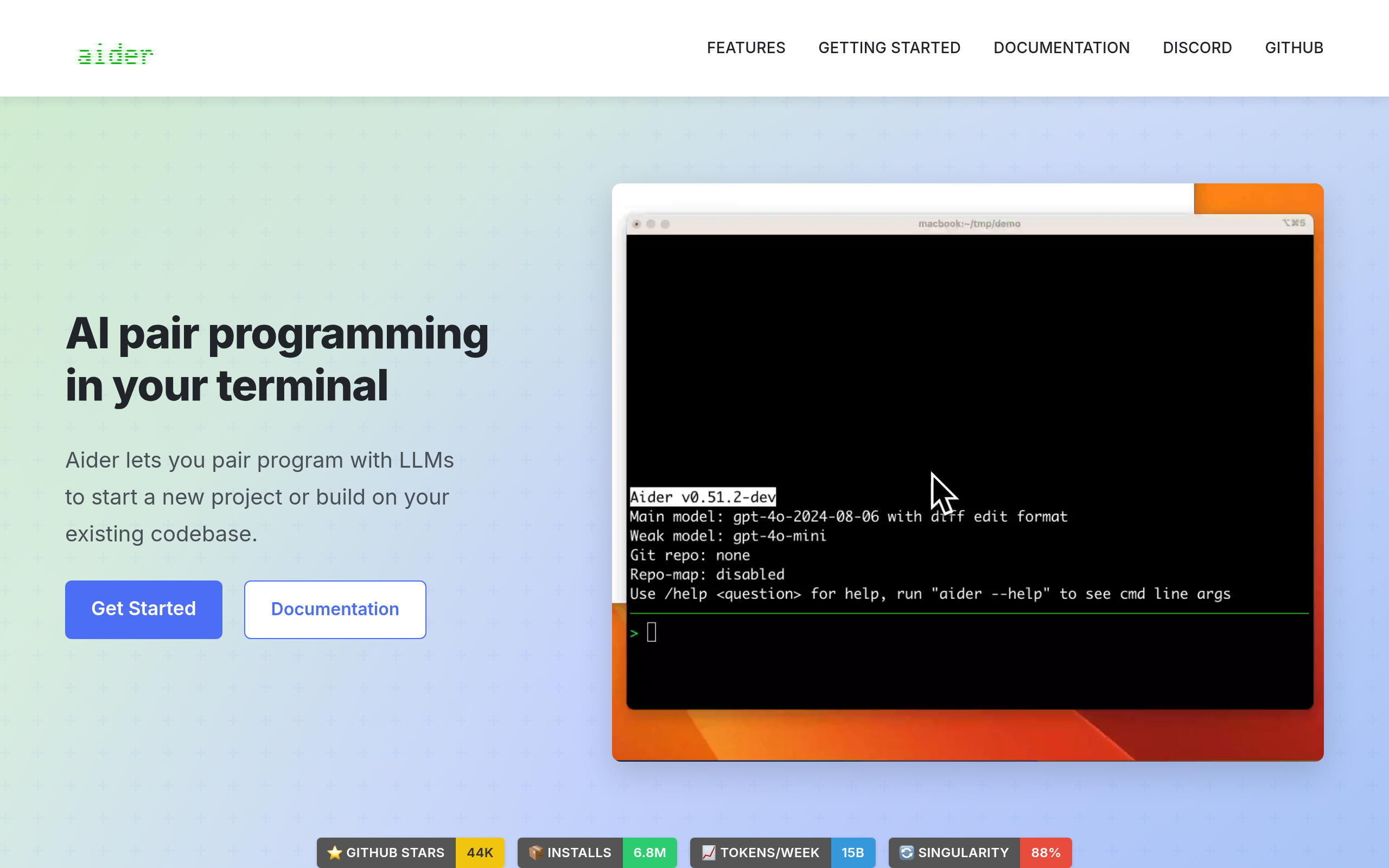
Aider runs in the terminal and edits your existing Git repository, which suits developers who want AI changes inside normal CLI workflows.
The README highlights a codebase map that helps the model understand larger projects before editing.
Aider can commit changes with messages and work with familiar diff, undo, lint, and test workflows.
Features
- Terminal pair programming
- Repository map for larger codebases
- Git-aware editing loop
How to install
```bash pipx install aider-chat ```
Recommended for this setup
Strengths
- Strong fit for CLI developers: Aider works where many senior developers already review changes: terminal, Git, diffs, tests, and commits.
- Model-flexible workflow: The README lists support for many LLMs and local or remote providers, giving teams more choice than a single IDE product.
Trade-offs
- Less visual than IDE-native tools: Cursor and Copilot feel smoother for developers who want inline suggestions, visual context, and editor-native UX.
- Quality depends on model and repo context: Aider can only be as good as the selected model, provided files, tests, and prompts.
Tech stack
FAQ
Aider can replace Copilot for terminal-based conversational edits. Copilot is still better for IDE-native code completion.
Yes. The README says Aider can automatically commit changes with sensible commit messages.
The README lists Python, JavaScript, Rust, Ruby, Go, C++, PHP, HTML, CSS, and many others.