
Yogurt
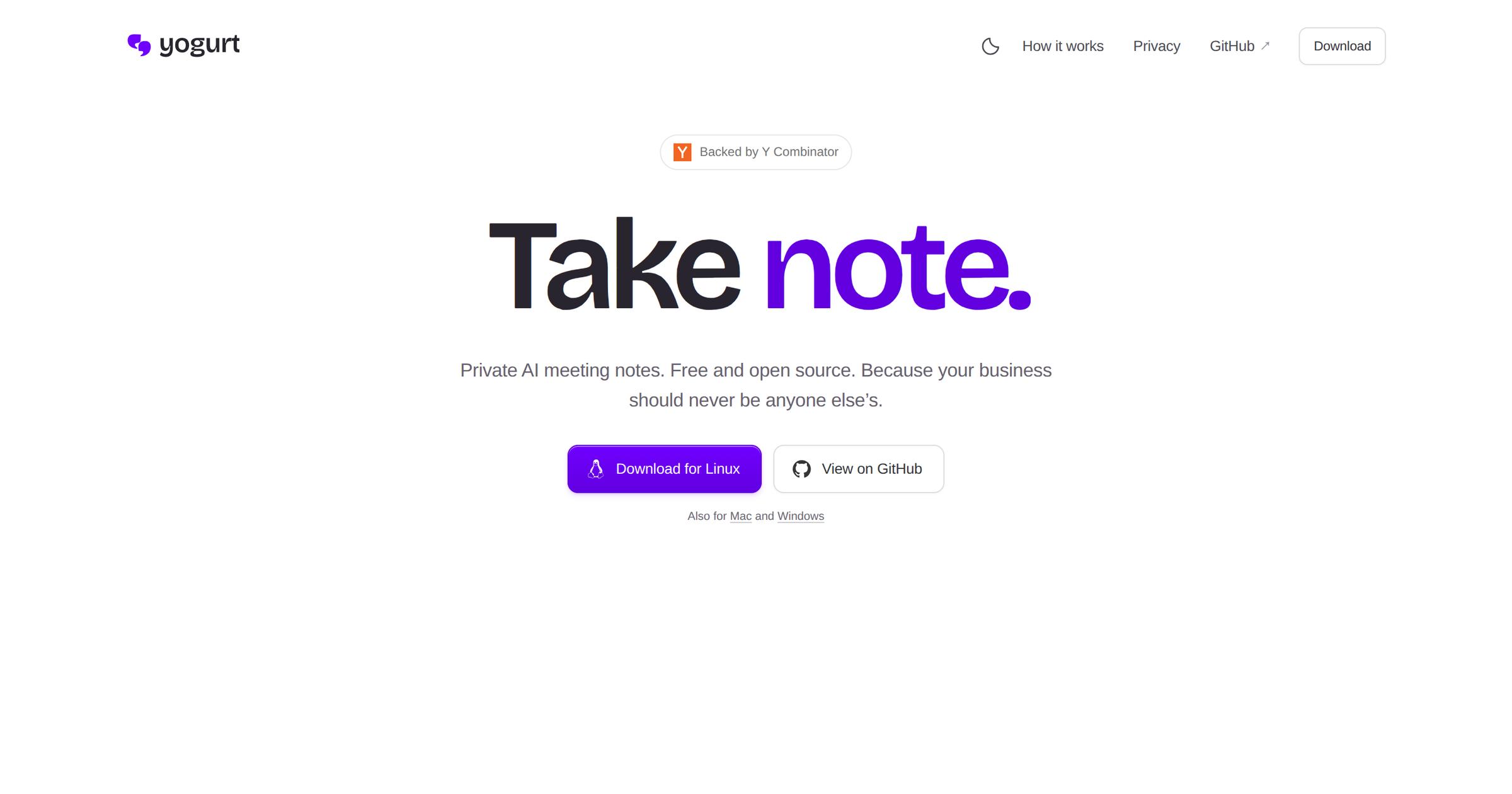
Local AI meeting notes for Mac, Windows, and Linux, no bot
Replaces Granola
Who it's for
Lawyers, doctors, consultants, and executives discussing confidential matters can record calls knowing the audio never leaves their device. Yogurt provides transcription and summaries without requiring trust in a third-party cloud provider.
If your calls cover only non-sensitive topics and you are comfortable with cloud-processed audio, a managed service like Granola is simpler to set up and has a more polished Mac experience.
Yogurt is the only local-AI meeting notes tool that ships on Windows and Linux. Mac-only alternatives are not an option for teams running Windows or Linux workstations.
If you are on a Mac with Apple Silicon, Granola may offer a more refined experience for calendar integration and automatic speaker identification.
Yogurt's MIT license and TypeScript codebase let you read the source, audit what it records, and modify it for internal use. The MCP topic tag indicates it is designed to integrate with AI toolchains.
If you need a production-ready tool for a large team immediately, the project's young age and small contributor base mean it may not yet match the reliability of a commercially supported product.
The problem
Most AI meeting assistants join your calls as a visible bot participant. The bot uploads your audio to a remote server for processing, which means your conversations with clients, colleagues, or partners pass through a third-party system. For anyone working with sensitive business, legal, or medical information, this is a problem that most tools simply ignore. Even if a service offers a privacy policy, the data still crosses infrastructure you do not own or control. If the vendor raises prices, changes their data handling, or shuts down, you have no recourse. The recordings and transcripts of your most important conversations sit on someone else's servers.
How it works
Uses Whisper to transcribe meetings on your own hardware. After the first model download, it runs offline; no audio is uploaded to a remote service.
Records your microphone and your computer's audio output instead of joining as a participant. The other people on the call never see a recording bot appear.
Add notes during a call; after the meeting, your annotations and the transcript become one structured set of notes, with the original transcript available for reference.
Ask questions about what was said after the meeting. Yogurt retrieves answers from the transcript, so you can find what you missed without replaying the whole recording.
Available as a signed installer on Apple Silicon (macOS 14.4+), Windows (x64, version 2004+), and Linux (AppImage, Ubuntu 22.04+). Calendar integration and speaker names are Mac only for now.
Features
- Local AI transcription
- No bot on the call
- In-call notes that merge with the transcript
- Post-call Q&A from the transcript
- Cross-platform: Mac, Windows, and Linux
How to install
Download the signed installer for your platform from GitHub Releases: https://github.com/FrigadeHQ/yogurt/releases/latest
Recommended for this setup
Strengths
- MIT licensed with no paid tier: Yogurt is entirely free under the MIT license. There is no freemium cap or subscription, and you can modify the source code or fork it without restriction.
- Audio and transcripts stay on your device: All AI processing runs locally using Whisper and llama.cpp. Your recordings, transcripts, and notes are never uploaded, so they cannot be subpoenaed from a cloud provider or exposed in a data breach.
- Windows and Linux support, not just Mac: Granola, the leading paid alternative in this category, is Mac only. Yogurt's Windows and Linux builds make it the only local-AI meeting notes tool with this platform coverage.
Trade-offs
- Mac requires Apple Silicon: The Mac build requires Apple Silicon (M1 or later) with macOS 14.4 or newer. Intel Mac users are not supported.
- 8 GB RAM minimum for all platforms: Running the AI models locally requires at least 8 GB of memory. The app warns during setup if your hardware is too slow, but slower machines may produce delayed transcriptions.
- Calendar and speaker names are Mac only: Calendar integration and automatic speaker name identification are available on Mac only. Windows and Linux users see transcripts without named speakers or calendar-linked meetings.
- Very new project: Yogurt launched in November 2026 with 4 open issues. It lacks the community size and integration ecosystem of more established meeting tools, and its long-term feature roadmap is not yet public.
Tech stack
FAQ
Yes. After a one-time download of the AI models during setup, transcription and summaries run entirely on your computer. No internet connection is needed during calls or for processing recordings.
No. Yogurt records your microphone and the audio playing on your computer. No bot participant appears in the call, and you do not need to send anyone a link. The other participants do not need to install anything.
On Mac, you need Apple Silicon (M1 or later) with macOS 14.4 or newer. On Windows, a 64-bit PC running Windows 10 version 2004 or newer. On Linux, a 64-bit system running Ubuntu 22.04 or a compatible distribution. All platforms require at least 8 GB of RAM.
Yes. Yogurt is free and MIT licensed. There is no paid tier, no subscription, and no usage limit.
Yogurt is made by Frigade and is backed by Y Combinator. The source code is available on GitHub under FrigadeHQ/yogurt.