
Ycode
Open source visual website builder with no-code CMS
Replaces Webflow, Wix, Squarespace
Who it's for
Ycode fits teams that need non-developers to edit pages while developers retain a path to inspect and self-host the platform.
You need a simple static site generator with no database or hosted dependencies.
The visual builder and CMS combination can help agencies create editable sites without committing each client to a closed hosted builder.
Your clients require a fully managed vendor with support, templates, and hosting included.
The problem
No-code website builders are convenient until teams need ownership, export control, or custom workflows outside a hosted platform. Designers and marketers want visual editing, while developers want a codebase and deployment model they can inspect. The hard balance is keeping the builder approachable without hiding every operational detail. A self-hosted visual CMS needs clear setup requirements and realistic infrastructure expectations.
How it works
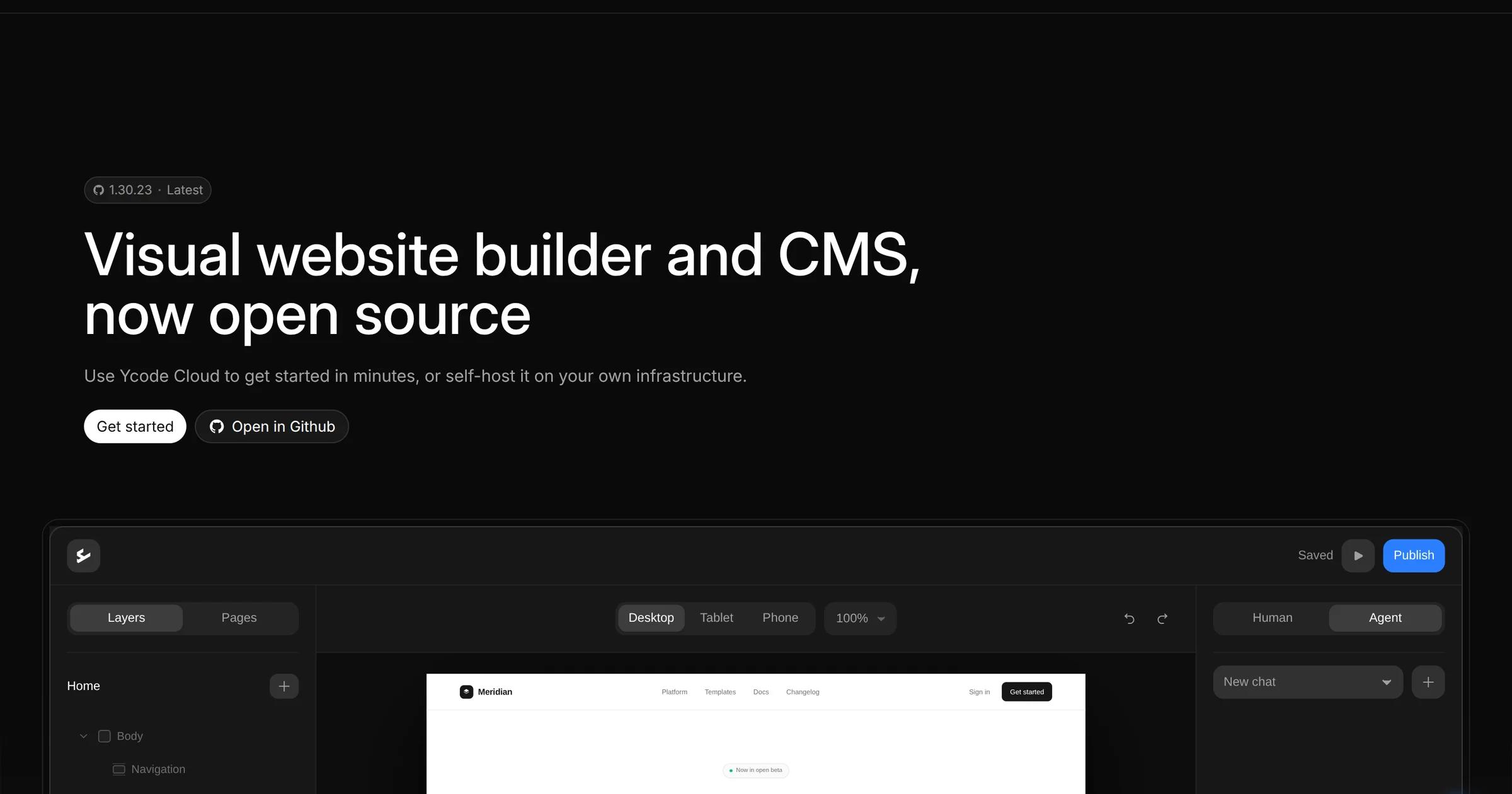
Ycode lets users create and manage websites without writing code, making it a fit for marketing and content teams.
The README describes Ycode as both a visual website builder and CMS, so content management is part of the product rather than a separate add-on.
Ycode is available as a self-hosted open source project or as a managed cloud service, giving teams a choice between control and convenience.
Features
- Visual website builder
- CMS built into the builder
- Self-hosted and cloud options
Recommended for this setup
Strengths
- Visual editing with source control: Ycode is strongest for teams that want a Webflow-like visual workflow but still value access to an open source project.
- Clear self-hosting prerequisites: The README names GitHub, Supabase, and Vercel as self-hosting requirements, which helps teams assess the deployment path before trying it.
Trade-offs
- Self-hosting depends on external services: Ycode's open source setup requires accounts with GitHub, Supabase, and Vercel. Teams wanting a single-server install should evaluate that architecture carefully.
Tech stack
FAQ
Yes. The README describes Ycode as available as a self-hosted open source project, and GitHub reports MIT licensing.
Yes. Ycode is a visual website builder and CMS designed for creating and managing websites without writing code.
The README says self-hosting requires GitHub, Supabase, and Vercel accounts.