
wmux
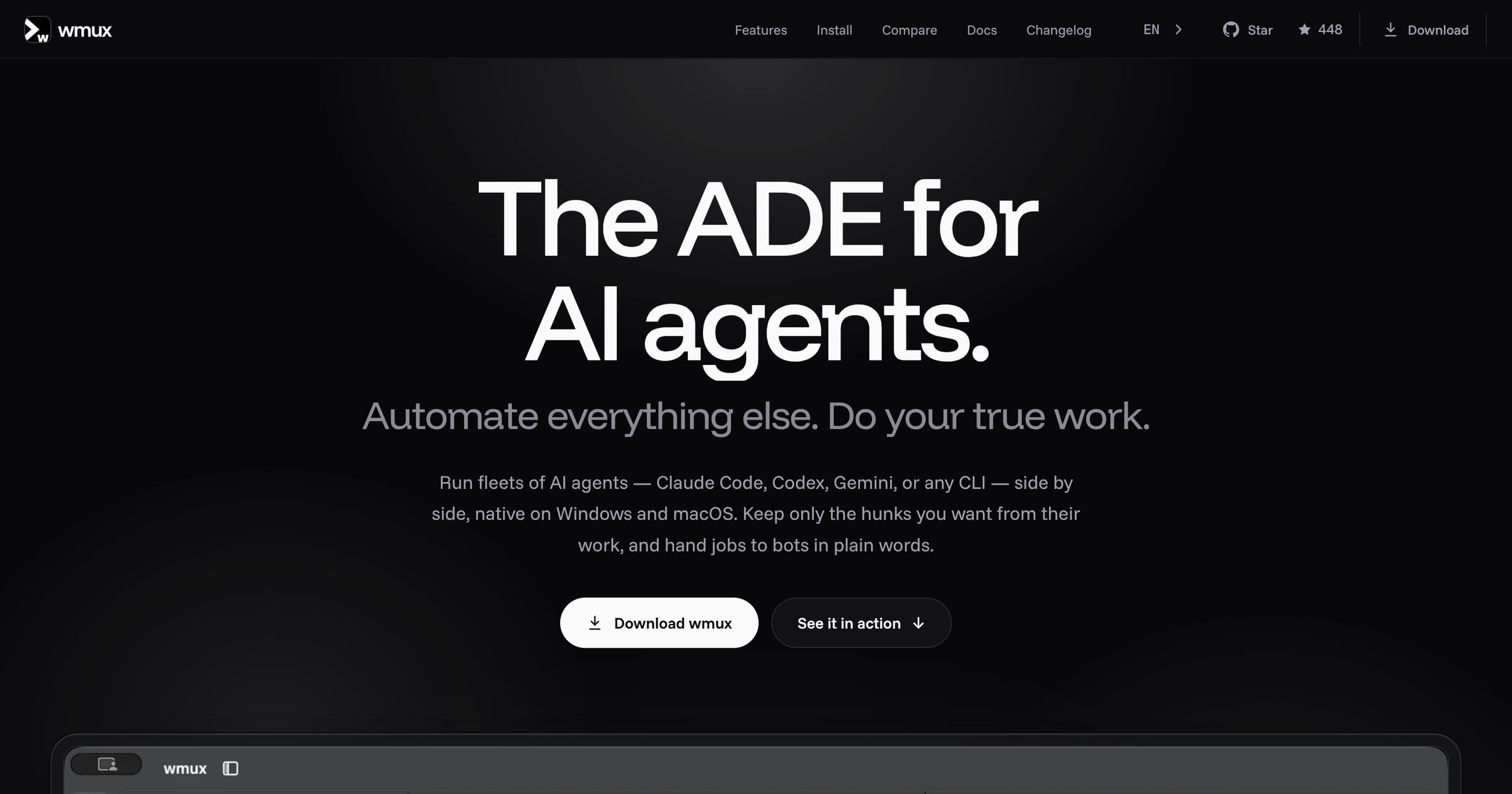
Native ADE for running multiple AI agents on Windows and macOS
Replaces Conductor
Who it's for
Use Multi Task to split one prompt into up to 8 lanes, run an agent in each isolated worktree, and compare the resulting diffs side by side. Good for evaluating different refactor strategies, testing competing implementations, or reviewing how different agents handle the same spec.
You have only one approach in mind and no need to compare results. A single-task workflow in wmux works fine but brings more UI than a plain terminal session.
When Claude Code or another agent reaches a question or permission gate, the iOS companion shows it in Fleet on your iPhone. Answer from your phone and the desktop pane continues. Useful for long-running background tasks where you do not want to stay at your machine.
You are always at your desk or do not have an iPhone. The iOS app is optional; every approval can be handled in the desktop Fleet view.
Run Claude Code on a feature branch while Codex reviews a pull request in the next pane, and pass their outputs through channels without leaving wmux. Fleet surfaces any pane that needs attention, so nothing stalls waiting for input.
Your team uses a CI-based review workflow and agents only need to generate code, not coordinate with each other. A single terminal session is simpler for that case.
Name a bot, describe the job in plain words, and hand it a task while you work on something else. The bot starts a Claude Code worker on its own branch, runs the tests, and reports back. Any action requiring your approval, like merging a pull request, waits in Fleet.
You need deterministic, scripted automation rather than an AI agent making judgment calls. wmux bots delegate to Claude Code and reflect its behavior: good for open-ended coding tasks, not for rigid sequential scripts.
The problem
Managing multiple AI coding agents manually means juggling separate terminal windows, tracking which agent is on which branch, and reviewing incomplete diffs that may conflict with each other. When Claude Code and Codex are both changing the same codebase, nothing coordinates the merge, nothing warns before changes collide, and reviewing two separate sets of diffs by switching between windows is slow and error-prone. Handling agent approvals adds another layer: an agent waiting for input blocks your flow until you notice it. If you are away from your desk, there is no way to answer from your phone. And once a task finishes, finding the result among a pile of terminal sessions takes time you do not have between parallel work.
How it works
One prompt, up to 8 isolated git worktrees. wmux creates a fresh wtask/* branch per lane, runs an agent in each, and shows all diffs side by side. You harvest changes hunk by hunk after the tasks finish: each hunk applies completely or not at all, and you open a pull request from the Git tab.
Review diffs by file and hunk across every parallel task, tick the hunks you want, and apply the selection to your working tree as one atomic git apply. Nothing lands until you confirm it. Fewer file conflicts between tasks because each change applies completely or not at all.
Name a bot, describe the job in plain words, and wmux starts a Claude Code worker on its own branch, runs the tests, and reports back. Any action that is public, like merging a pull request, waits for your approval before proceeding.
Fleet lists every agent across every workspace in one attention view: Needs you, Ready to review, Running, and Idle. A row that needs you shows the agent's question inline; answer it there or jump to the pane. Access it with Ctrl+Shift+A on Windows or Cmd+Shift+A on macOS.
Each agent gets its own browser pane, backed by either a built-in browser or a dedicated Chrome instance over the DevTools Protocol. The 81 MCP tools register themselves on first run and cover browser automation, pane control, A2A messaging, and git worktree fan-out, so agents can navigate, click, screenshot, and compose text in real browser tabs.
When an agent stops for input or hits an approval gate, the question appears in Fleet on your iPhone. Answer it from your phone and the desktop pane moves on. The iOS app pairs through Tailscale; push notifications pass through a relay as sealed envelopes the relay cannot read.
Features
- Parallel worktree fan-out
- Hunk-level diff review and adoption
- Bots: natural-language job delegation
- Fleet view for multi-agent attention
- Built-in browser with 81 MCP tools
- iOS companion for remote approvals
How to install
Install wmux on Windows using winget or Chocolatey.
winget install openwong2kim.wmuxOn macOS (Apple Silicon, macOS 13 Ventura or later), download the signed and notarized DMG: https://github.com/openwong2kim/wmux/releases/latest
Recommended for this setup
Strengths
- MIT license, no telemetry, no account: The full source is on GitHub under the MIT license. No account is required, the daemon binds to loopback by default, and the website states no telemetry leaves the machine. You own the tool and the data.
- Native on Windows without WSL: wmux talks to ConPTY directly on Windows 10 and 11, with no WSL, no Cygwin, and no Linux VM in the path. Claude Code, Codex, and other CLI agents run in real PTYs. This matters for Windows developers who avoid WSL for performance or policy reasons.
- Daemon outlives the app window: A background daemon owns every terminal and git worktree. Quitting the desktop app leaves all sessions running; reopen it to pick up where you left off. After a crash, recovered panes offer a Resume option that types the agent command back and restores the conversation when the session ID is known.
- Agent-to-agent messaging through channels: Agents in adjacent panes pass tasks to each other through wmux channels and A2A tools. Claude Code can send a diff to the Codex pane for review; Codex replies with a suggested test case; Claude adds it and reports the result. No copy-pasting between terminals or manual hand-off.
Trade-offs
- macOS requires Apple Silicon: wmux ships only an arm64 DMG for macOS 13 Ventura or later. Intel Mac builds are not currently produced, and the README notes that macOS 12 stops receiving updates from version 4.14. Developers on Intel Macs need to build from source or wait for an Intel build to be added.
- Linux support is experimental: Linux builds (AppImage, .deb, .rpm) are on the releases page but marked experimental. Status detection for some agents is listed as not verified in the README. Developers on Linux who need reliable, tested builds should check the GitHub issues for the current state.
- Windows SmartScreen warning on direct installer: Setup.exe is signed with a SignPath test certificate while the full OSS certificate is pending, so Windows SmartScreen shows an unknown publisher warning on the direct installer. Installing via winget or Chocolatey skips this prompt. The in-app updater handles subsequent updates automatically.
Tech stack
FAQ
No. wmux talks to ConPTY directly on Windows 10 and 11, so there is no Linux VM in the path. Claude Code, Codex, and other CLI agents run in real PTYs without Cygwin, WSL, or MSYS2. The minimum requirement is Windows 10 build 1903 or later (x64).
Claude Code and Codex CLI get the full feature set: status display, chat view, approvals from the iOS app, and session resume. OpenCode and Kiro CLI report status through hooks after a one-time setup. Gemini CLI, Aider, and others start from the pickers but their status detection is listed as not verified in the README. Any CLI agent that runs in a terminal works in a pane.
Yes. The iOS app is optional. Every agent question and approval gate shows in the Fleet view on your desktop. The iOS companion adds the ability to answer from your phone; without it, you handle everything from the wmux window. Remote pane access is also available through wmux web, which serves your sessions to any browser over loopback by default.
wmux borrows tmux muscle memory (split panes and a prefix mode covering 13 actions) but the unit it multiplexes is the workspace, not the terminal. A wmux workspace holds agent panes, git worktrees, browser panes, and channels. The daemon manages isolated worktrees and routes agent-to-agent messages, which are not tmux concepts. wmux is not a tmux port: it uses ConPTY on Windows and forkpty on macOS and ships as a native Electron desktop app.
Yes. wmux is MIT licensed with the full source on GitHub at openwong2kim/wmux. No account is required, no telemetry leaves the machine, and the license allows commercial use, forking, and modification without restriction.