
Vicoa
Agent-native IDE for running 40+ coding agents from any device
Replaces Conductor
Who it's for
Start one Claude Code session on the auth branch, another Codex session on the payment integration, a third on documentation. Each agent stays isolated on its own worktree. You steer from a phone notification when one needs a decision, then come back to the laptop to review the diffs.
If you only ever run one agent at a time and always have your laptop nearby, Vicoa's relay and mobile layer add setup overhead without a clear benefit. A single terminal with the agent's own UI is simpler.
Connect several machines to one Vicoa workspace, assign tasks from the board, and let agents work across different repositories or the same repository on different branches. The team sees all sessions in one view rather than hunting terminal tabs across machines.
Teams that need fine-grained access controls, audit logs, or agents that review each other's output may find Vicoa's current feature set limited for enterprise use cases.
Start a session on the desktop or a VPS, then continue the conversation from an iPhone or Android. The mobile app shows the full thread, inline diffs, and the file browser. Push notifications pull you to whichever agent needs a decision. Voice dictation works from the mobile app.
If you need to write significant amounts of code yourself rather than steer agents, the mobile app is not a code editor. Vicoa is for directing agents, not for writing code from scratch on a touchscreen.
Create tasks on the board, assign them to agents, and schedule recurring automations with cron. Nightly refactors, daily test runs, and weekly summaries can run on their own schedule and report back when done. The setup maps to a workflow where you define intent and agents handle implementation.
If you need deterministic control over each step the agent takes, or you rely on reading the full terminal output to debug issues, Vicoa's layer of abstraction may work against you.
The problem
Running multiple AI coding agents currently requires one terminal window per agent and constant manual monitoring. Claude Code in one tab, Codex in another, a third already blocked waiting for a decision you have not seen yet: there is no unified view of session status and no way to steer from your phone when you step away. Agents working the same repository without branch isolation overwrite each other's changes. Teams end up running one agent at a time, forfeiting the parallelism the hardware supports, and always needing to be at the desk to keep things moving.
How it works
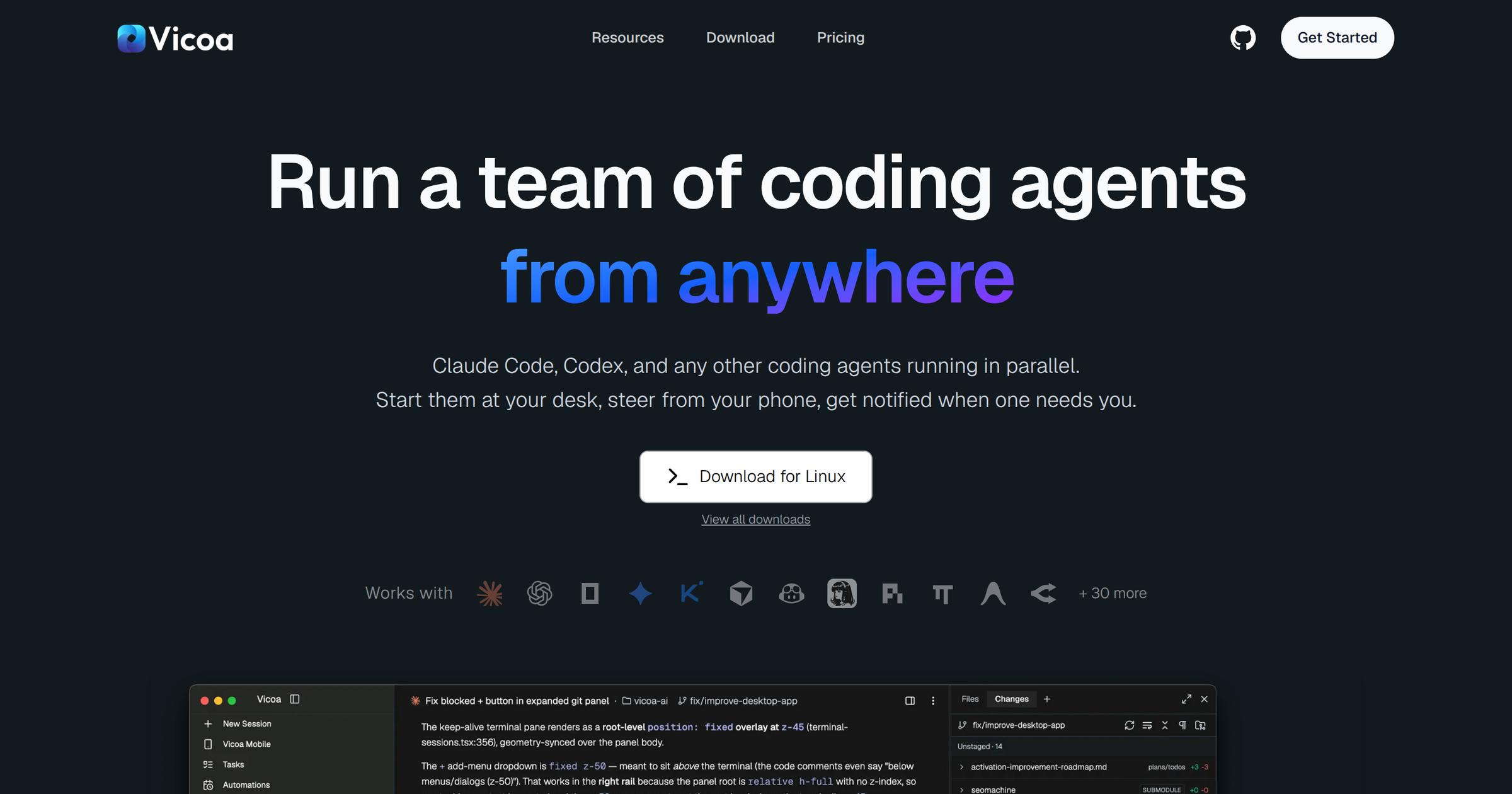
Start Claude Code, Codex, Gemini, Cursor, and any of 40+ supported agents side by side, each on its own git worktree and branch. Agents cannot interfere with each other's code, so you can run multiple sessions against the same repository without merge conflicts.
Connect macOS, Windows, Linux, or a remote VPS to Vicoa's relay, then steer any running session from an iOS or Android app, the web dashboard, or the CLI. Switching devices does not interrupt a session; messages sync instantly across all surfaces.
Vicoa sends a push notification when an agent is blocked or finishes. The mobile app shows the full inline diff with word-level highlights, the file tree, and the conversation. You can review changes, approve a decision, or redirect the agent without opening a laptop.
Create tasks on a kanban board with priorities, labels, and sub-tasks, then right-click any task to start a session. The agent picks it up directly, removing the step of composing a prompt from scratch for each piece of work.
Define recurring automations with cron expressions so agents handle routine work: nightly refactors, daily test runs, weekly summaries. Runs trigger on a schedule whether or not anyone is at a desk, and report back when they finish.
Vicoa uses your existing Claude, Codex, or other agent subscriptions and API keys. It routes to 300+ models from 60+ providers through OpenRouter. No usage markup, no token resale, no lock-in to Vicoa's billing.
Features
- Parallel agent sessions on isolated worktrees
- Device-agnostic control from phone, desktop, or web
- Push notifications and inline diffs on mobile
- Linear-style task board with agent dispatch
- Cron automations for scheduled agent runs
- Bring-your-own keys across 300+ models
How to install
Install the Vicoa CLI via npm, or deploy the full self-hosted stack with Docker Compose.
npm install -g @vicoa/cli

cp .env.example .env
./backend/scripts/generate-jwt-keys.sh selfhost/keys
docker compose -f docker-compose.selfhost.yml up -d
Recommended for this setup
Strengths
- Code never leaves your machine: Vicoa's relay passes conversation messages between your phone or browser and the daemon running on your machine. Your source code and git history stay on your hardware; Vicoa does not receive or store it. This is different from cloud-based AI development tools that run agents on hosted environments where your code leaves your infrastructure.
- AGPL-3.0 open source with a full self-hosted stack: The complete stack (backend, web app, desktop app, and mobile app) is in one open-source repo under AGPL-3.0. Self-hosting with Docker Compose requires Postgres but no external cloud services. Teams that need a private or air-gapped deployment can run the entire product on their own infrastructure.
- Native mobile apps, not a browser-wrapped terminal: The iOS and Android apps are built in Flutter and show agent sessions, inline diffs, a file browser, the conversation thread, and push notifications in a real mobile interface. This is architecturally different from tools that wrap a web terminal or a simplified chat window in a mobile browser tab.
- Agent Client Protocol supports 40+ coding agents: Built-in support for Claude Code, Codex, OpenCode, Gemini, Cursor, GitHub Copilot, Kimi, Hermes, Pi, Oh My Pi, and Antigravity, with 30+ more via ACP. Any agent that speaks ACP works with a custom launch command. Because Vicoa launches each provider's own CLI with your credentials, usage looks to the provider the same as running the agent yourself.
Trade-offs
- AGPL-3.0 restricts managed-service redistribution: AGPL-3.0 requires distributing source changes if you run a modified version of Vicoa as a hosted service for others. Running it internally for yourself or your team on your own infrastructure is unrestricted. If you plan to offer Vicoa as a managed service to paying customers, you must open-source your modifications or negotiate a separate license.
- New project with limited public history: The repo was first published on 2026-08-28 and has fewer than three months of public history. It has 3 open issues and is in active early development. Some features documented in the README (live preview, dictation) may be less polished than in established tools. Evaluate the current release against your specific requirements before committing to it in a production workflow.
Tech stack
FAQ
No. Vicoa runs the agent CLI on your own machine and your code stays there. Your phone, browser, and other devices connect through a secure relay that passes conversation messages; it does not receive or store your source files. The relay passes the conversation, not your repository.
Vicoa supports 40+ agents. Claude Code, Codex, OpenCode, Gemini, Cursor, GitHub Copilot, Kimi, Hermes, Pi, Oh My Pi, and Antigravity have native integrations. Another 30+ agents (Amp, Cline, Devin, Factory Droid, goose, Kiro, Qwen Code, TRAE, and others) connect via the Agent Client Protocol. Any ACP-compatible agent works with a custom launch command.
Vicoa has a free tier. You bring your own agent and model subscriptions or API keys; Vicoa does not add a usage markup. For advanced features and higher usage limits, paid plans are available on the pricing page. The self-hosted path under AGPL-3.0 runs at no cost on your own infrastructure.
Clone the repo, copy `.env.example` to `.env`, generate JWT keys with the included script, and run `docker compose -f docker-compose.selfhost.yml up -d`. The full walkthrough is in SELF_HOSTING.md. The backend requires Postgres; Docker Compose handles the whole stack. The mobile and desktop apps can connect to your self-hosted backend.
Yes. Vicoa works in any project folder. Git worktrees are optional; they are what let agents run in parallel on the same repository without stepping on each other's code. You can run a single agent in any directory where you normally work, with or without git.