
TypeScript
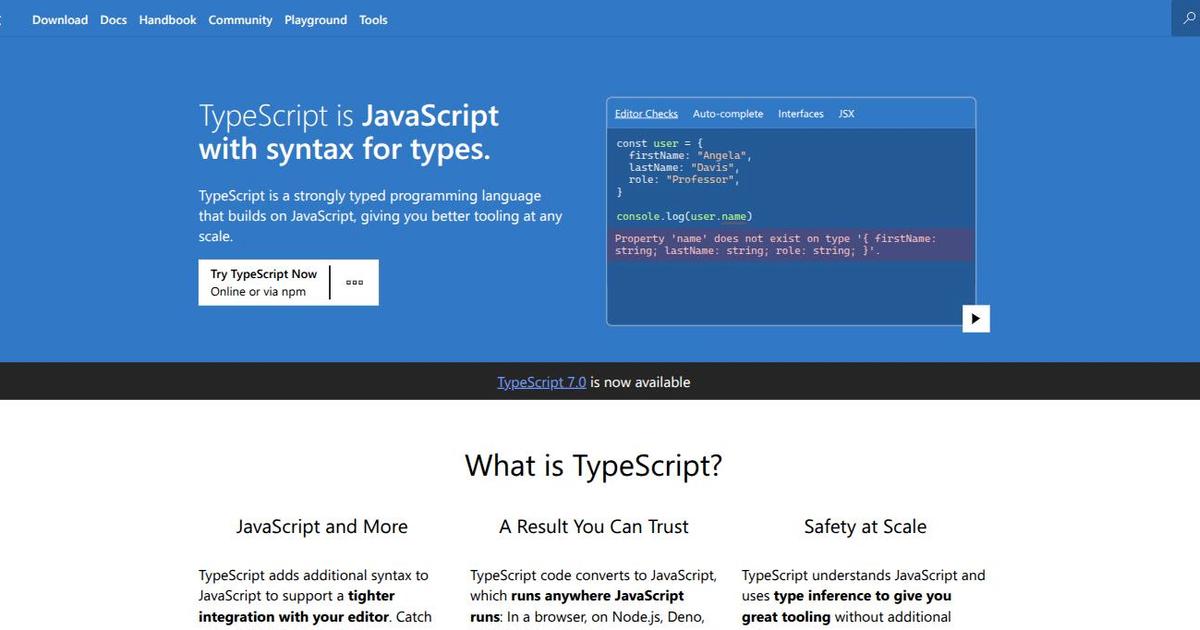
JavaScript with syntax for types
Replaces Sonarcloud
Who it's for
Ideal for teams working on large codebases where type safety is crucial.
If the team is small and prefers rapid prototyping.
Great for developers building applications with frameworks like Angular or React.
If the project is a simple script or small utility.
The problem
TypeScript helps developers catch errors early in the development process by adding static types to JavaScript, improving code quality and maintainability.
How it works
Define types for variables and functions to catch errors at compile time.
Benefit from improved autocompletion and refactoring in IDEs.
Incrementally apply types to existing JavaScript codebases.
Compile TypeScript to plain JavaScript for seamless integration.
Leverage TypeScript with popular frameworks like Angular and React.
Features
- Static Typing
- Enhanced Tooling
- Gradual Adoption
- Compatibility
- Rich Ecosystem
How to install
npm install -g typescript
Recommended for this setup
Strengths
- Error Prevention: Catch potential errors during development rather than at runtime.
- Improved Collaboration: Facilitate better communication among team members through clear type definitions.
- Robust Tooling Support: Enjoy enhanced IDE features that boost developer productivity.
Trade-offs
- Learning Curve: Developers may need time to learn TypeScript's type system.
- Initial Setup: Setting up TypeScript in existing projects may require additional configuration.
Tech stack
FAQ
TypeScript is a superset of JavaScript that adds static types to the language.
You can install TypeScript using npm with the command: `npm install -g typescript`.
Yes, TypeScript is designed to work with existing JavaScript codebases.