
text-to-cad
AI agent skills for CAD, robotics, and fabrication workflows
Replaces Zoo Dev
Who it's for
text-to-cad handles the full robot description chain from a single agent session: URDF for kinematic structure, SRDF for MoveIt2 planning groups, and SDF for Gazebo simulation. An engineer can drive geometry generation and description file authoring without manually translating between tools.
Your robot models already exist and you only need simulation configuration. text-to-cad adds value at the geometry-plus-description authoring stage; if the CAD is done and you only need tweaks to an SDF world file, a direct editor is faster.
The DfAM check skill measures printability before slicing, the G-code skill produces validated FDM output using real slicer CLIs, and the Bambu Labs skill handles print submission. For teams iterating on physical prototypes, this chain reduces manual steps between a design change and a submitted print job.
Your fabrication workflow targets CNC machining or injection molding rather than FDM 3D printing. The G-code and Bambu Labs skills target FDM specifically; DXF and STEP export are available for other processes but lack dedicated machine validators.
Each skill is a self-contained, installable unit with a documented schema and output contract. A developer can chain the CAD skill for geometry, pipe output to the DfAM check, then trigger slicing and print submission, all within a single agent workflow without building custom CAD tooling from scratch.
Your pipeline targets design formats beyond STEP, STL, and DXF (such as Rhino .3dm, CATIA formats, or Adobe Illustrator vectors). text-to-cad covers open engineering formats; proprietary design tool formats are out of scope.
The SendCutSend skill validates DXF and STEP files against fabrication requirements before upload, catching issues that would cause an order to fail or require revision. Teams that iterate frequently on sheet metal or laser-cut parts can integrate this check into an agent workflow that generates, validates, and prepares files for upload in sequence.
You use a fabrication service other than SendCutSend. The SendCutSend skill validates against that service's specific requirements; files destined for other cutting services need their own validation step.
The problem
AI agents working on engineering tasks have no reliable way to generate valid CAD artifacts from natural language. Writing a prompt like "a bracket with 4mm mounting holes" is straightforward; turning that prompt into a validated STEP file that a machinist or manufacturer can open requires understanding coordinate systems, tolerance conventions, and format requirements that general-purpose models do not carry. The challenge deepens when a project spans multiple engineering domains. A robotic arm design needs a URDF for kinematics, an SDF for Gazebo simulation, SRDF for MoveIt2 planning, and a STEP export for manufacturing review. Managing that chain today means switching tools, bridging incompatible formats by hand, and repeating the same validation steps every time a design changes.
How it works
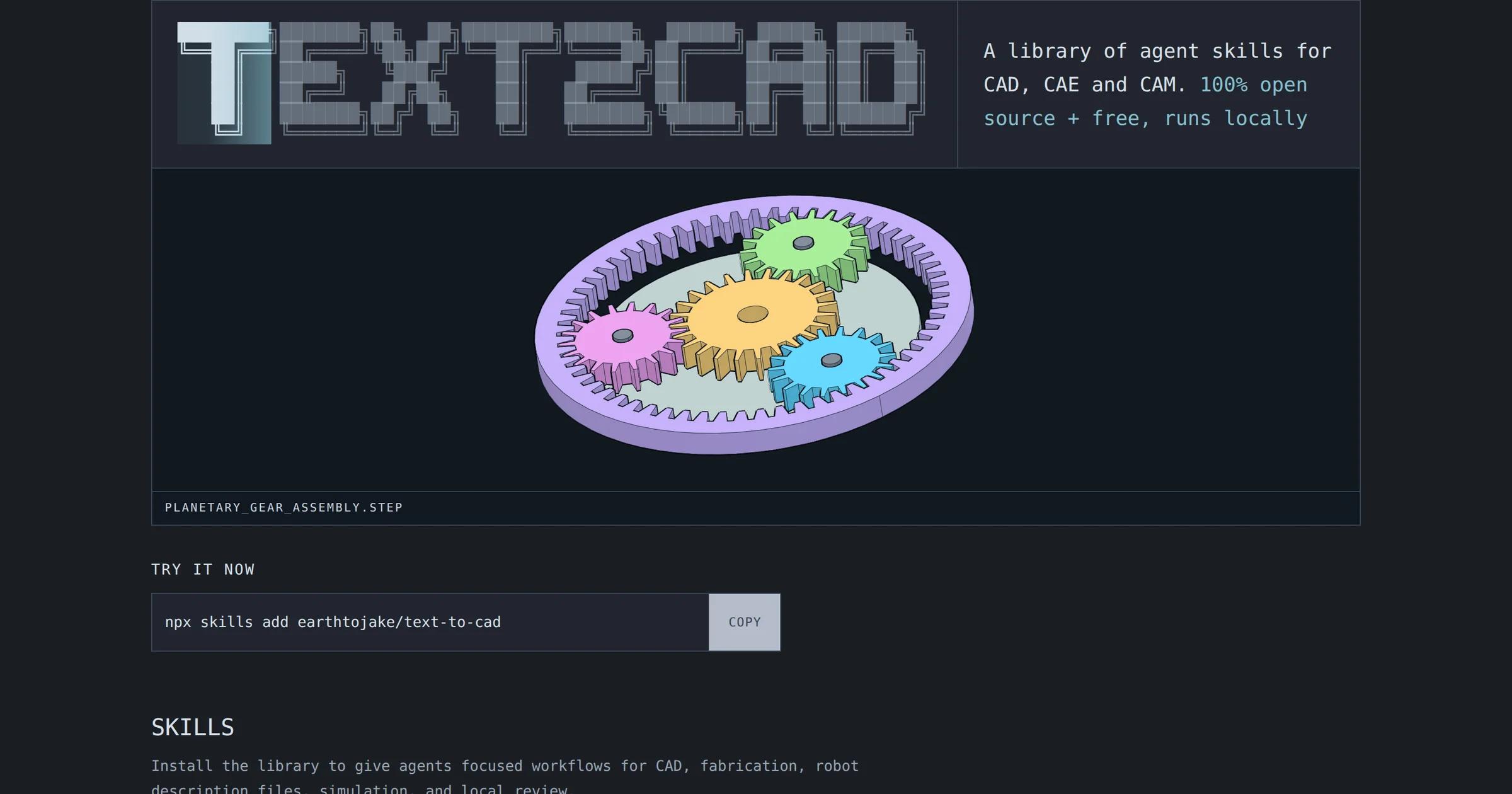
Creates and edits 3D CAD models from natural-language descriptions or image inputs, with STEP as the primary output. Also exports to STL, 3MF, and GLB. The CAD Viewer skill renders a local browser preview of the geometry so you can inspect results without leaving the agent session.
The URDF skill writes robot structure files with links, joints, limits, inertial properties, and mesh references. The SRDF skill adds MoveIt2 planning groups, end effectors, default poses, and collision rules to an existing URDF. The SDF skill generates Gazebo-compatible simulator models and worlds with frames, physics, sensors, and lights.
Creates 2D DXF drawings, including profiles, templates, gaskets, and cut layouts, from Python geometry sources or existing CAD geometry. The SendCutSend skill validates DXF and STEP files against fabrication requirements before upload, catching issues that would require revision after order placement.
Measures mesh printability for a given additive manufacturing process: wall thickness, overhang angles, support volume requirements, and optimal build orientation. Identifies issues before slicing so they surface before wasted print time, not after.
Slices supported mesh files into validated, printer-profiled FDM .gcode using real slicer CLIs, not simplified approximations. The Bambu Labs skill dry-runs, uploads, and can start print jobs on local Bambu Lab machines from validated .gcode, with print start gated behind an explicit confirmation.
Finds off-the-shelf STEP files for common hardware components: screws, bearings, motors, connectors, and similar standard parts. Avoids modeling standard fasteners from scratch and ensures dimensional accuracy for assembly constraints.
Features
- CAD generation from plain language or images
- Robot description file authoring (URDF, SRDF, SDF)
- 2D DXF drawing generation and fabrication validation
- Design for additive manufacturing (DfAM) checks
- G-code slicing and Bambu Labs print submission
- Off-the-shelf STEP parts via step.parts
How to install
Install the library with the Skills CLI; run the same command to update.
npx skills install earthtojake/text-to-cadRecommended for this setup
Strengths
- MIT license, runs locally with no cloud dependency: The entire library is MIT licensed and runs locally with no API keys or cloud services required for core workflows. Engineering teams handling proprietary designs or working in air-gapped environments can use the library without sending geometry to a third-party API.
- Installs across major agent runtimes: Installs via the Skills CLI (npx skills add earthtojake/text-to-cad) and also supports native plugin installs for Codex, Claude Code, and Grok Build. The same add command updates to the latest release and picks up newly added skills that a lockfile-based update would miss.
- Full design-to-fabrication chain in one package: From geometry creation (CAD, DXF) through robot kinematics (URDF, SRDF) and simulation (SDF) to slicing (G-code) and print submission (Bambu Labs), eleven skills cover the design-to-fabrication workflow in one installable package. Coordinating the same chain across separate tools requires bridging incompatible formats at each handoff.
- Active development and rapid community growth: Created in April 2026 and actively maintained through September 2026, text-to-cad accumulated over 15,000 GitHub stars in under six months. Only 14 open issues reflect active triage. A Discord community is available for questions and contributions.
Trade-offs
- Python 3.11 or newer required: The CAD skills require Python 3.11 or newer. Projects on older Python environments cannot use the library without upgrading the runtime. The plugin install paths for Codex, Claude Code, and Grok Build wrap the Python runtime, but the version dependency remains.
- Engineering formats only, no visual or web design output: text-to-cad is a focused library for engineering artifact generation. It does not cover visual design, web UI, or general-purpose image output. Teams that need both engineering CAD and other design artifacts will need separate tooling for everything outside CAD, robotics, and fabrication.
- Skills CLI and Node.js setup overhead: The preferred install path requires Node.js for npx and the Skills CLI. While plugin paths exist for major agent runtimes, local development and custom integrations depend on understanding the skills architecture. The CONTRIBUTING.md covers the linking workflow but adds setup overhead beyond a simple pip install.
Tech stack
FAQ
No. The library runs locally and has no cloud dependency for its core workflows. It is MIT licensed and free to install and run on your own machine. Plugin installs for Codex, Claude Code, and Grok Build also run the skills locally without sending geometry data to a remote API.
The CAD skill exports STEP as the primary format, with STL, 3MF, and GLB as additional options. The DXF skill handles 2D drawings. For robotics, the URDF, SRDF, and SDF skills produce robot description and simulation files. The step.parts skill provides off-the-shelf STEP components for standard hardware like screws, bearings, and motors.
Install with the Skills CLI: run npx skills add earthtojake/text-to-cad. Run the same command to update, as it re-fetches the package and overwrites existing skills while also picking up any new skills added in the latest release. Plugin installs are available for Codex (requires version 0.142.0 or newer), Claude Code, and Grok Build. Restart your agent if newly installed skills do not appear.
Yes. The SRDF skill adds MoveIt2 planning groups, end effectors, default poses, and collision rules to an existing URDF. The SDF skill creates Gazebo-compatible simulator models and worlds with frames, physics, sensors, and lights. Both integrate with the URDF skill for a complete robot description workflow.
Yes. The DfAM Check skill measures mesh printability including wall thickness, overhang angles, support volume, and build orientation before slicing. The G-code skill then slices mesh files using real slicer CLIs into validated FDM .gcode. The Bambu Labs skill can upload and start print jobs on local Bambu Lab machines from the validated .gcode, with the print start gated behind an explicit confirmation.