
superCMO-skills
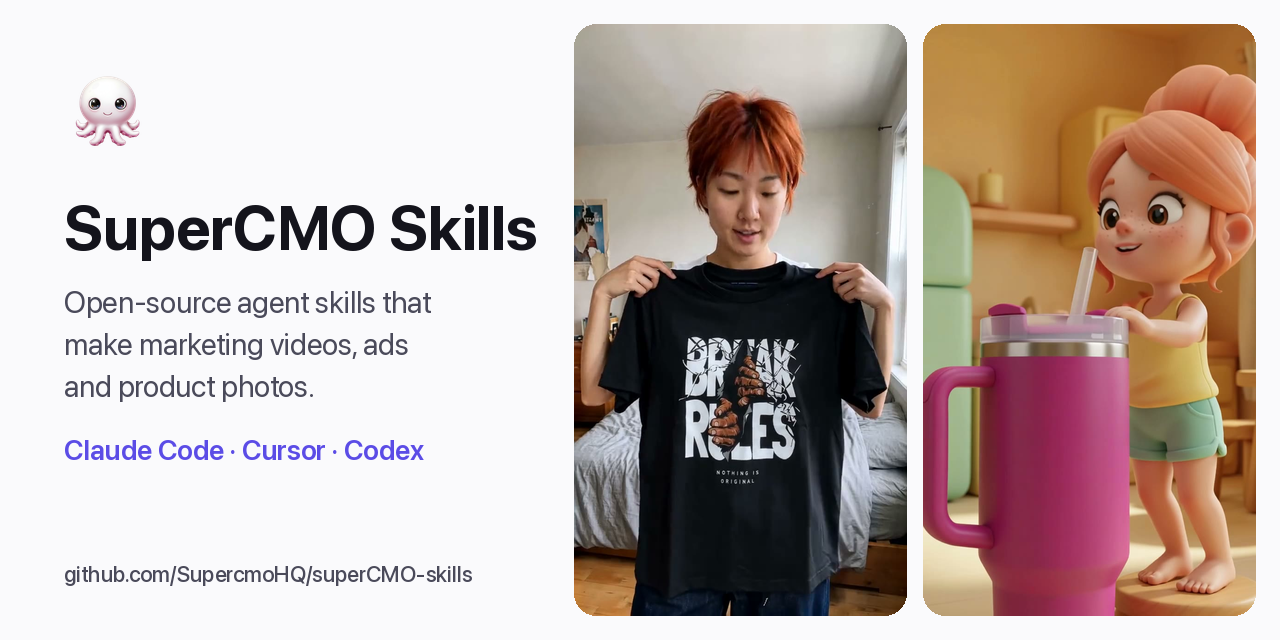
Generate video ads and product photos from inside your AI agent
Replaces Adcreative Ai, Creatify, Pencil Ai
Who it's for
Product teams at direct-to-consumer brands can brief superCMO Skills from a product photo and get a finished UGC video, a polished product ad, or a cartoon ad in one agent session. The agent handles casting, scripting, shot planning, rendering, and stitching.
Skip if you need to post directly to social platforms from the same tool. superCMO Skills produces asset files. Social publishing is available in the SuperCMO Cloud product but not in the open-source skill pack alone.
Engineers who work inside Claude Code or Cursor and manage their marketing stack as code can chain superCMO Skills into automated workflows. For example, trigger a new product video whenever a product page is updated, passing the URL and a brief as inputs.
Skip if your team needs a no-code workflow. This use case requires working inside an AI coding agent and writing minimal prompts or scripts.
Agencies exploring AI-generated UGC can use the cloning-video-ads skill to rebuild a client reference ad with new product details, then test it against the original. The researching-competitor-ads skill identifies which competitor ads have run longest in a category before planning new concepts.
Skip if your agency has compliance requirements around AI-generated video actors or faces. superCMO Skills generates AI actors but includes no rights or compliance layer.
The problem
Producing one video ad requires five or more separate tools: a script editor, an AI image generator, a video generator, a voice tool, and a video editor. None of them talk to each other, so you spend most of your time copying outputs between tabs, re-entering your product details, and re-explaining your brand voice with every new generation. For teams producing multiple ad formats per campaign, the coordination overhead often takes longer than the creative work itself. The deeper problem is consistency. Getting the same actor and product appearance across every clip in a video requires storyboarding and anchor reference management that no single standalone tool handles automatically. Paid, proprietary tools like AdCreative.ai and Creatify serve this market as commercial platforms rather than open-source code you can run and modify yourself.
How it works
Chains multiple discrete skills in one agent session: product analysis, shot planning, AI actor casting, video generation, voiceover, and final stitching. You describe the ad you want, the agent breaks it into production steps, shows you the concept before spending credits, then delivers a finished MP4.
Routes each generation task to the best available model for that type of content, covering 10+ SOTA image models and 10+ video models including Veo and Seedance. Each model has its own prompt syntax. superCMO handles the translation so you write a plain brief instead of model-specific instructions.
Uses storyboard anchor references to lock your AI actor identity and product appearance into every video clip before anything expensive renders. Without anchors, AI video generators change the actor face and product shape between shots. This approach keeps continuity across an entire cut.
The researching-competitor-ads skill watches competitor ads from the public library, identifies which ones have run longest, and maps the hook, pacing, and offer structure of the ads carrying the most signal. Useful before planning a new campaign to find angles no one in your category has taken.
The planning-campaigns skill reads your brand, your current ads, and competitor activity, then writes a ranked list of ad concepts to test. Each concept names the target buyer, the claim it tests, and which skill would build it. Approve the ones you want and the agent executes them.
The adapting-formats skill takes an existing ad and rebuilds it at every ratio you need (square, portrait, landscape) without cropping or letterboxing. It reads the original ad, plans what to move, shows you that plan, then produces each format with your product, palette, and wording intact.
Features
- End-to-end ad production pipeline
- Multi-model routing for images and videos
- Actor and product consistency across clips
- Competitor ad research and analysis
- Campaign planning from brand and competitor data
- Format adaptation across placements
Recommended for this setup
Strengths
- Bring-your-own-keys with no subscription: Install superCMO Skills for free under Apache-2.0 and add your own API keys for the image, video, and voice vendors you already use. You pay per generation to the vendor directly and nothing to superCMO, so the cost scales only with what you produce.
- Works inside tools you already have: Installs directly into Claude Code, Cursor, Codex, or any agent that supports the Agent Skills spec. Your files and keys stay on your machine and you work inside the same environment you already have, without opening a separate browser-based creative tool.
- Apache-2.0 with no usage restrictions: Apache-2.0 means you can run superCMO Skills internally, modify the skills, and use generated assets commercially with no licensing restrictions. No source-available caveats, no reselling clause, no non-commercial fence on the open-source tier.
- Approval checkpoint before every expensive render: Every generation workflow pauses before committing to API calls that cost credits. The agent shows you the concept, the shot list, and the actor reference before rendering. If you want to redirect mid-run, you can, rather than accepting whatever comes out at the end.
Trade-offs
- Requires API keys for each generation vendor: The free open-source path requires you to source and manage API keys from each AI vendor you want to use: image models, video models, voice providers. If a vendor requires its own account setup or has a waitlist (some video model APIs do), that becomes a prerequisite. The SuperCMO Cloud path covers this if you prefer a single key.
- Early-stage project with a small contributor base: The GitHub repo was created in July 2026 and has 166 stars and 19 forks. With 10 open issues and no large contributor community yet, edge cases and model-specific bugs may go unaddressed faster than they would in a more mature open source project.
- Video generation depends on third-party API availability: Actual video rendering relies on external AI video APIs such as Veo and Seedance. If a model provider changes its API, raises prices, or goes offline, that generation path breaks until the skill is updated. The skill pack abstracts model selection but cannot guarantee the availability of the underlying APIs.
Tech stack
FAQ
No. The open-source skill pack is Apache-2.0 licensed and free to install. You pay only for the AI vendor APIs you use (image generation, video generation, voice). SuperCMO also offers a paid Cloud product that covers all vendors under a single per-use credit, but that is optional.
It installs into Claude Code, Cursor, and OpenAI Codex by default. Any agent that supports the Agent Skills spec or MCP client protocol also works. The install command auto-detects which agents are present on your machine.
The project was created in July 2026 and has active development with recent commits through October 2026. It should be treated as a rapidly evolving project. The underlying AI generation APIs it relies on can change their behavior or pricing independently of the skill pack releases.
When you use your own API keys, your files and credentials stay entirely on your machine. The skill pack generates assets into a local folder you specify. If you use the SuperCMO Cloud option, your sessions run in SuperCMO infrastructure instead of locally.
No. All AI generation happens through external API calls to hosted model providers. There is no local GPU requirement. You need an internet connection and API keys for whichever vendors you want to use.