
showmd
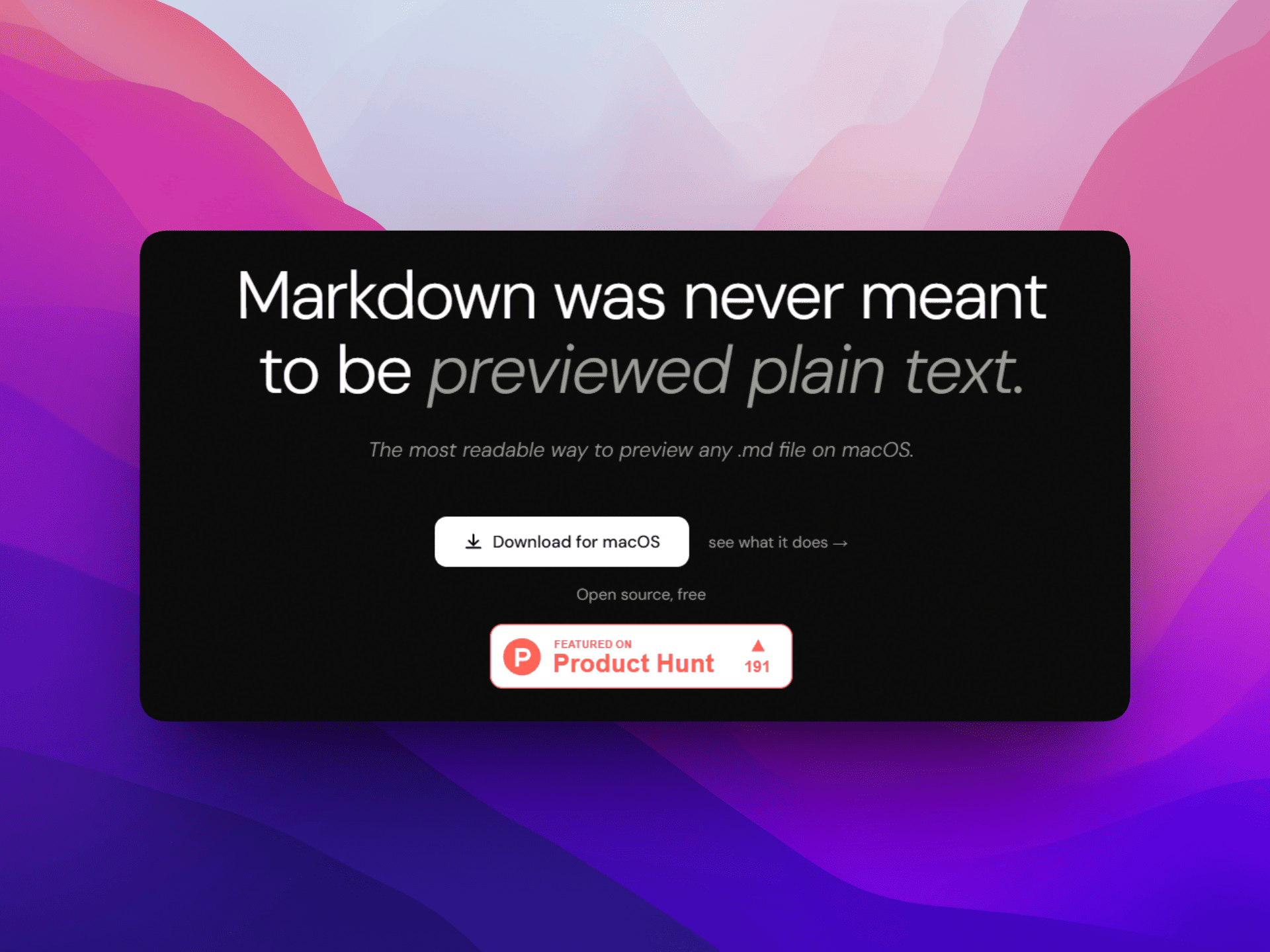
The most readable way to preview any .md file on macOS.
Replaces Marked 2, Typora, Ia Writer
Who it's for
showmd helps developers scan repository docs, changelog notes, and Markdown specs from Finder before opening a project.
Your Markdown workflow already happens inside a full editor with live preview.
The Quick Look flow works well for people who keep Markdown notes in folders and need fast visual previews while sorting files.
You need sync, backlinks, or a full knowledge base app.
The problem
Markdown files are easy to write but awkward to inspect quickly on macOS. Finder previews often show raw text, while opening a full editor interrupts the flow when all you need is to check a README, project note, or documentation draft. Developers and writers who keep many Markdown files also need previews that respect tables, task lists, code fences, and frontmatter. Without a native previewer, the review step becomes slower than the file format should require.
How it works
showmd works through macOS Quick Look, so pressing Space in Finder renders a Markdown file without opening a separate editor or browser tab.
The README lists support for tables, task lists, strikethrough, and fenced code blocks, which covers the Markdown syntax used in most project documentation.
showmd bundles highlight.js support for more than 190 languages, giving local code-block previews without sending file contents to a hosted renderer.
Features
- Native Quick Look preview
- GitHub Flavored Markdown rendering
- Offline syntax highlighting
How to install
brew install --cask johannesnagl/tap/showmdRecommended for this setup
Strengths
- Fits the macOS file workflow: The Quick Look integration keeps Markdown review inside Finder, which is faster than launching VS Code, Obsidian, or a browser for every small file.
- Useful for technical Markdown: Frontmatter tables, fenced code highlighting, and GitHub-style syntax make showmd better suited to developer docs than a plain text preview.
Trade-offs
- macOS-only preview tool: showmd is built for macOS Quick Look and requires macOS 26 or later, so it is not a cross-device Markdown reader for Windows, Linux, iOS, or Android teams.
Tech stack
FAQ
showmd renders Markdown files in macOS Quick Look. Press Space in Finder and the file displays as formatted Markdown instead of raw text.
Yes. The README states that Markdown rendering and syntax highlighting are bundled locally, so file previews do not need an internet connection.
The official README recommends installing showmd with Homebrew, then enabling the Quick Look extension in macOS System Settings.