
ship-safe
Security scanner for AI agents, MCP servers, and LLM codebases.
Replaces Snyk, Semgrep Appsec Platform, Github Advanced Security
Who it's for
Ship Safe catches the configuration risks that emerge when apps connect to MCP servers, manage agent permissions, or accept user input into LLM prompts. One command scans .claude/ configs, mcp.json, and agent orchestration files alongside the application code, giving a combined risk picture before a pull request merges.
Your codebase has no AI agent integrations, LLM prompt handling, or MCP server connections. For traditional web apps, a dedicated SAST tool covers your attack surface more thoroughly without the agentic-specific overhead.
The ship-safe ci command drops into a GitHub Actions workflow in one step, generates SARIF output for the GitHub Security tab, and applies configurable thresholds. The baseline comparison mode (--write-baseline-report and --base-report flags) lets teams block only on regressions, not pre-existing debt.
You need a single managed SAST platform covering both traditional and agentic security. Ship Safe is a complement, not a full replacement, for teams already using Snyk, Semgrep, or GitHub Advanced Security for their broader security program.
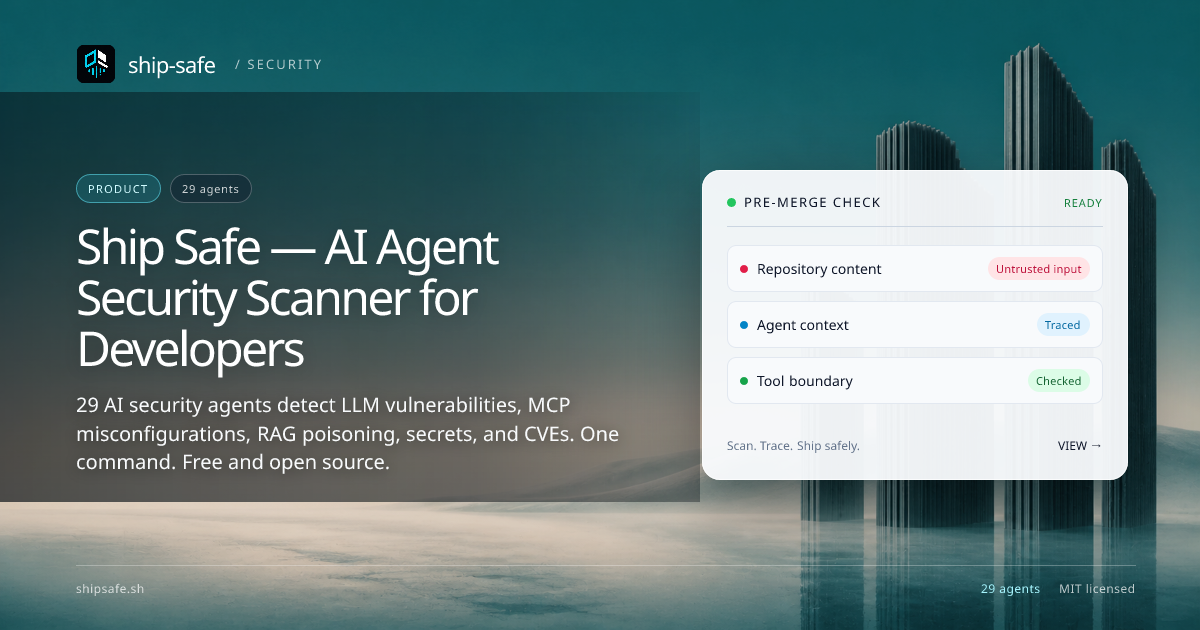
The free CLI has no account, no API key requirement, and unlimited local scans. Running npx ship-safe before committing provides a pre-merge security check that catches exposed credentials, risky agent configs, and supply chain issues without adding a paid service to the stack.
You need shared scan history, team-level reporting, or PR Guardian comments in pull requests. Those features require the Pro ($9/month) or Team ($19/seat/month) plans.
ManagedAgentScanner and CICDScanner cover Claude Managed Agent misconfigs (always_allow policies, unrestricted networking) and CI/CD pipeline poisoning (unpinned GitHub Actions, secret logging). The capabilities subcommand reports what an AI agent working in a repository can actually reach by reading permissions, MCP configs, and hooks together.
Your team does not manage AI agents or automated AI-driven CI pipelines. Standard CI security tools cover the traditional pipeline attack surface without the agentic-specific overhead.
The problem
Web security tooling was designed for a simpler stack. SQL injection, XSS, and credential scanning are well-covered by existing SAST tools. But when an application integrates AI agents, connects to MCP servers, feeds user input into LLM prompts, or relies on AI-generated code, a new class of risk appears that legacy scanners cannot see. Most teams building AI-native apps do not audit their agent configurations before deployment. MCP server tool permissions are set once and never reviewed. Prompts that accept user input go untested for injection. CLAUDE.md files that instruct agents with broad write permissions sit in repositories accessible to anyone who can open a pull request. By the time a configuration issue becomes a production incident, the blast radius is already set. The challenge is compounded by tooling gaps: neither Snyk, Semgrep, nor GitHub Advanced Security covers OWASP Agentic AI Top 10 risks by default. Teams that want coverage for agent hijacking, RAG poisoning, or MCP tool injection must build custom rules or accept the gap.
How it works
All 29 agents run concurrently in a single scan, covering AI/LLM risks, MCP configs, application security, supply chain, secrets, CI/CD hygiene, and OWASP Agentic AI Top 10. Each agent skips checks that do not apply to the project, so scan time stays low on focused codebases.
The core scanner runs fully offline against a local repository. No account, signup, or code upload required. Use --no-ai to guarantee a fully local scan; provider-backed deep analysis modes are opt-in and use your own configured provider.
A second pass after detection decides whether each finding is real. DataflowInvestigator traces tainted values across file boundaries; CapabilityGraph builds attack chains across configuration no single file contains. Each verdict cites the exact lines it was concluded from.
The ship-safe ci command fails builds on configurable severity thresholds (critical, high) or verdict-gated with --fail-on-verdict confirmed. SARIF output uploads directly to the GitHub Security tab or any SARIF-aware pipeline. A one-step GitHub Actions workflow is included in the README.
Dedicated agents cover MCP transport security, Claude Managed Agent misconfigs, RAG poisoning, memory instruction injection, agent orchestration trust boundaries, and slopsquatting (hallucinated package imports). Coverage maps to OWASP Agentic AI Top 10 (ASI01-ASI10).
The ship-safe REPL lets you scan, review findings, and run the interactive fix agent in one session. The fix agent proposes a plan and diff, asks before writing, verifies the fix closed the path, and supports undo. The --branch --pr flag opens the fix on a new branch with a pull request.
Features
- 29 parallel security agents
- Local-first scan with no API key required
- Investigation layer with cited evidence
- CI/CD integration with SARIF output
- Agentic AI attack surface coverage
- Interactive REPL and fix agent
How to install
Ship Safe is an npm CLI; install it globally or run on demand with npx for local and CI scans.
npm install -g ship-safe
npx ship-safe
npx ship-safe ci . --sarif results.sarif
Recommended for this setup
Strengths
- MIT license with local-only core scan: The CLI is MIT licensed and the core 29-agent scan runs without sending code to any external service. Use --no-ai to guarantee a fully local run. This matters for teams with compliance requirements or sensitive codebases where source code cannot leave the environment.
- OWASP Agentic AI Top 10 coverage out of the box: 29 agents map to ASI01-ASI10 in the OWASP Agentic AI taxonomy, covering agent hijacking, unauthorized capability expansion, supply chain attacks on AI components, and trust boundary violations. Traditional SAST tools do not have rulesets for these categories.
- Verdict-based CI gating: CI mode can block on investigation verdict rather than pattern severity, using --fail-on-verdict confirmed. A finding traced end-to-end and confirmed blocks the build; a finding argued away (refuted) does not. This reduces false-positive blocks compared to threshold-only SAST gating.
- Reads agent configs without production changes: Ship Safe reads .claude/ configs, mcp.json, .cursor/rules, AGENTS.md, GitHub Actions workflows, and package manifests without any runtime agent or proxy. It scans what is already in the repository rather than requiring installation into the production environment.
Trade-offs
- Hosted features require a paid plan: Scan history, PR Guardian, private repository scanning, and PDF reports are on paid plans ($9/month Pro, $19/seat/month Team). The free CLI provides unlimited local scans and SARIF output, but teams that want PR-level comments, shared history, or cloud dashboards must upgrade.
- Benchmark corpus is small and first-party: The published benchmark covers 12 paired scenarios (one vulnerable case and one safe control per scenario). The documentation notes this measures detection on a first-party corpus, not real-world precision, and the corpus is small by industry standards. Independent third-party benchmarks for the AI-specific agents do not yet exist.
- Dataflow investigation covers three languages: DataflowInvestigator, which traces tainted values across file boundaries to confirm findings, supports JavaScript, TypeScript, and Python. Projects in Go, Ruby, Java, or other languages receive deterministic agent scans and heuristic analysis but not full cross-file dataflow confirmation.
Tech stack
FAQ
No, not in the core scan. The deterministic scanner runs entirely locally with no code upload. Provider-backed modes (deep analysis, AI red-teaming) send bounded context to your own configured provider after credential masking, and can be disabled entirely with --no-ai. The Security and Data Flow documentation at shipsafe.sh/security details the exact boundaries.
The CLI is MIT licensed and free for unlimited local scans, CI integration, and SARIF output. Paid plans add hosted features: Pro ($9/month) includes scan history, private repo support, and cloud dashboards; Team ($19/seat/month) adds shared workspaces, PR Guardian, Slack alerts, and audit logs. Running out of cloud credits never affects your local scans.
Snyk and GitHub Advanced Security focus on traditional application security: dependency vulnerabilities, SAST, and secret scanning. Ship Safe adds coverage for the attack surface introduced by AI agents: MCP tool permissions, prompt injection vectors, agent hijacking paths, RAG poisoning, and OWASP Agentic AI Top 10 categories. It is designed to complement existing SAST tools, not replace them.
The 29 security agents run across JavaScript, TypeScript, Python, config files, infrastructure files, and GitHub Actions workflows. Dataflow investigation (which traces tainted values to confirm findings) covers JavaScript, TypeScript, and Python. Projects in other languages receive deterministic agent scans and heuristic analysis.
Yes. The core scan requires no API key and no account. The npx ship-safe ci command runs locally, outputs SARIF, and exits with a non-zero code on findings above the configured threshold. AI-backed analysis modes are opt-in and use your own provider key when enabled; disable them with --no-ai to keep the scan fully local.