RawTherapee
Non-destructive RAW editor with advanced color tools and no cost
Replaces Adobe Lightroom, Capture One, Dxo Photolab
Who it's for
Use RawTherapee when RAW processing quality matters but a Lightroom subscription does not fit the budget or ownership model.
You need cloud sync, mobile editing, and integrated asset management.
Use RawTherapee for a capable desktop RAW workflow on Linux.
Your camera workflow depends on a proprietary vendor plugin only available in commercial software.
Use RawTherapee when you want direct control over demosaicing, color, and development settings.
You want a preset-first editor with minimal technical controls.
The problem
RAW photo editing tools often combine processing quality with subscription lock-in and proprietary catalogs. Photographers need accurate demosaicing, color correction, noise reduction, and batch editing, but they may not want editing history tied to a cloud account. Linux photographers and users with uncommon camera workflows also need a serious desktop editor outside the Adobe ecosystem.
How it works
RawTherapee targets RAW files from a broad range of digital cameras, plus HDR DNG and non-RAW formats like JPEG, TIFF, and PNG.
RawTherapee uses dcraw-based reading with in-house improvements and is known for detailed control over demosaicing and development.
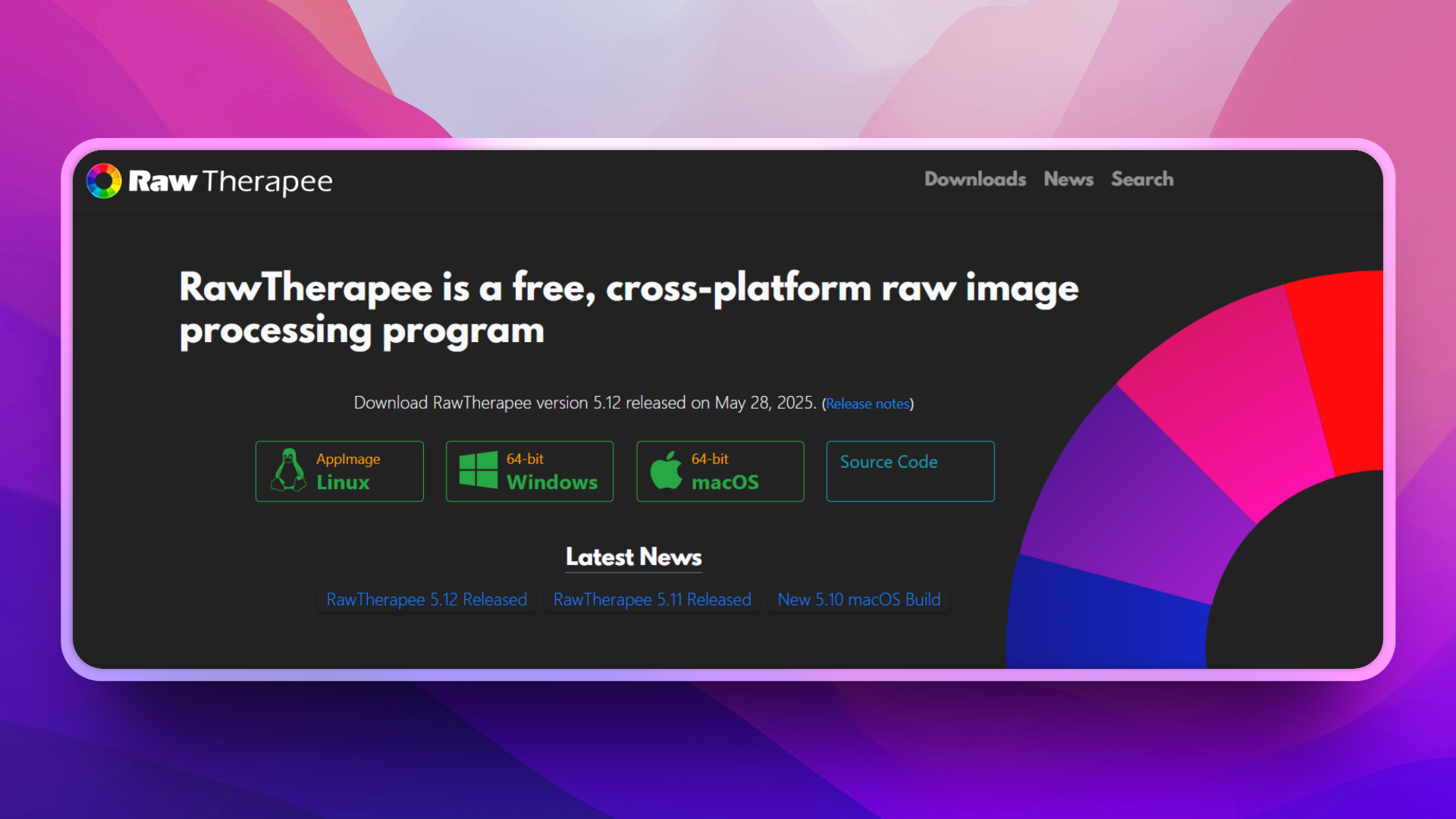
Linux, Windows, and macOS build and download resources make RawTherapee usable across major desktop environments.
RawTherapee is released under GNU GPL version 3, giving photographers and developers source access under copyleft terms.
Features
- RAW development for many camera formats
- Advanced demosaicing control
- Cross-platform desktop app
- GPL-3.0 libre software
Recommended for this setup
Strengths
- Deep processing control: RawTherapee is strongest for photographers who want to understand and tune the RAW development pipeline rather than rely only on presets.
- No subscription catalog lock-in: Compared with Lightroom, RawTherapee lets users process photos locally without paying for ongoing access to the editor.
- Good Linux photography option: RawTherapee gives Linux users a serious RAW workflow where many commercial photography tools focus on Windows and macOS first.
Trade-offs
- Not a full asset manager: RawTherapee is not aimed at being an all-in-one program and may lack peripheral features such as digital asset management, printing, and uploading.
- Learning curve for color work: Color science knowledge is not compulsory, but users should be ready to read documentation and learn basic concepts.
Tech stack
FAQ
RawTherapee is a free and open source desktop RAW photo processing program.
It can replace Lightroom for RAW development, color control, and local editing, but it does not provide the same cloud catalog and ecosystem features.
RawTherapee is best for photographers who want precise RAW processing control and are willing to learn a technical desktop editor.